Compensation Management System User Guide
Last updated: September 8, 2026
This document outlines how to review compensation data, manage employee records, explore salary ranges, and update global compensation settings, including currency configuration, within the Compensation platform.
Step 1: Review Department Compensation and Employee Salaries
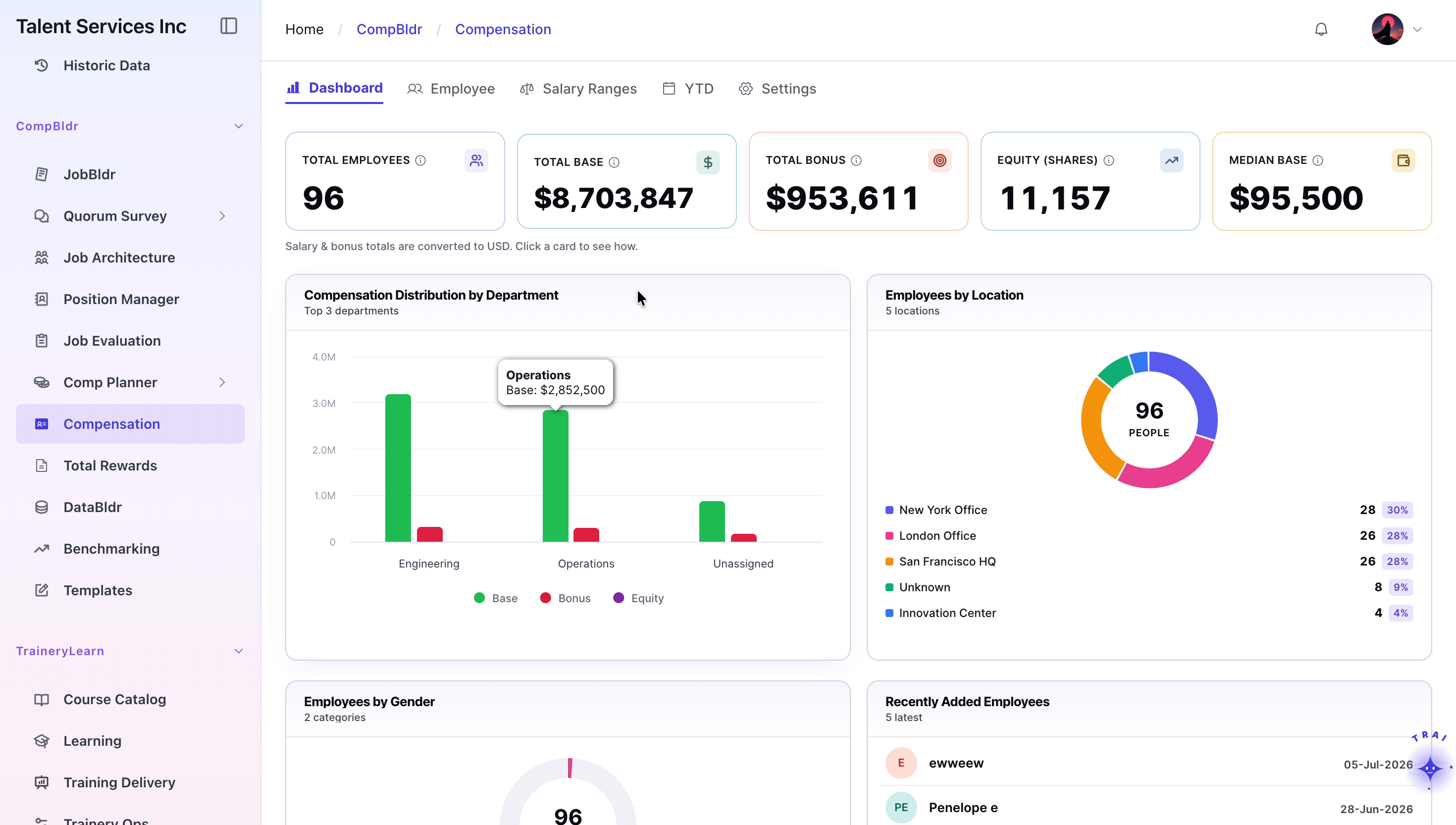
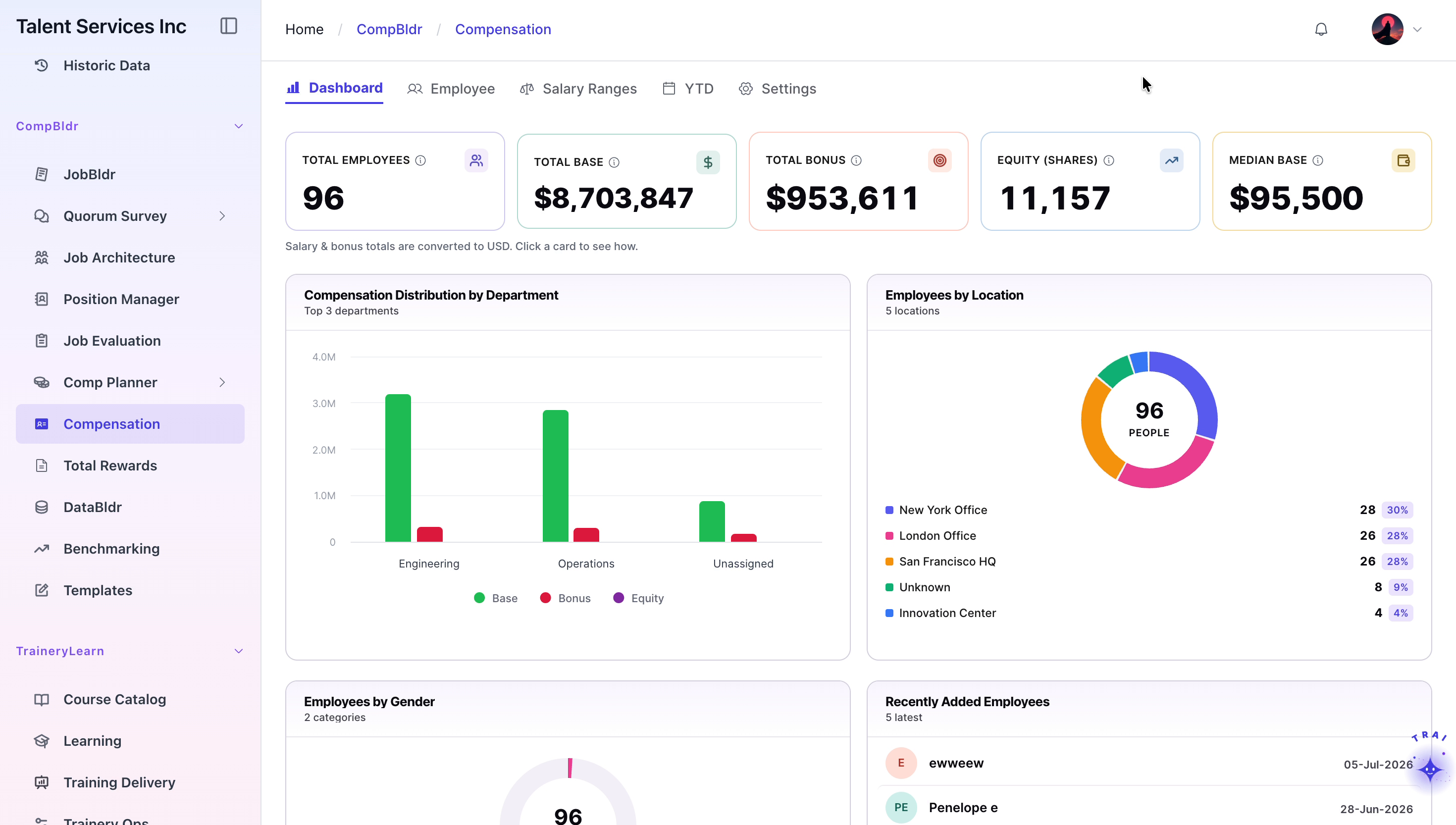
On the Compensation dashboard, review the department breakdown chart to understand how compensation is distributed across departments.
Click the “Total Base” summary card to open a detailed modal listing individual employee salaries.
Scroll through the salary entries in the modal to review employee-level base pay details.
Close the modal when you have finished reviewing the information.
Step 2: Start Employee Import
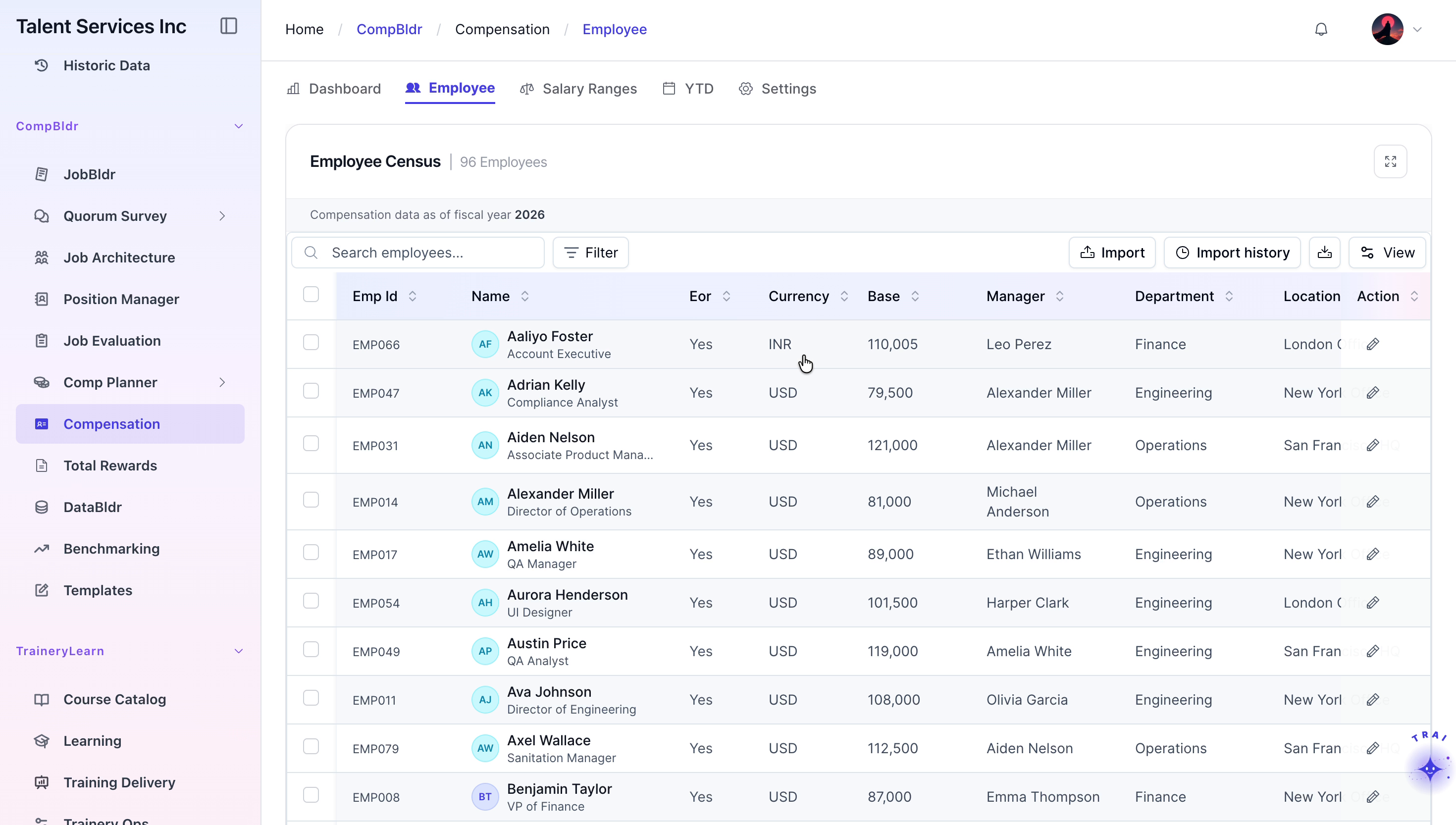
Navigate to the Employee tab.
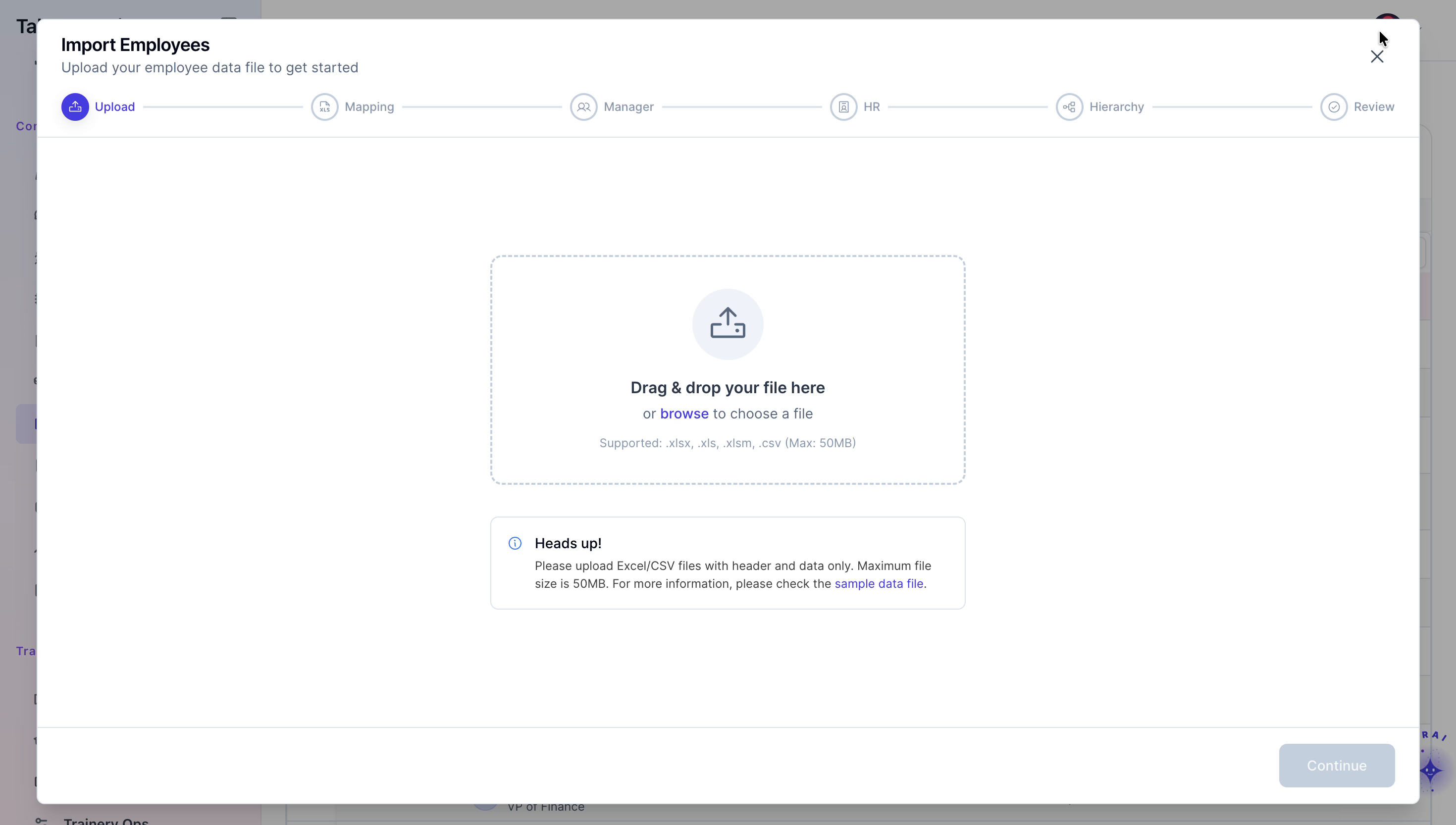
Click the “Import” button to begin importing employee data.
In the import window, choose the option to browse for a file on your computer and locate the relevant file.
Step 3: Edit an Employee’s Compensation Profile
From the employee list, select an employee to open their compensation profile and review their breakdown charts.
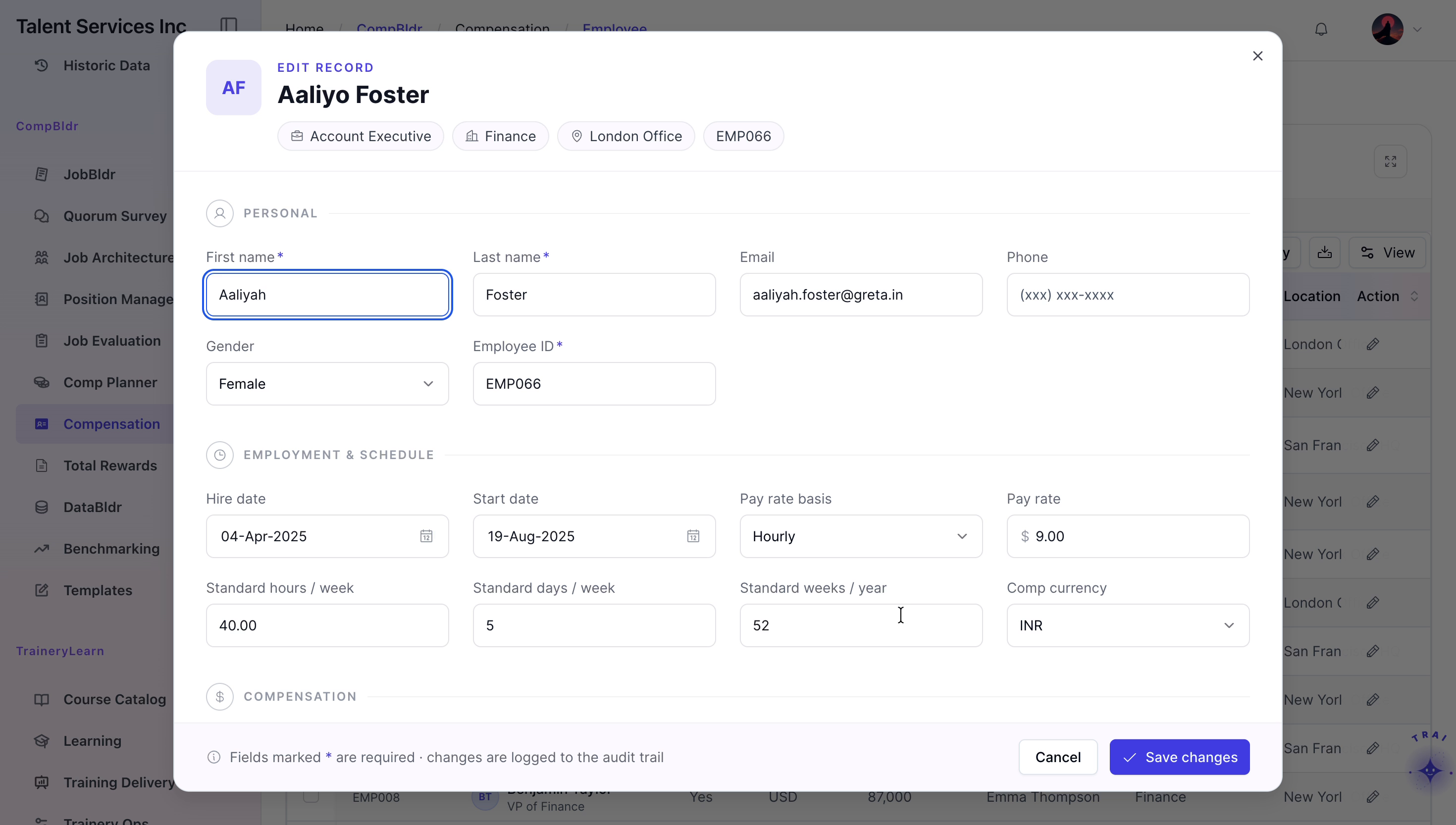
Click the edit icon to open the employee details for any changes
Save your changes to update the employee record.
Step 4: Analyze Salary Ranges and Role-Level Insights
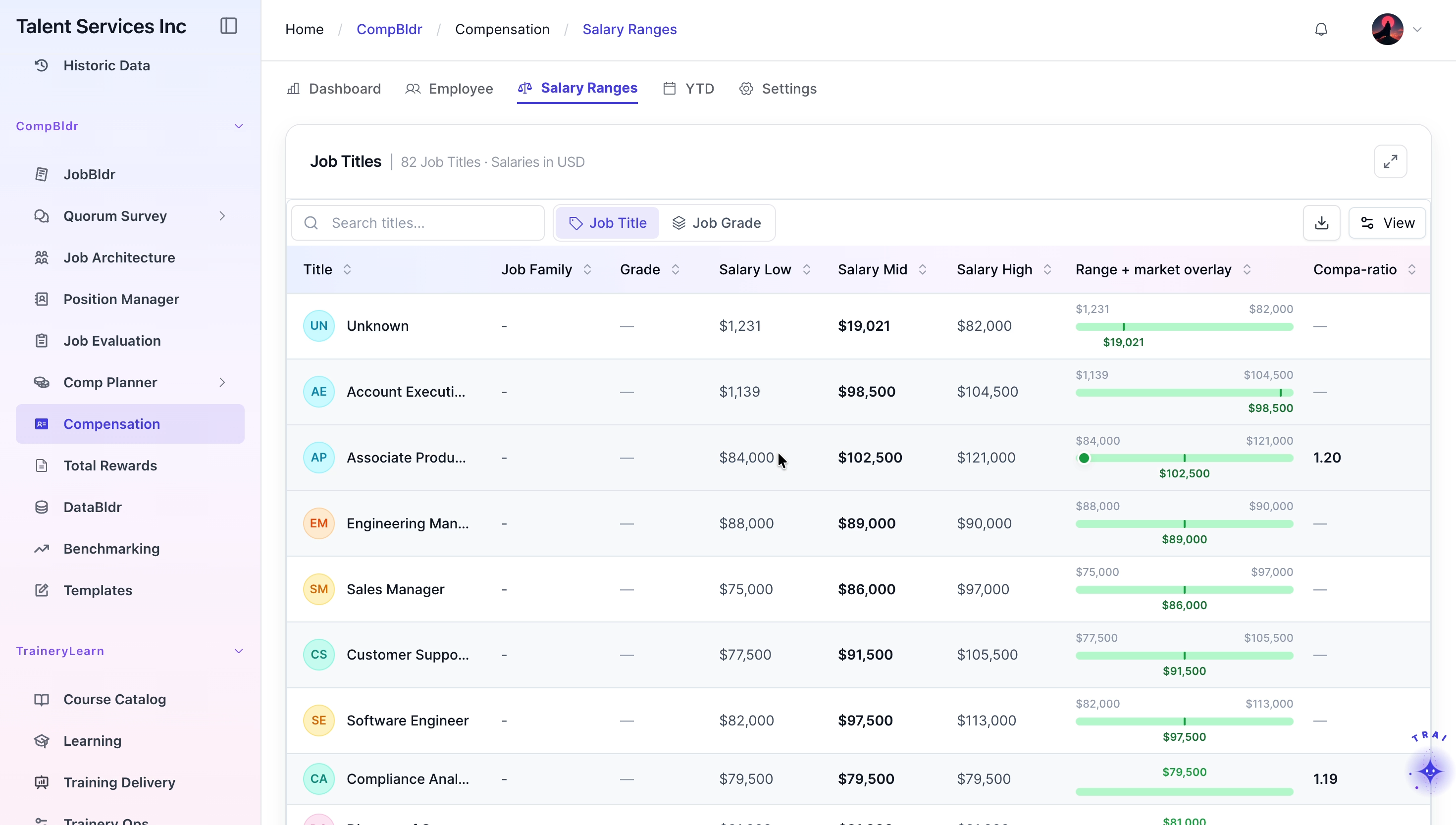
Go to the Salary Ranges tab.
Browse through the list of job titles and their associated pay grades to understand the structured ranges.
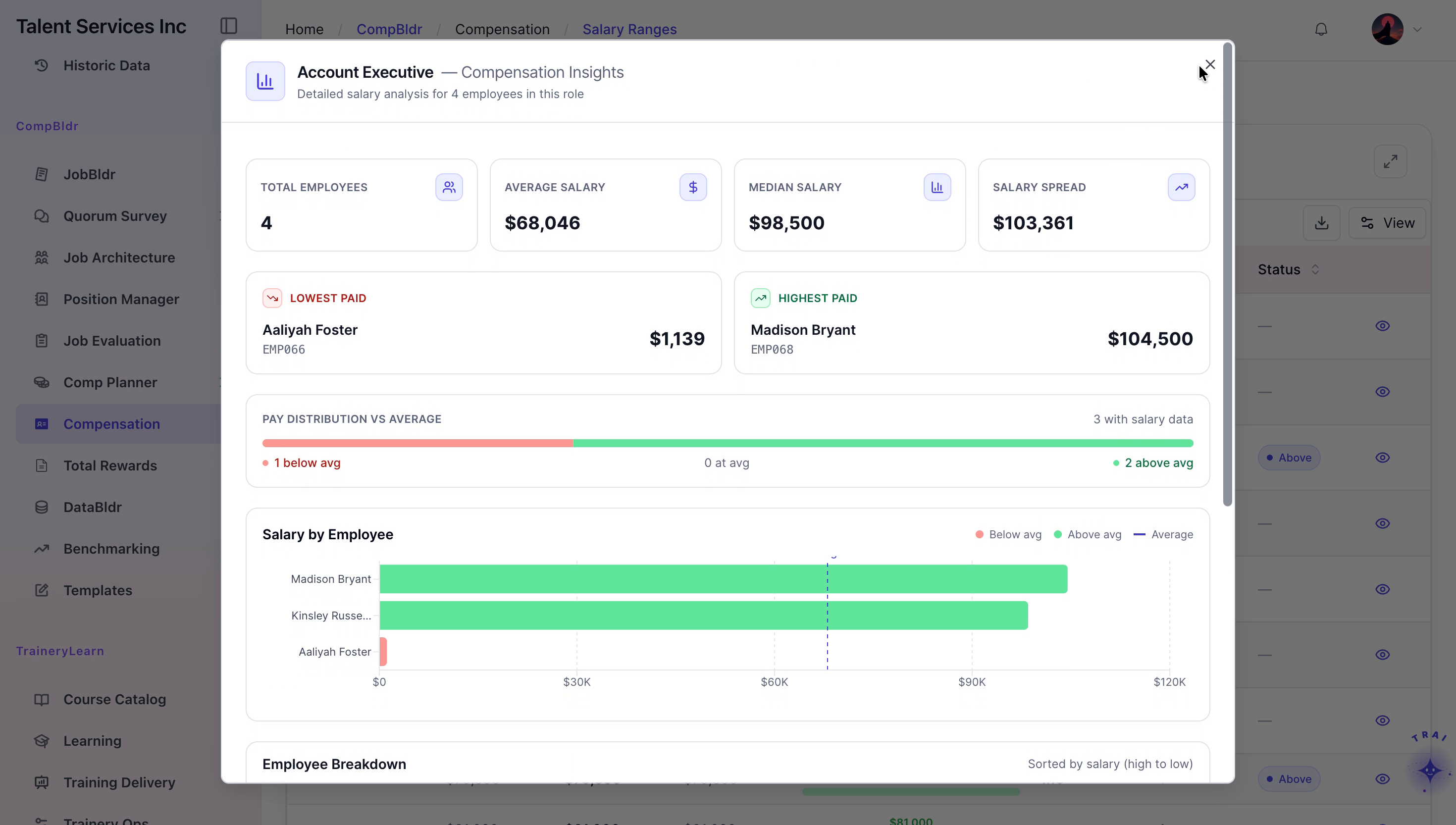
For any specific role, click the information icon to open detailed compensation insights.
Review the insights, including employee distributions across the range and any other analytics provided.
Step 5: Review YTD Data and Update Global Base Currency
Open the YTD tab and review the year-to-date compensation data to understand cumulative pay information.
Navigate to the Settings page of the platform.
Locate and inspect the base salary component settings to confirm how base pay is configured.
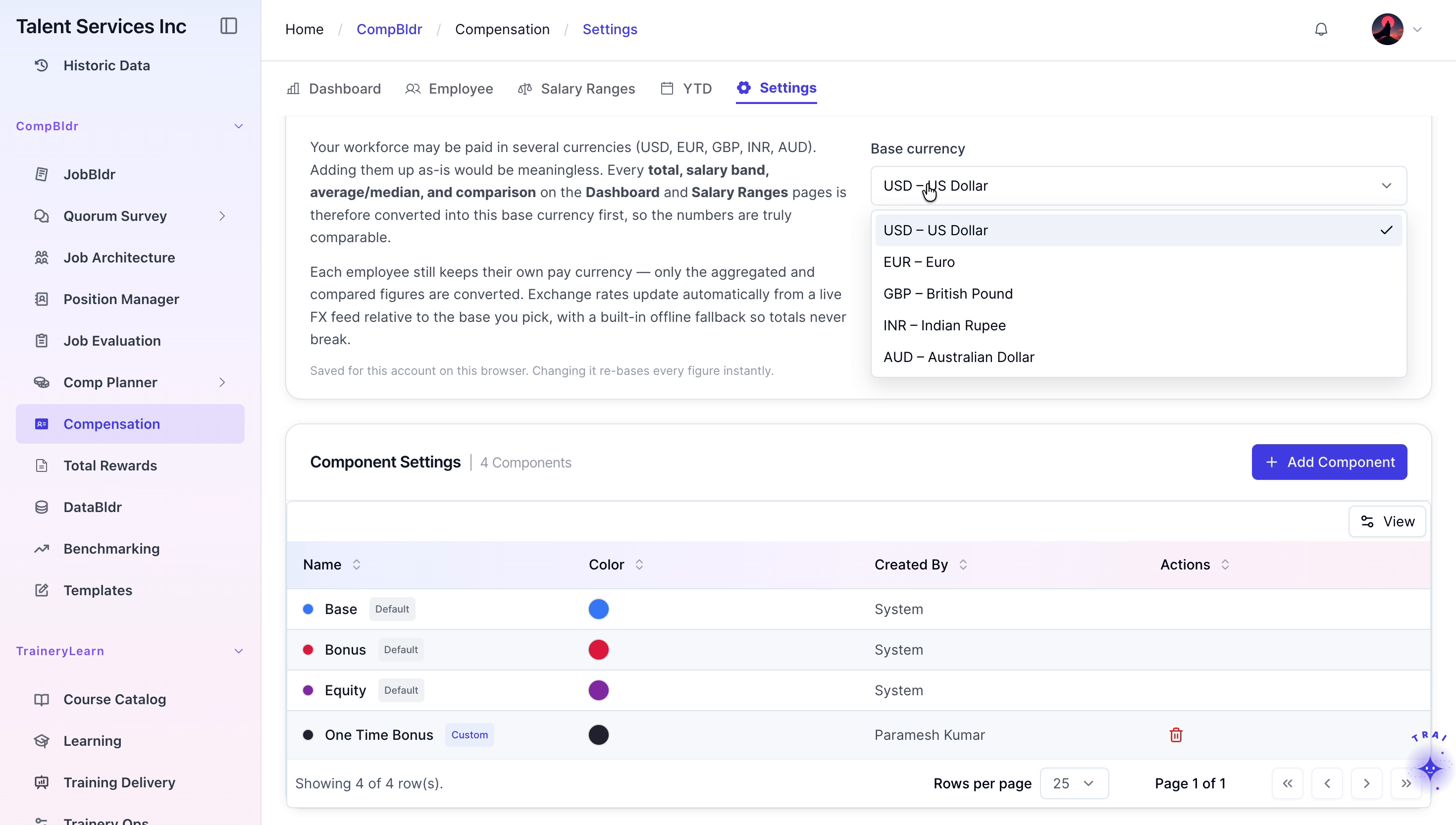
Change the global base currency from US Dollars (USD) to Euros (EUR).
Confirm the change and wait for the platform to refresh live conversion rates, ensuring all compensation values are displayed using the updated base currency.