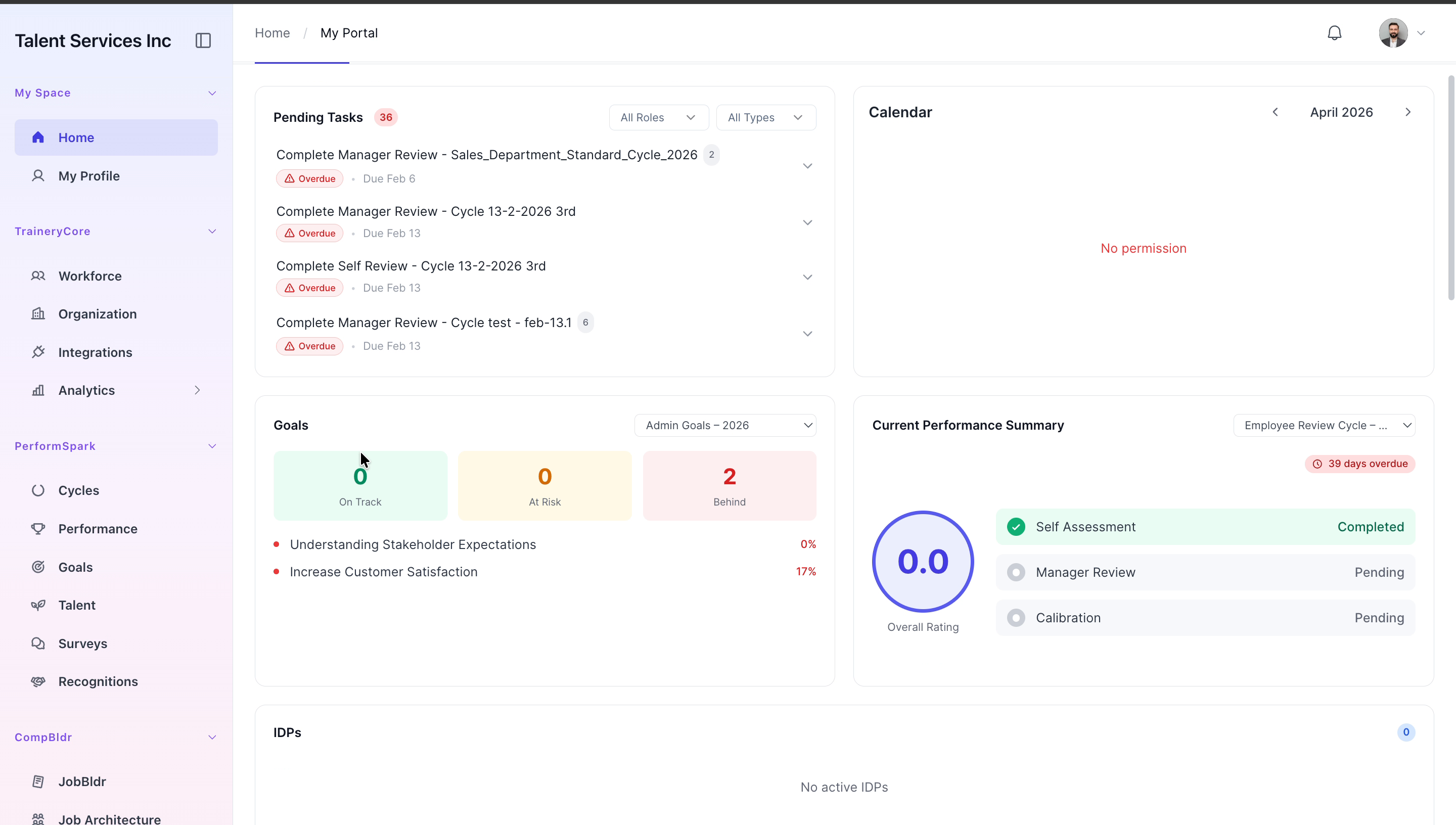
Log in to Trainery
Last updated: July 1, 2026
Accessing the Platform and Viewing Workforce Metrics
This document explains how to sign in to the platform and navigate to the Workforce section to view employee metrics and distribution charts.
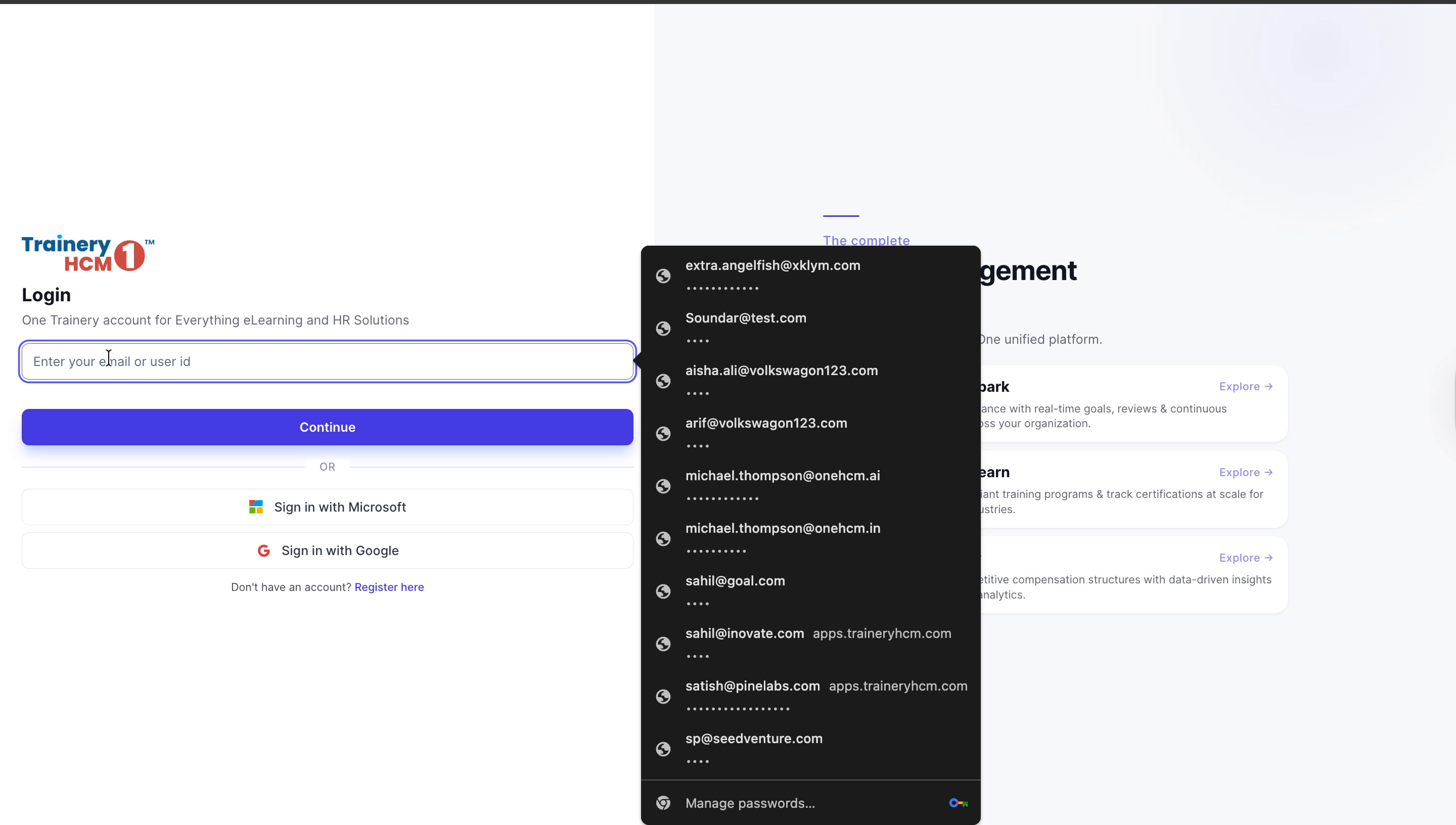
Step 1: Sign in to the Platform
Enter your email address in the login field, click Continue, then provide your password and click Sign in to access the platform.

Step 2: Open the Workforce Section
Once the dashboard loads, use the sidebar to navigate to the Workforce section to view employee metrics and distribution charts.