Completing a Course and Getting the Certificate on Mobile
Last updated: August 26, 2026
This guide explains how to finish a course on mobile and access the certificate you have earned.
Step 1: Open Your Active Course
From the home screen or activity summary, tap the course you are working on to open it.
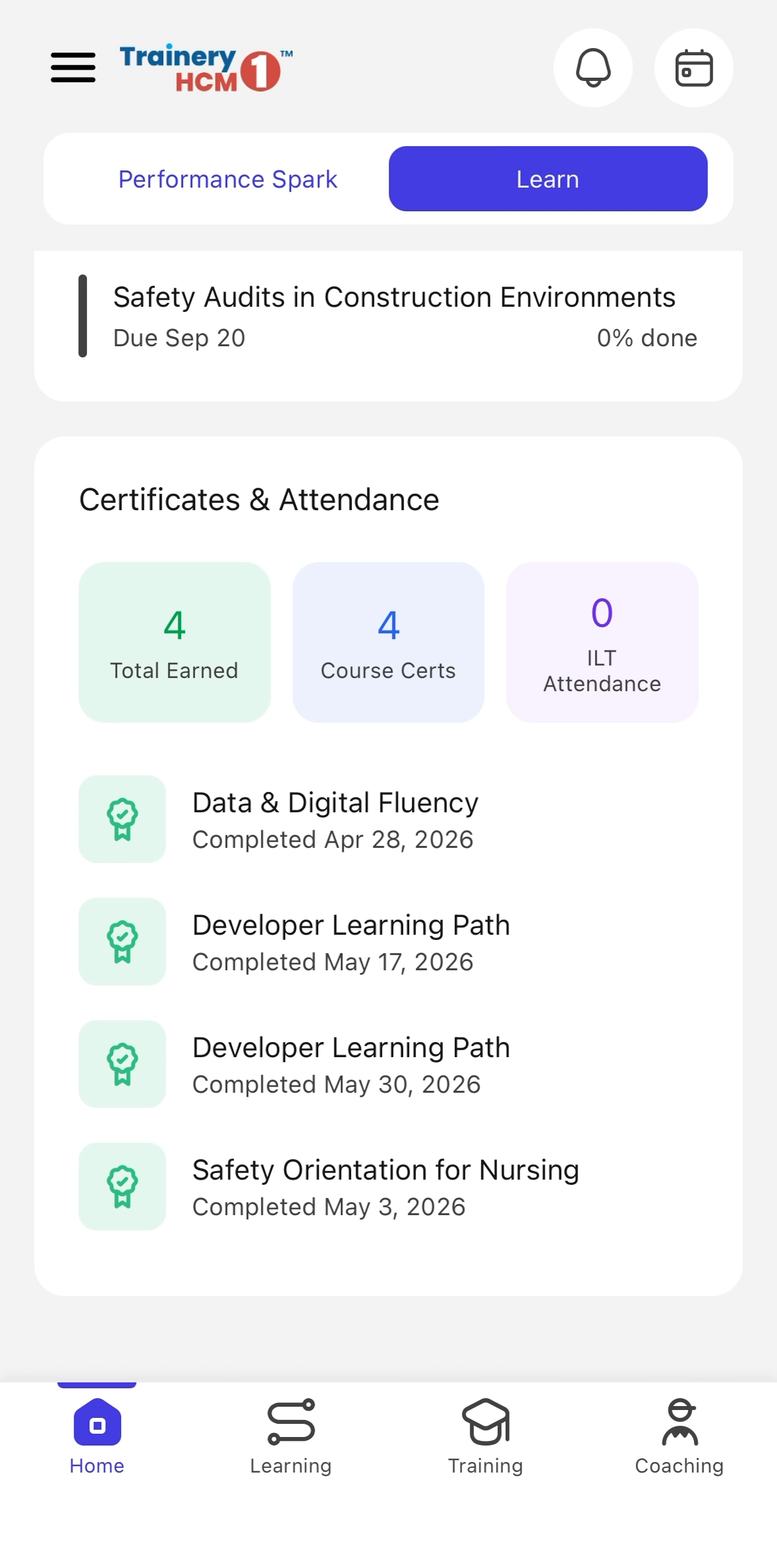
Step 2: Complete the Remaining Content
Work through any remaining lessons, flashcards, or quizzes until every section is finished. The course is marked completed once all activities are done.
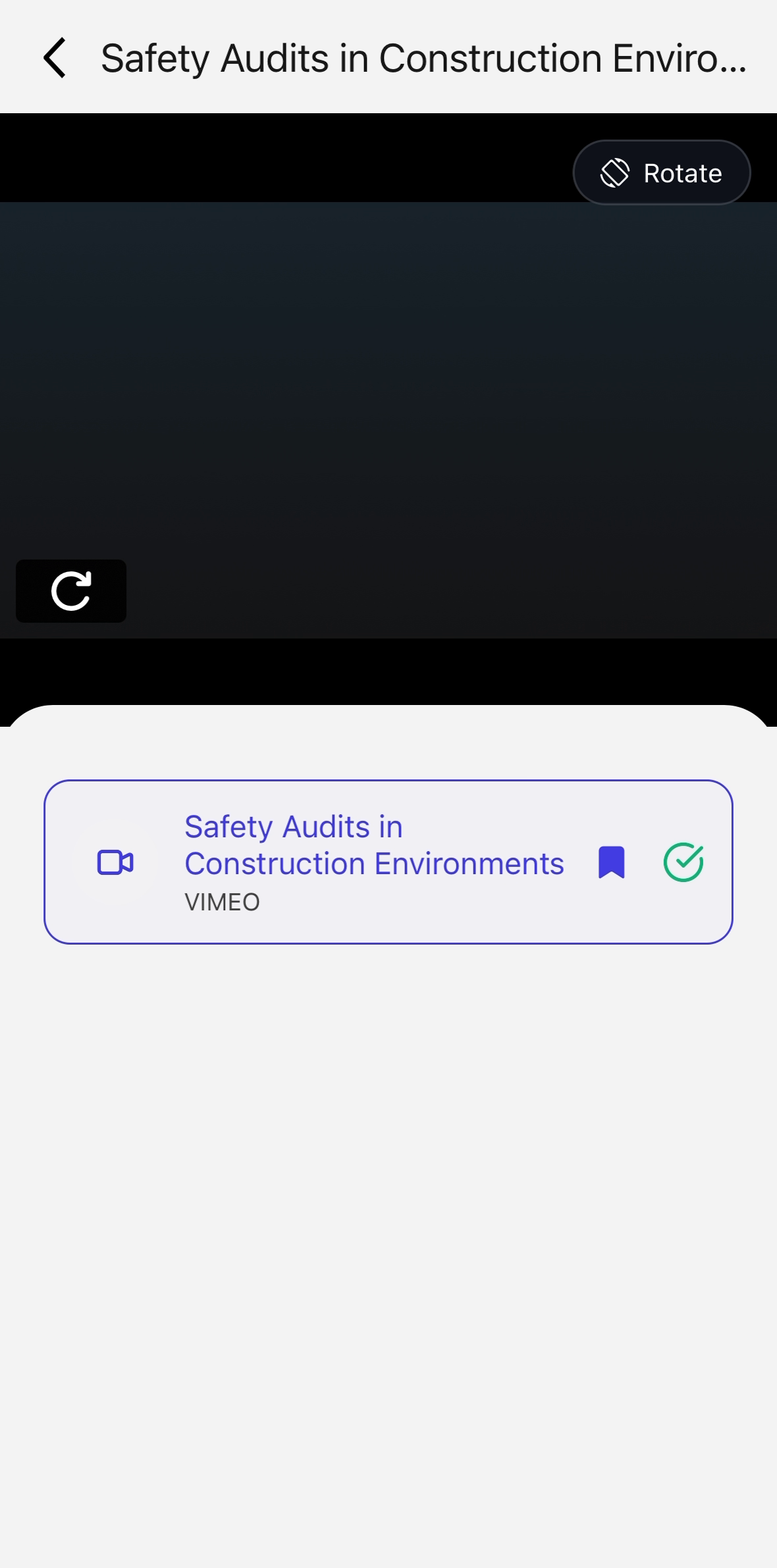
Step 3: Open Your Learning Records
Go to the Learning section and open Learning Records to see your completed courses.
Step 4: View and Save the Certificate
Select the completed course to open its certificate. Review the details, then use the download or share option to save it.