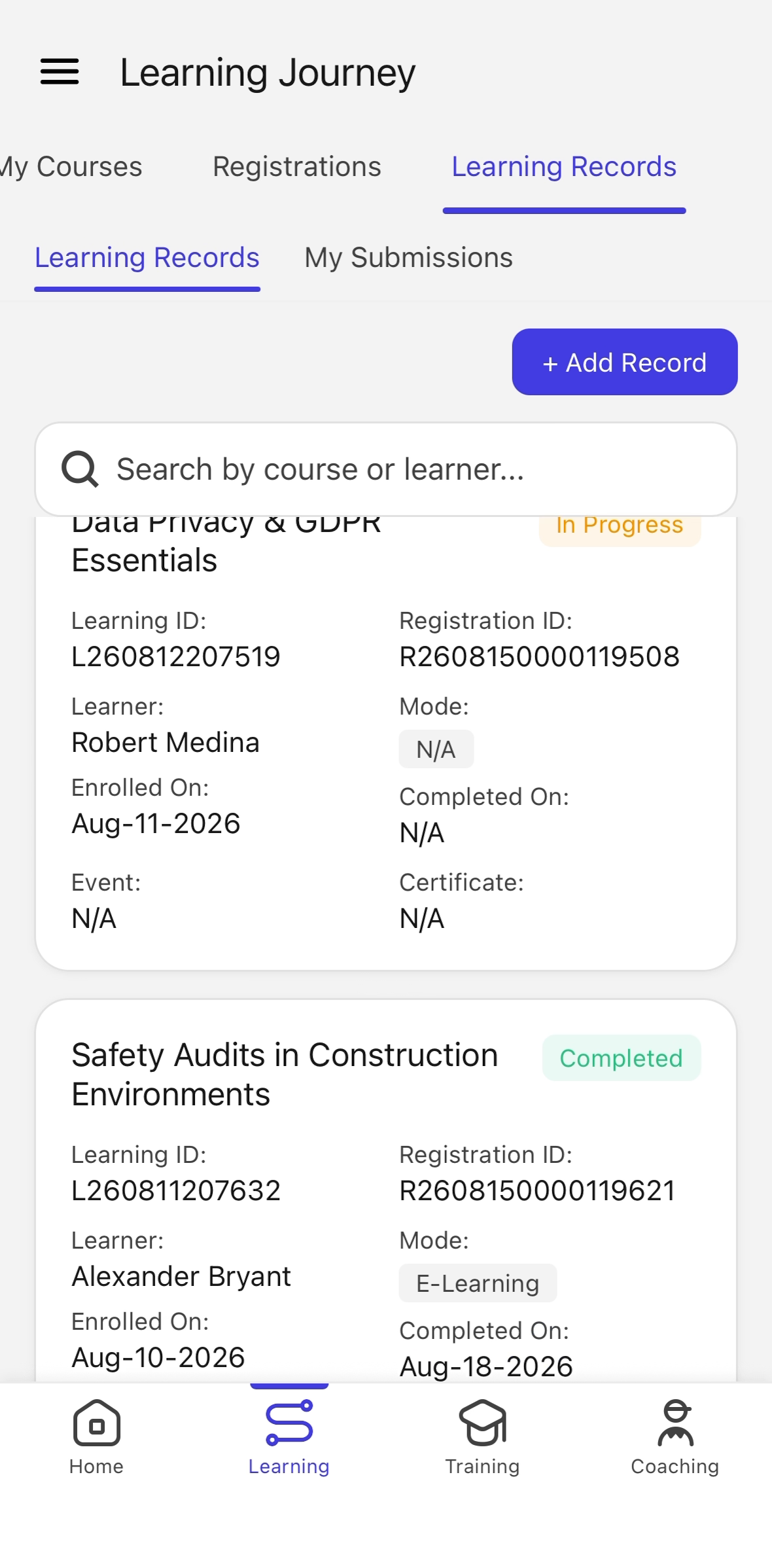
Get the Certificate for a Completed Course on Mobile
Last updated: August 26, 2026
This guide describes how to navigate from the home screen to your Learning Records, open a certificate, view its details, and return to the list.
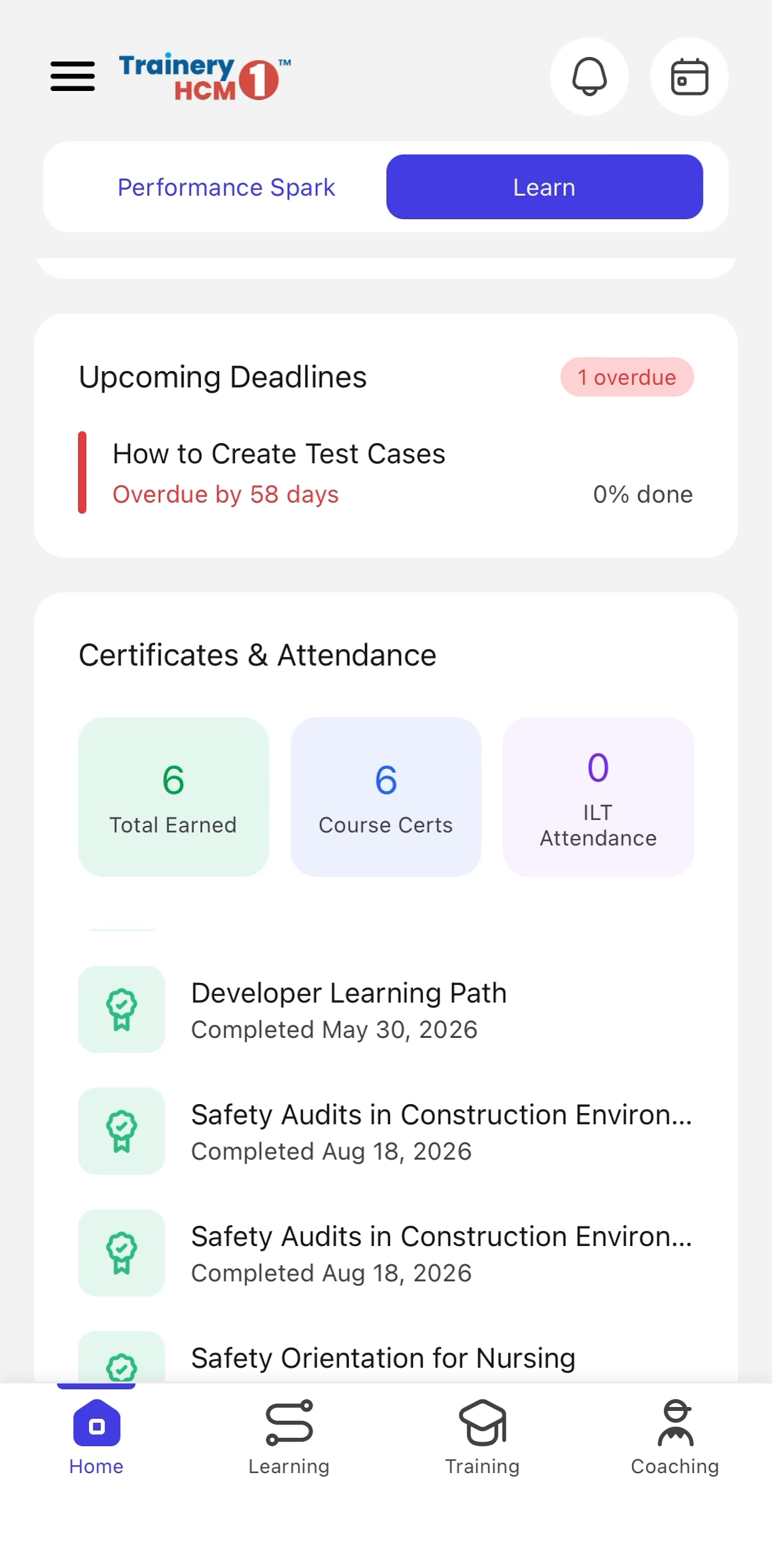
Step 1: Go to the Learning Section
From the home screen, scroll as needed and select the Learning section to open the learning area of the application.
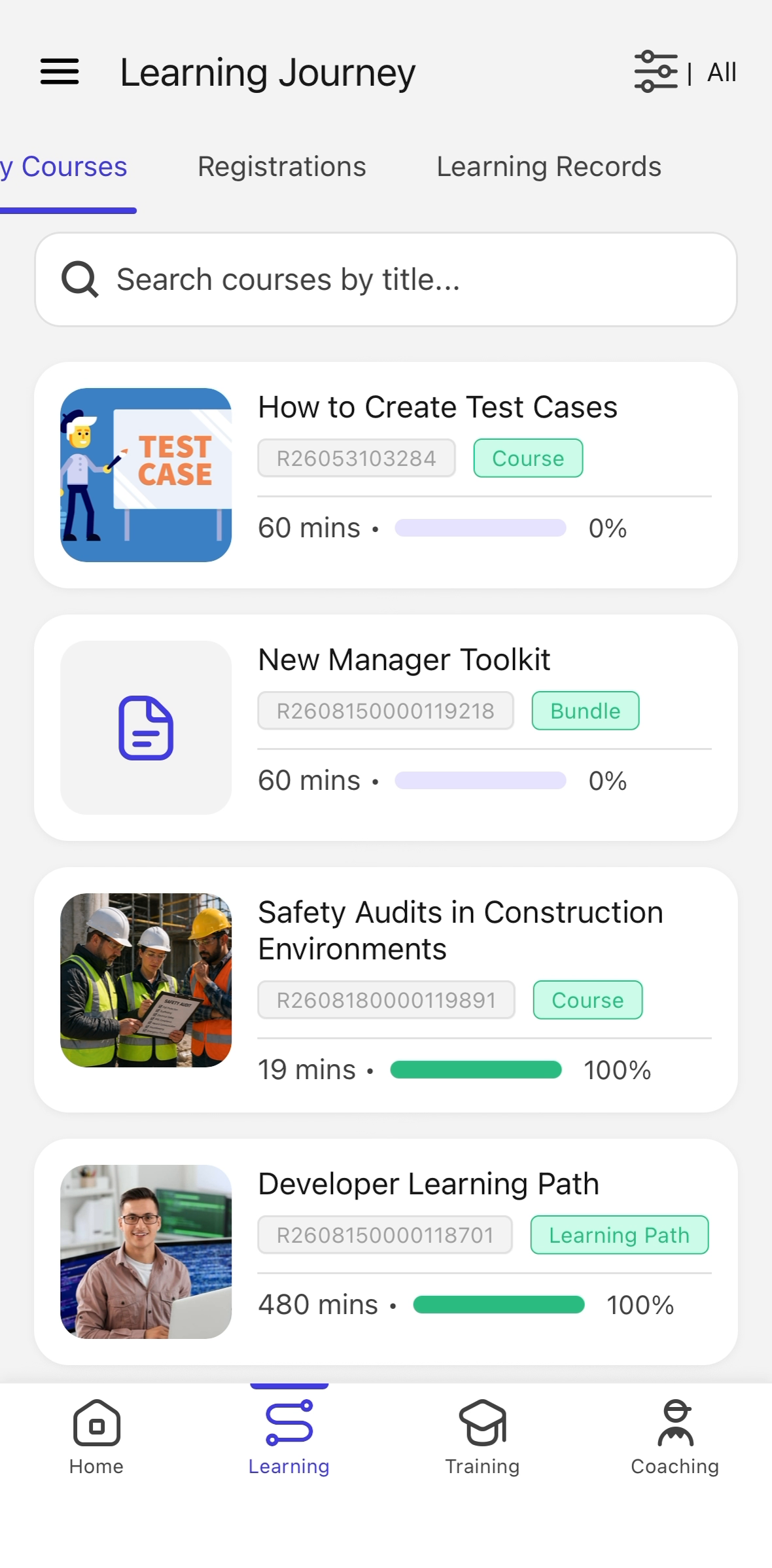
Step 2: Open Learning Records
Within the Learning section, select Learning Records to view your list of completed courses and certificates.
Step 3: Open and View the Certificate
Locate the certificate for your completed course and select it to open. Review the certificate details, then use the back or close option to return to the Learning Records list.