Managing and Inviting Job Collaborators
Last updated: September 8, 2026
This document describes how to select, filter, and manage collaborators for a job, and how to send collaboration invitations and reminders from the Job Catalog.
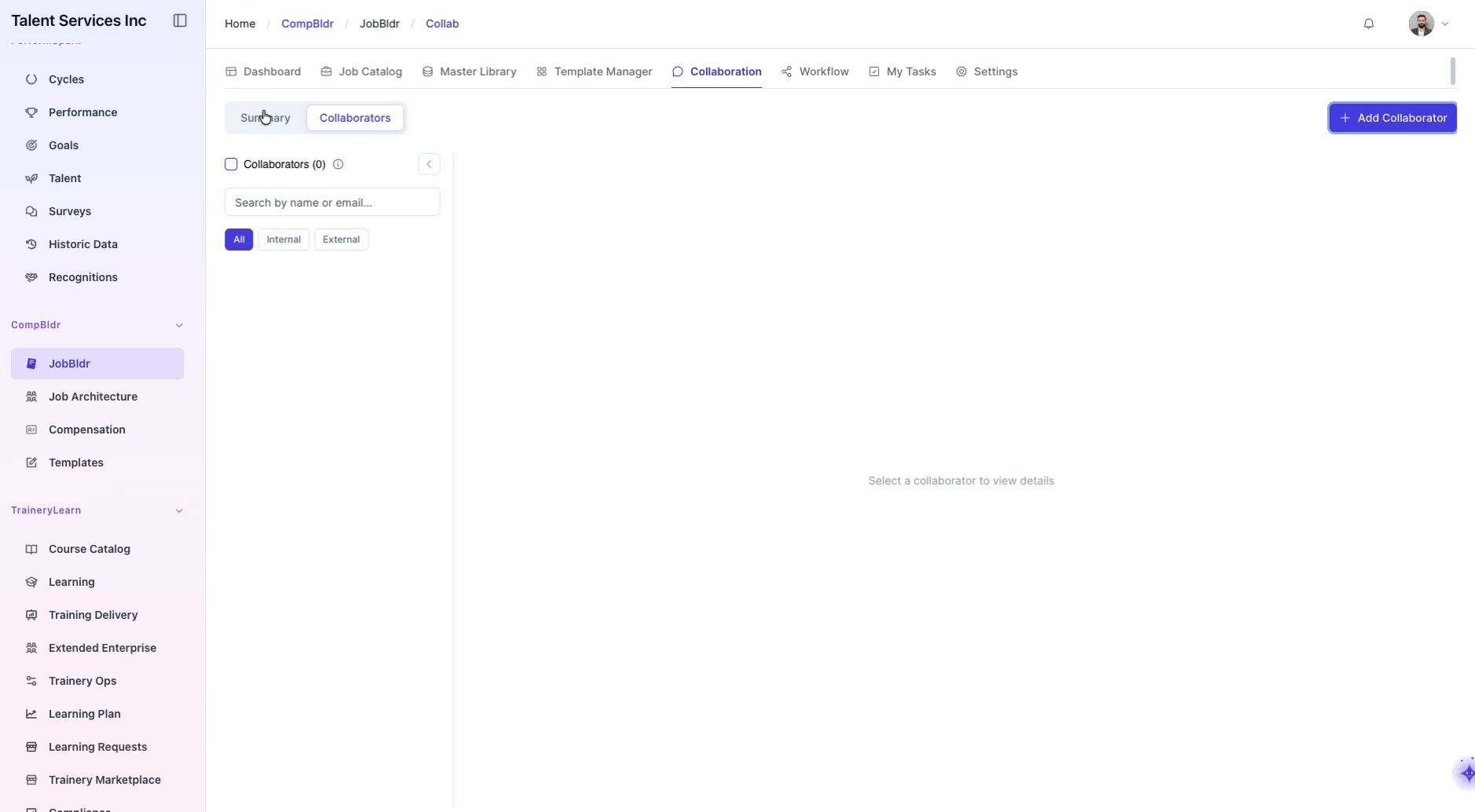
Step 1: Open the Collaborators Tab and Start Adding Collaborators
Navigate between the Summary and Collaborators tabs, then open the Collaborators tab and click the Add Collaborator button to begin selecting collaborators.
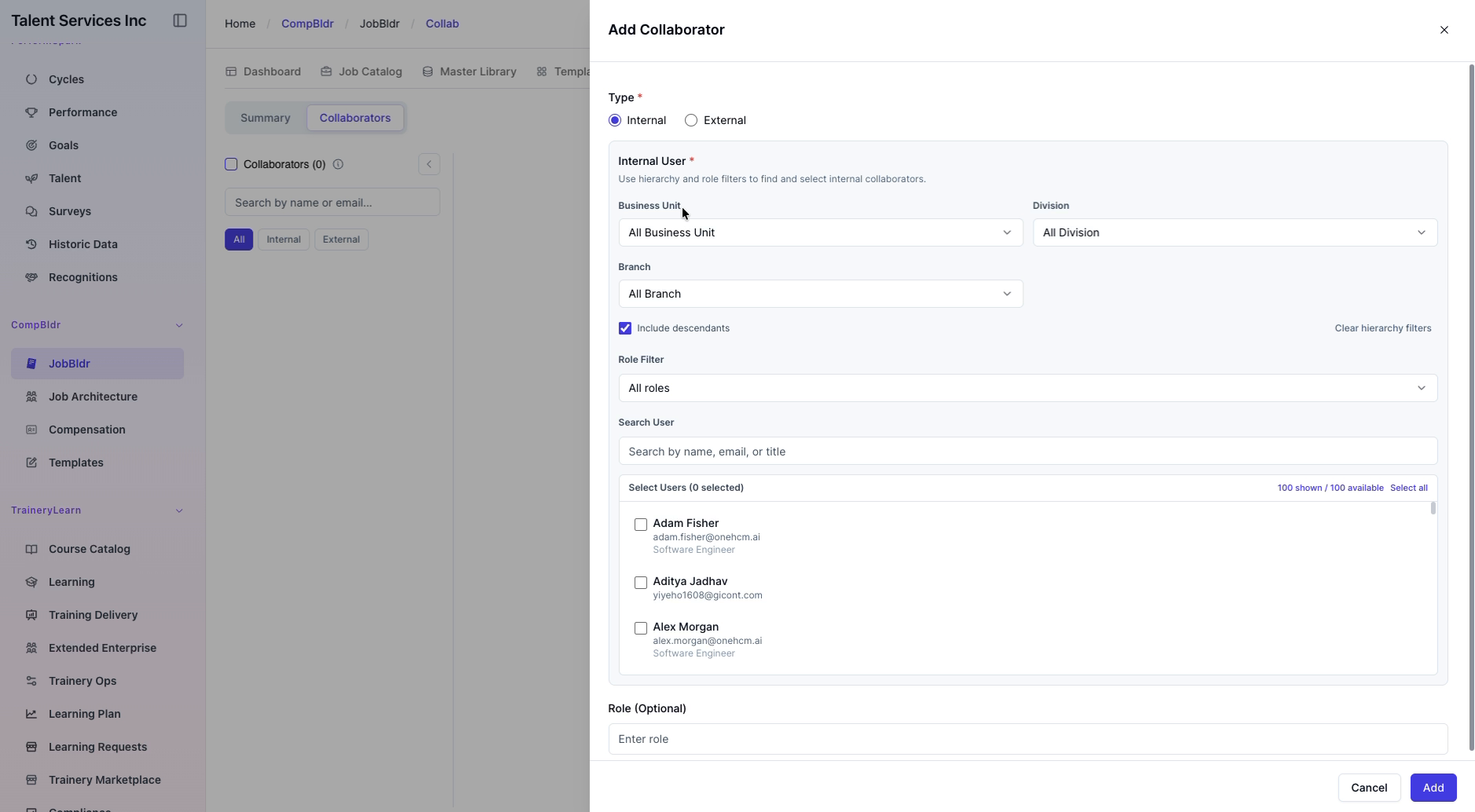
Step 2: Filter Collaborators by Type (Internal vs External)
Use the Internal and External radio buttons to toggle and filter the list of potential collaborators by their type.
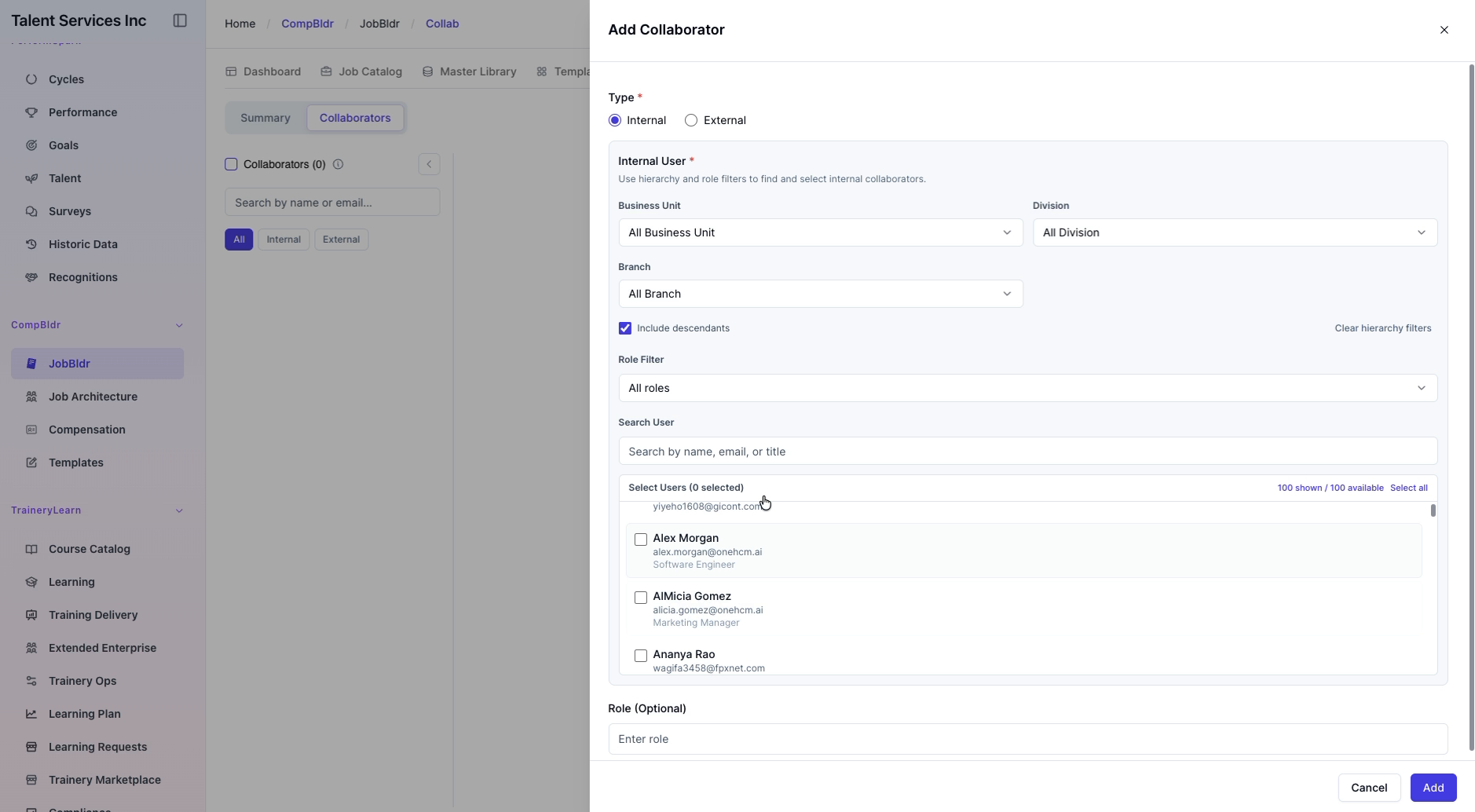
Step 3: Select Initial Collaborators
From the filtered list, select the desired collaborators,
Step 4: Filter Collaborators by Division
Open the Division dropdown and, for example, here I am selecting Engineering to narrow the list of collaborators to that division.
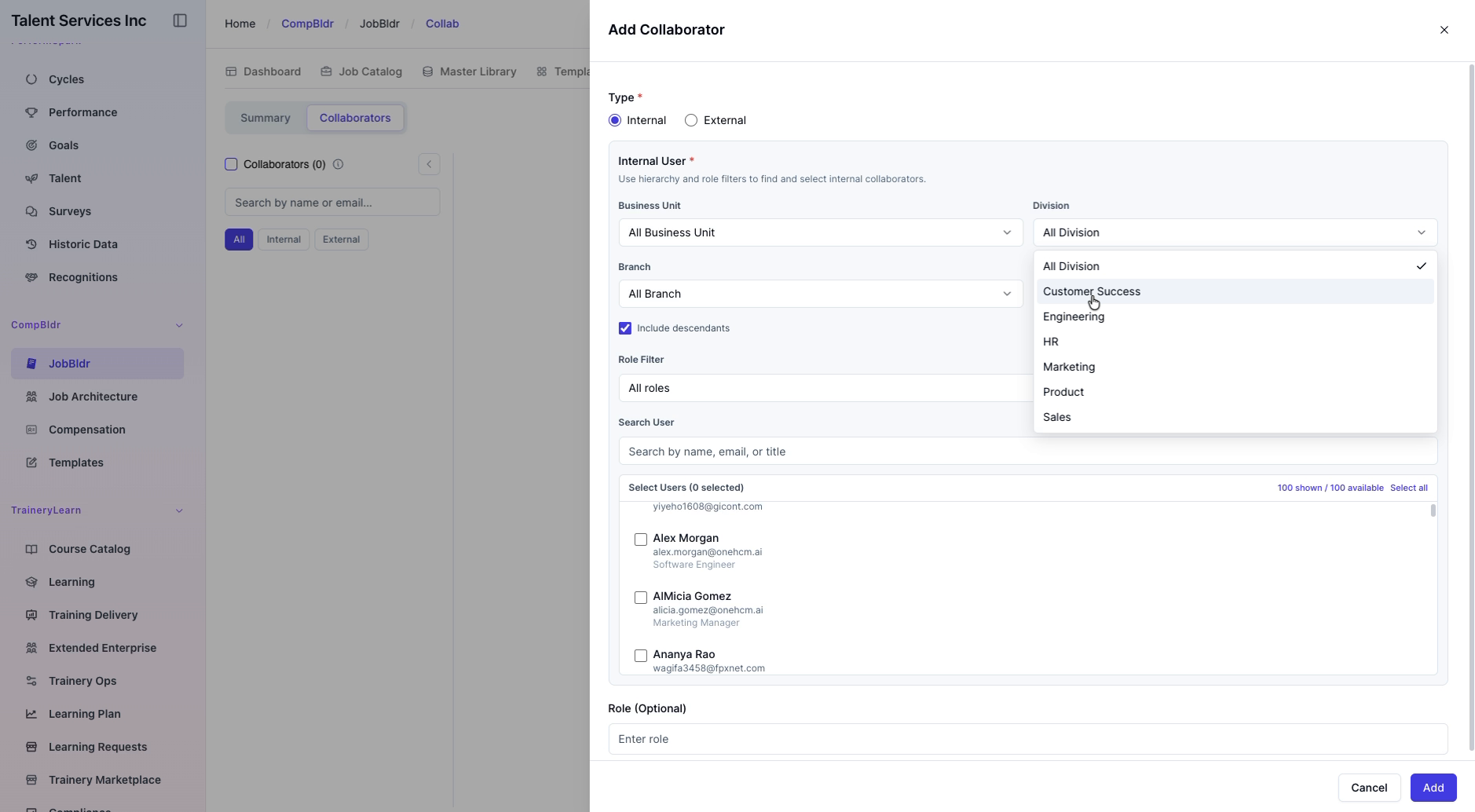
Step 5: Add More Collaborators from the Filtered List
From the Engineering-filtered list, select additional collaborators, including a few employees from the list: Bella Simmons, Frank Turner, and Evan Reed.
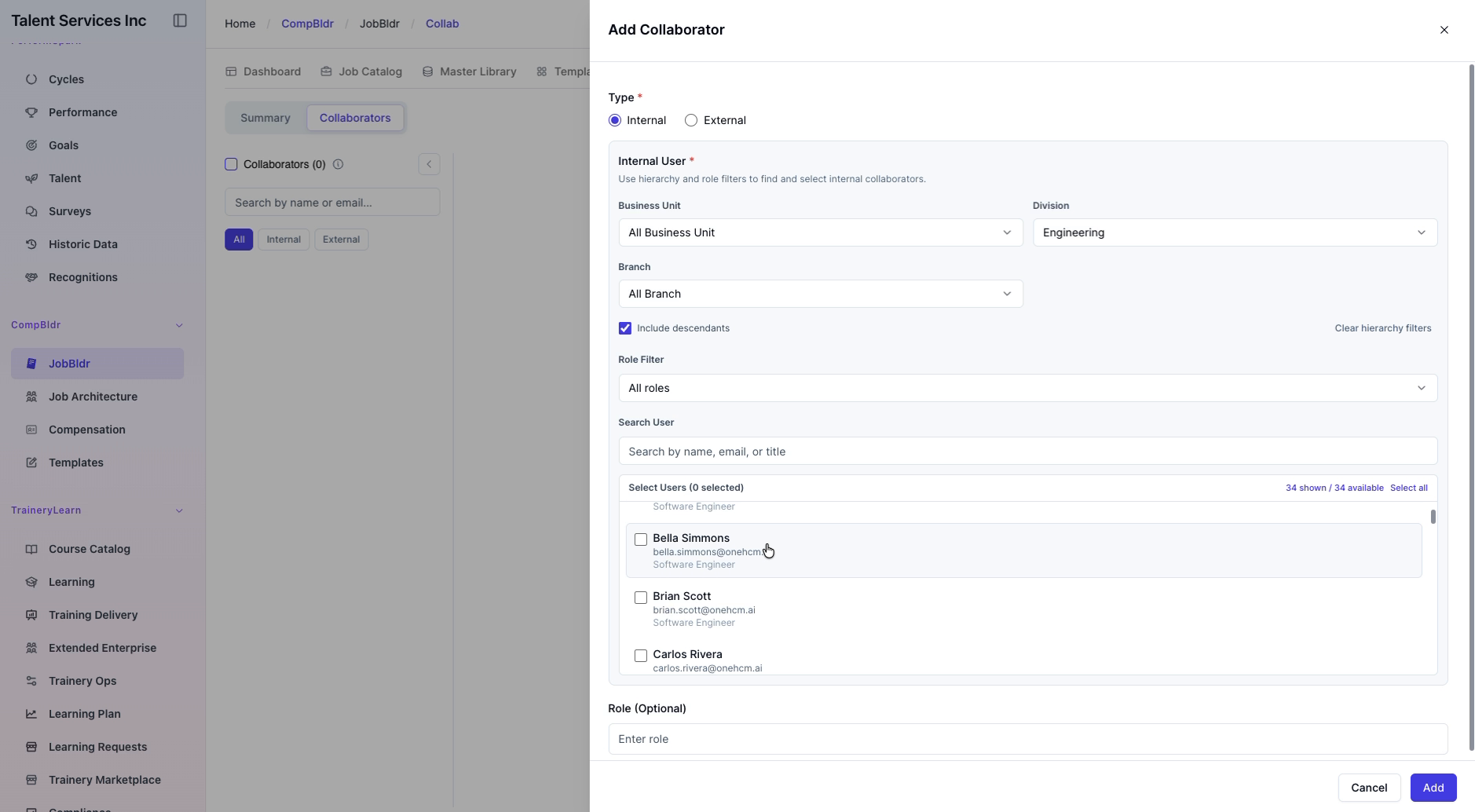
Verify Added Collaborators In the List, view and verify their details
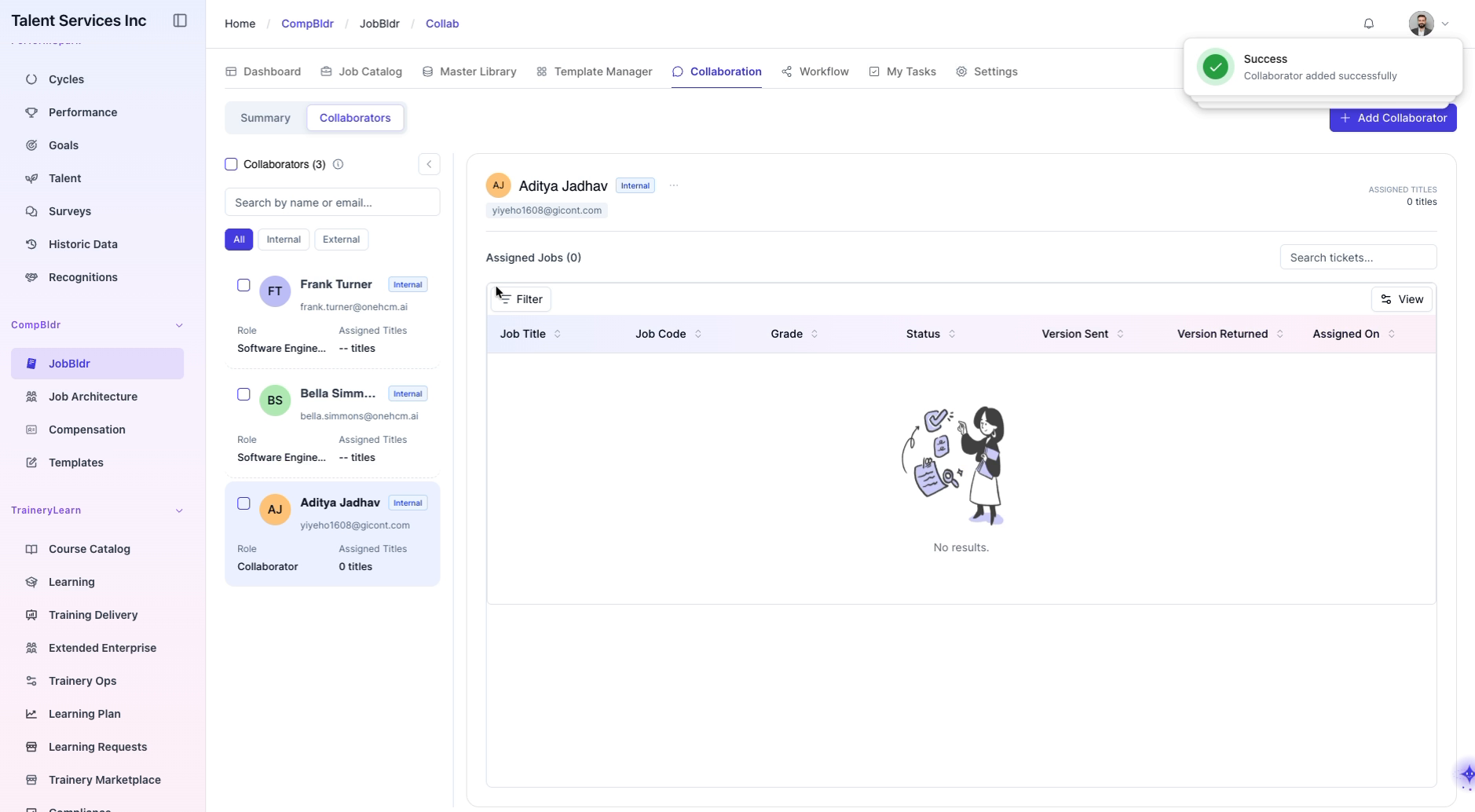
Step 7: Open the Target Job from the Job Catalog
Return to the Job Catalog and select the job title to open its job details page.
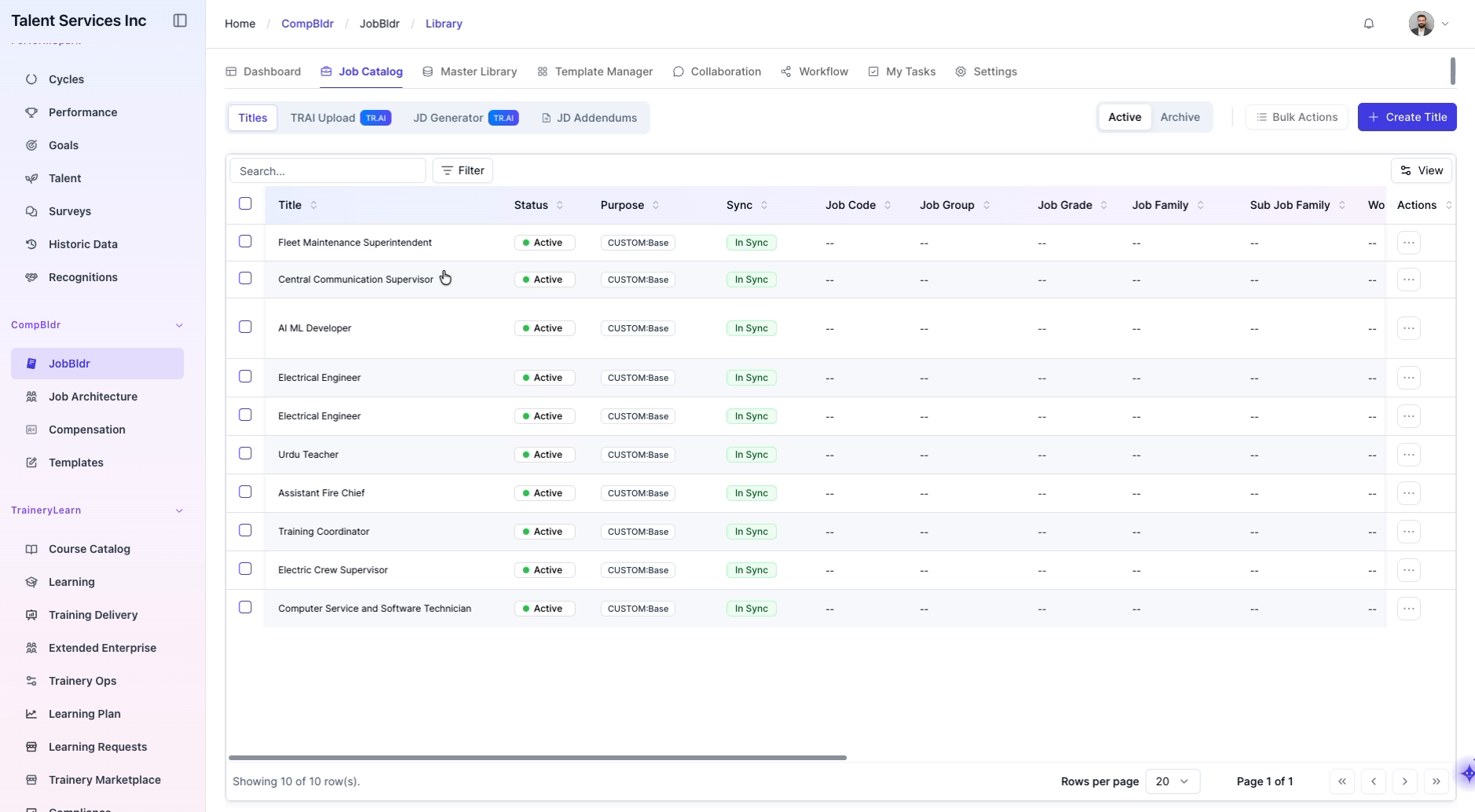
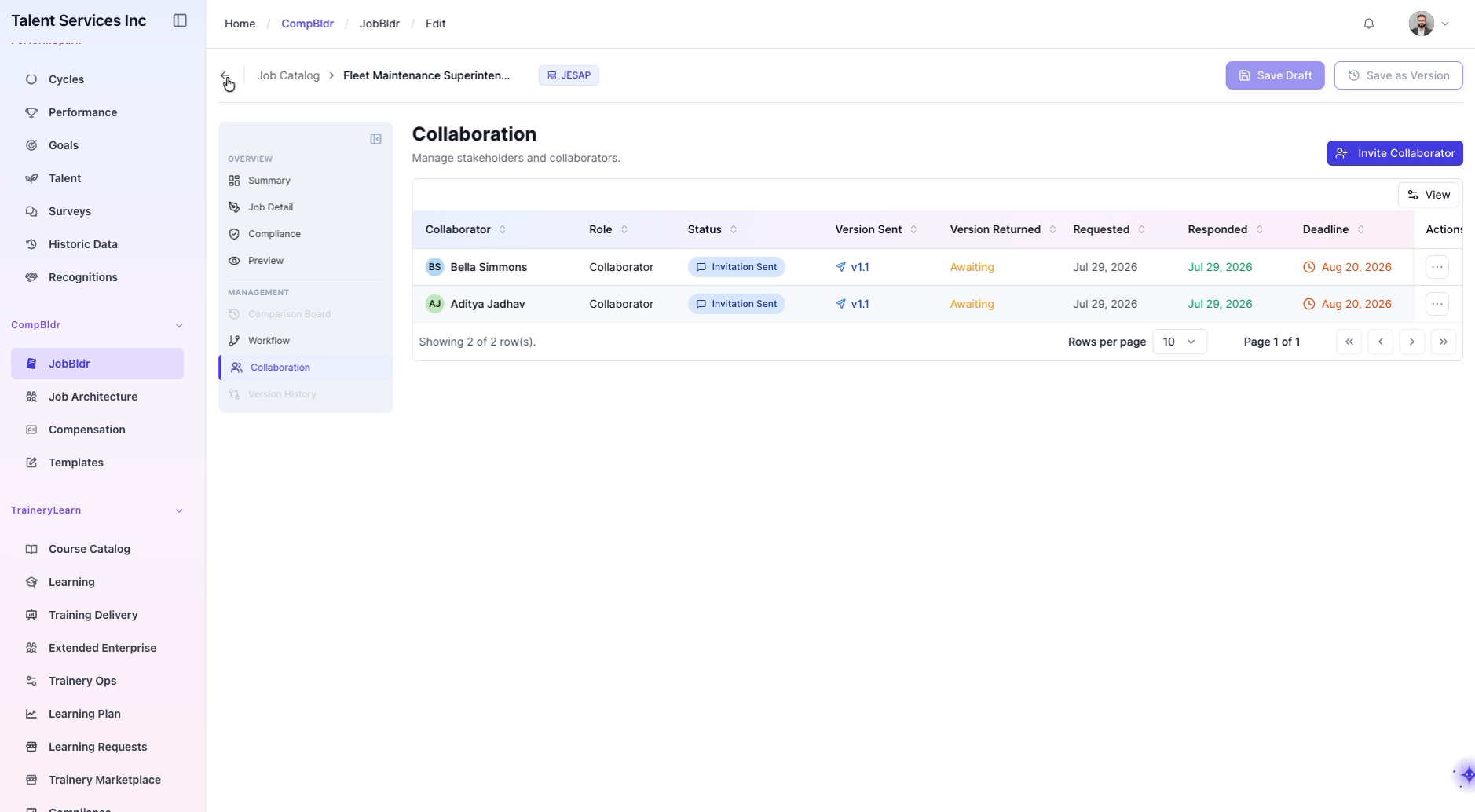
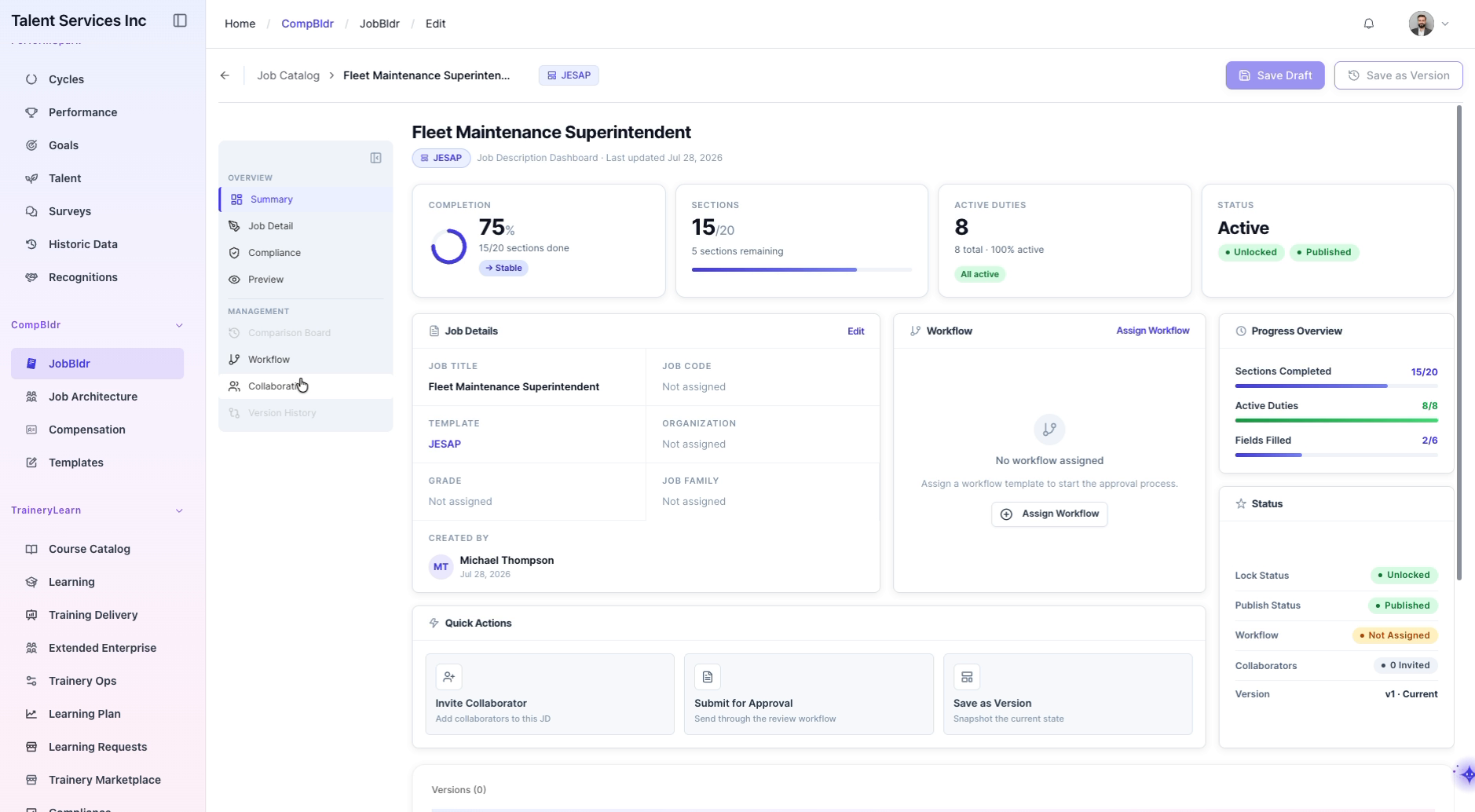
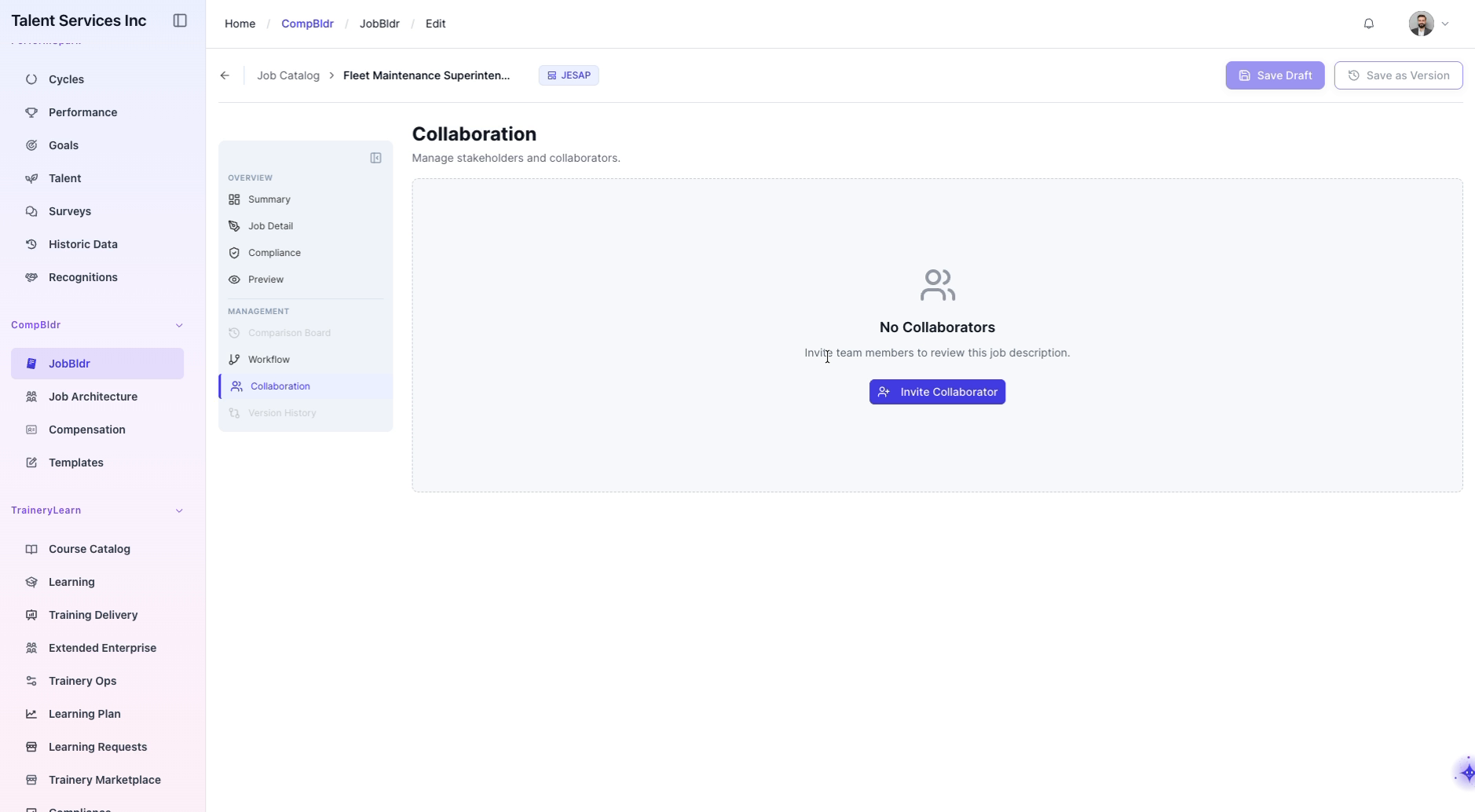
Step 8: Access the Collaboration Section and Start an Invitation
After the job details load, navigate to the Collaboration section in the sidebar and click Invite Collaborator to open the invitation modal.
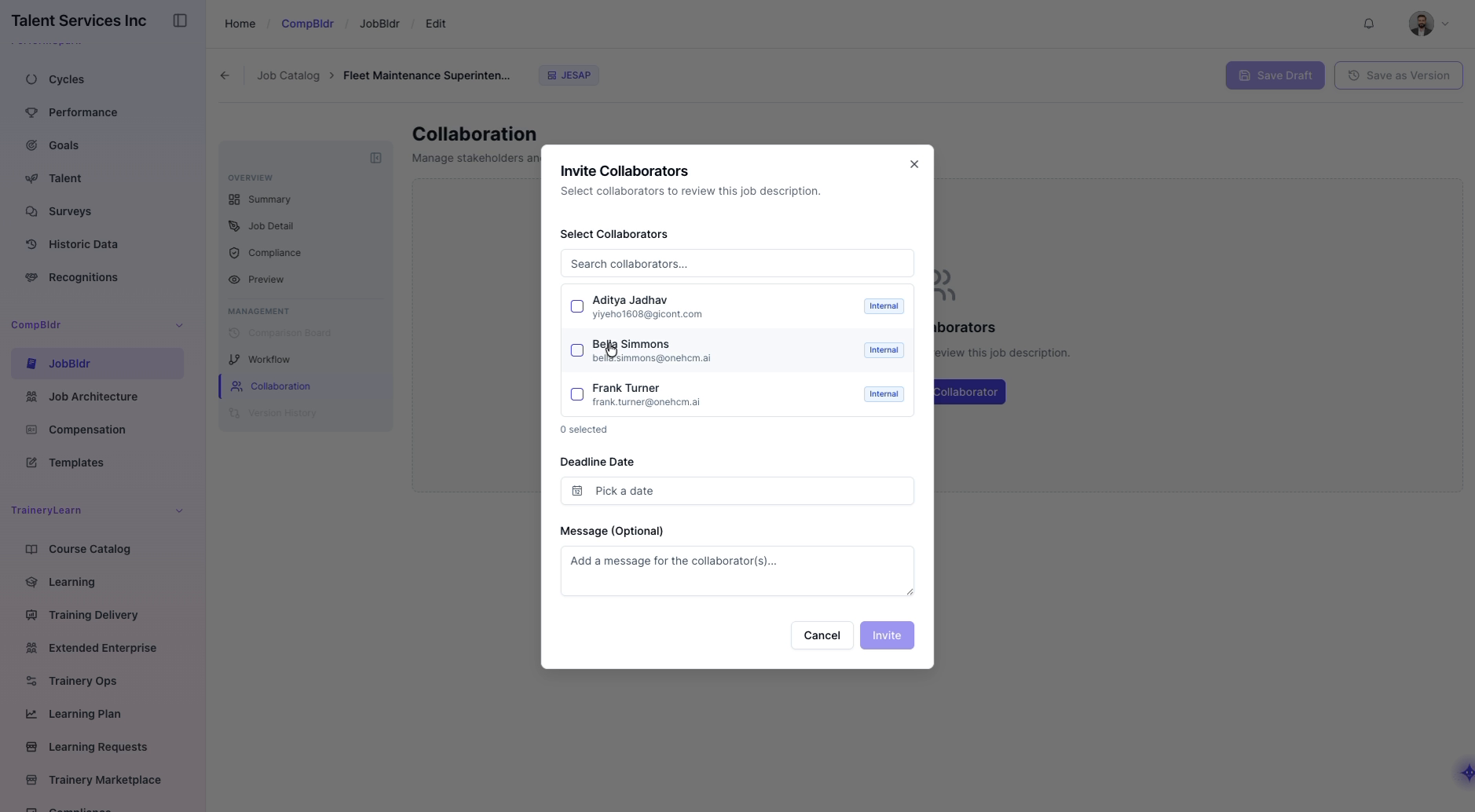
Step 9: Choose Collaborators to Invite
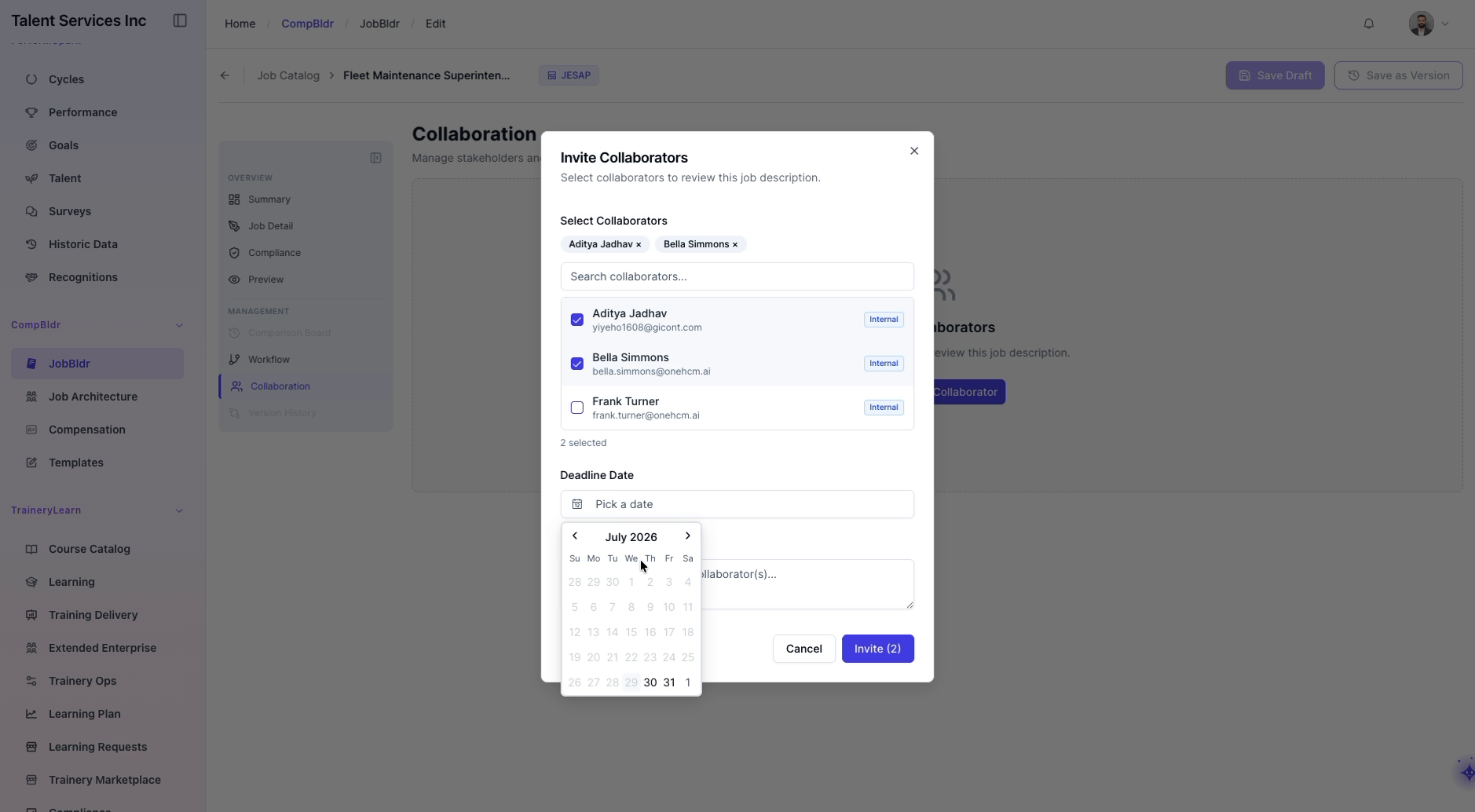
In the Invite Collaborators modal, search and select a name from the search results to include them in the invitation.
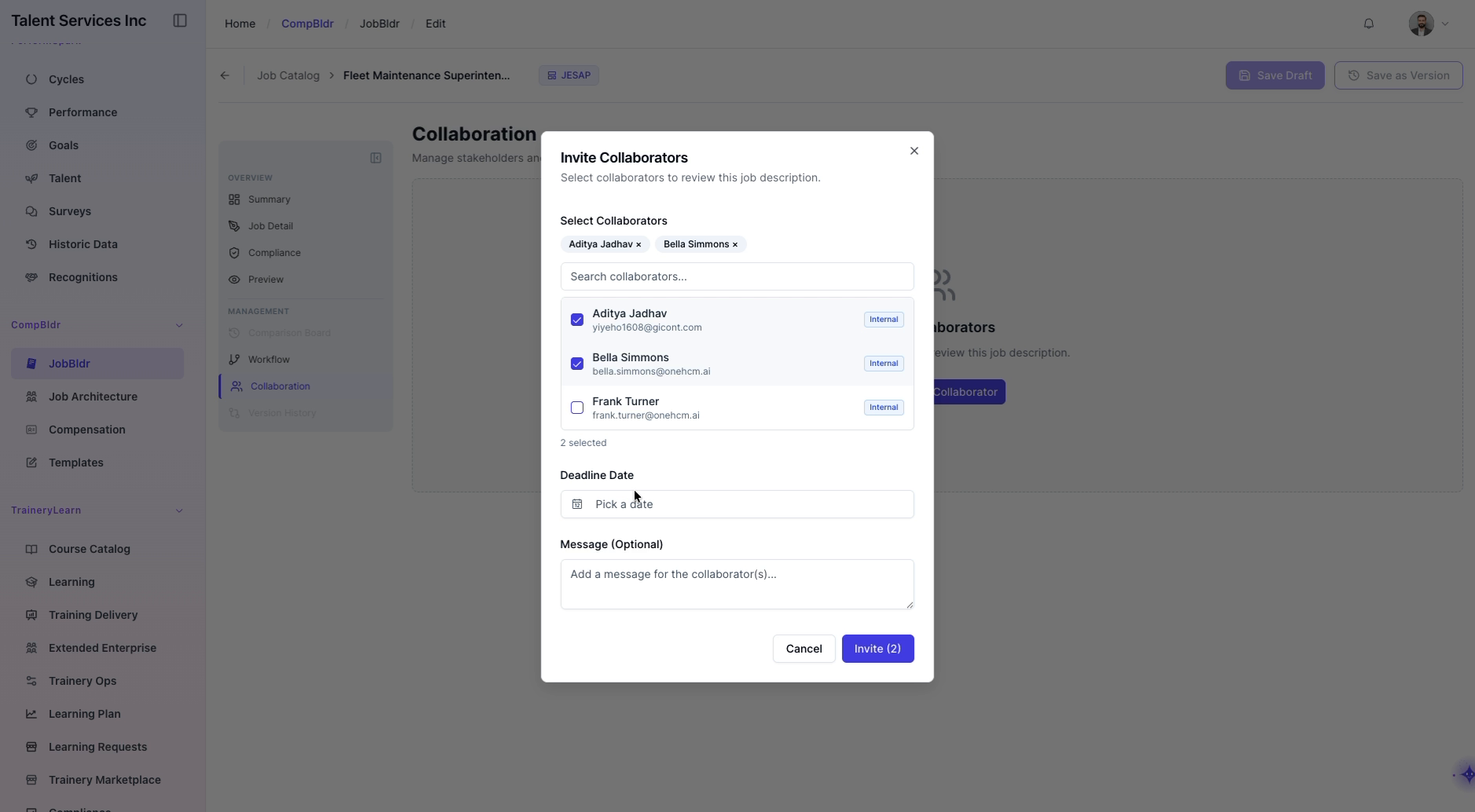
Step 10: Set a Collaboration Deadline
Open the date picker in the invitation modal and select it as the collaboration deadline.
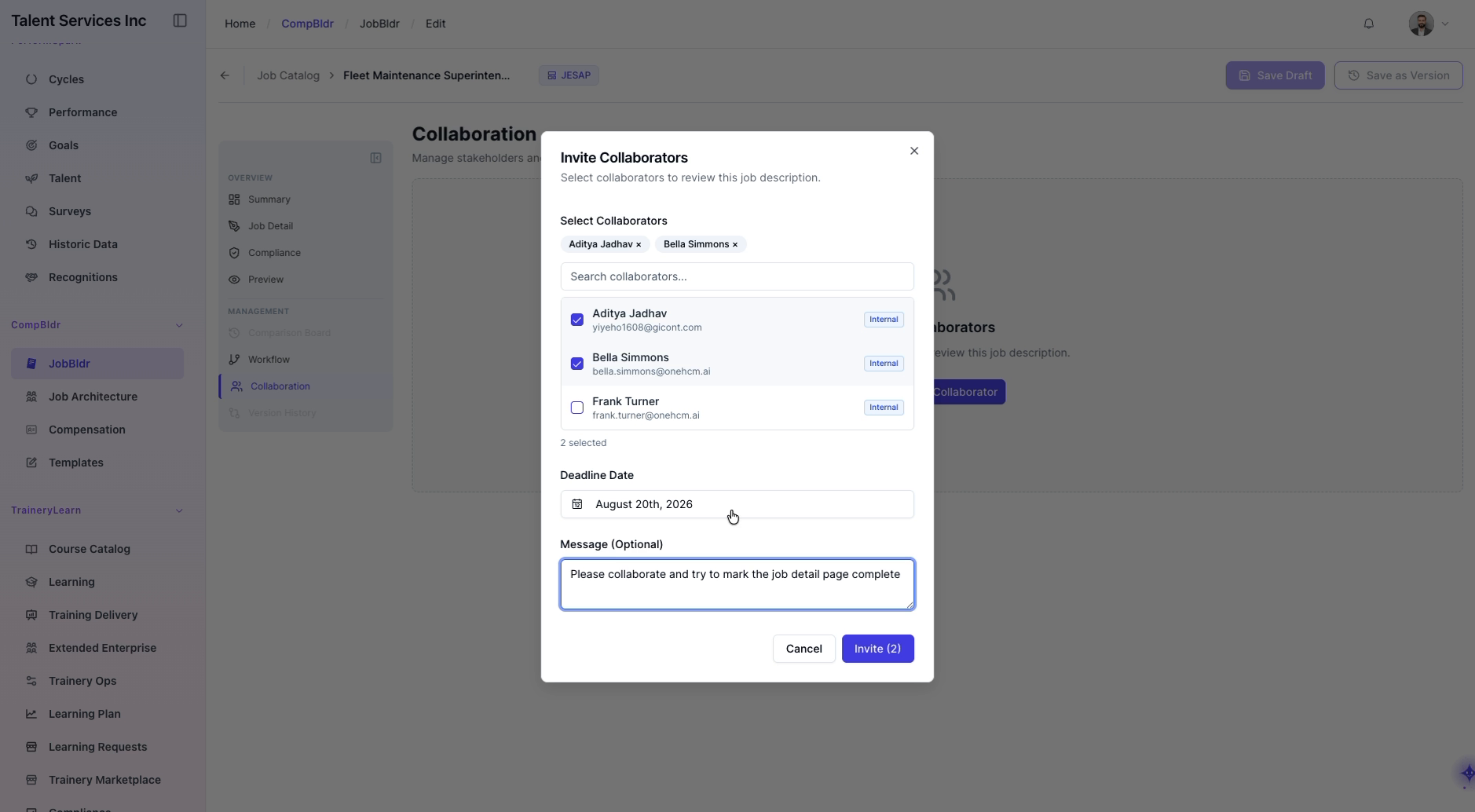
Step 11: Compose the Invitation Message and Send
Type a message asking the collaborators to mark the job detail page as complete, then click the Invite button to send the collaboration invitations.
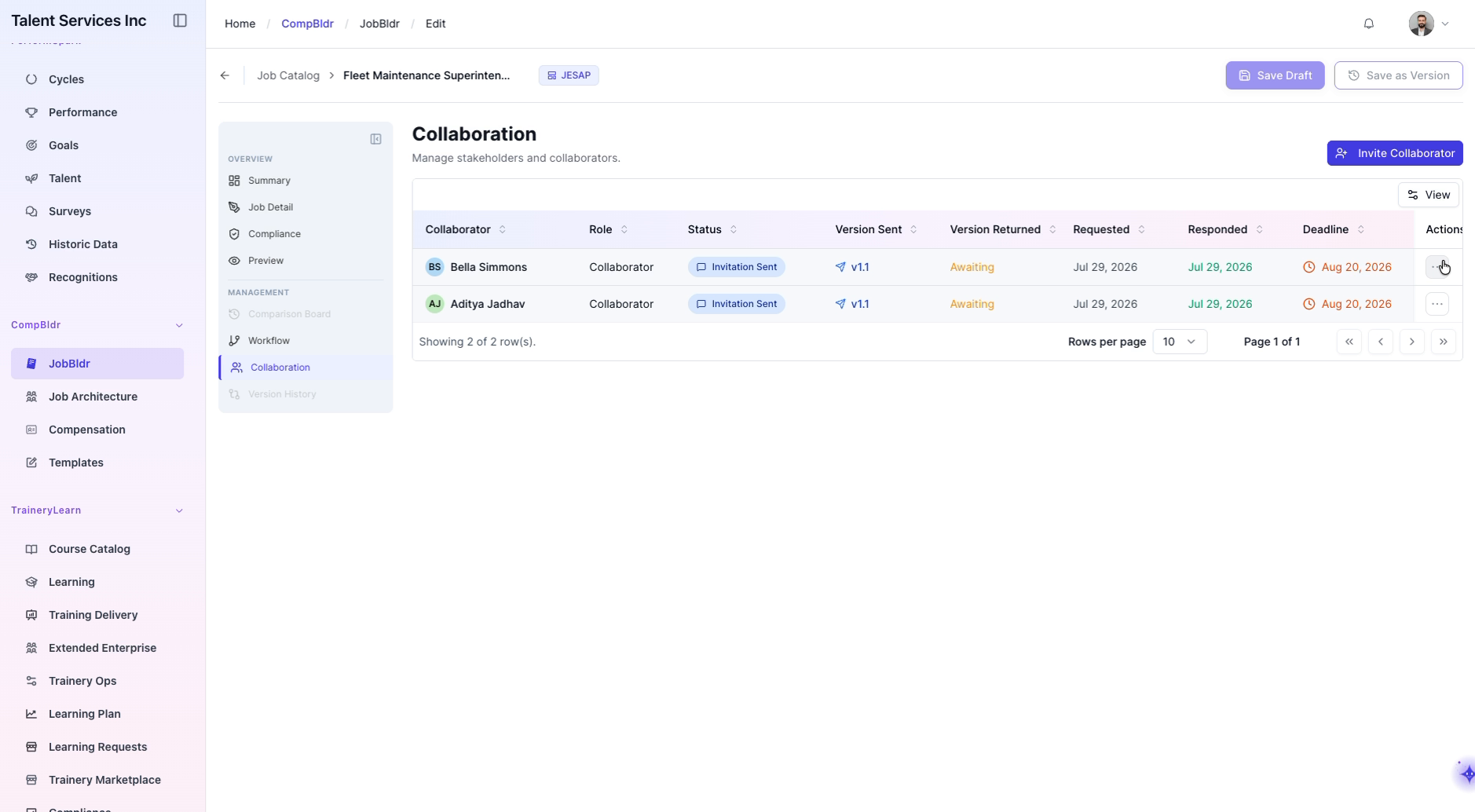
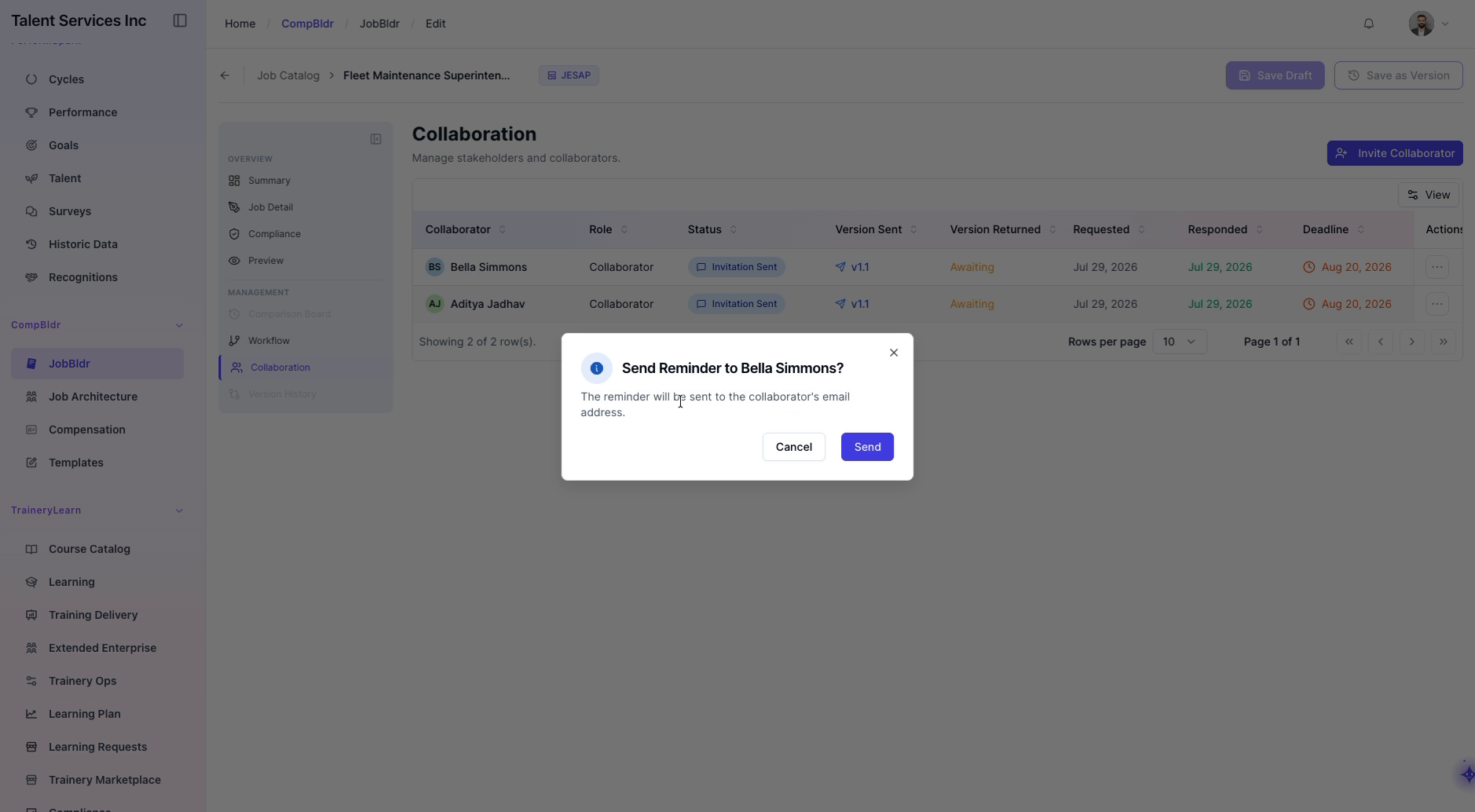
2. Send a Reminder to a Collaborator: Open the actions and confirm the action in the confirmation modal to notify her again about the collaboration request.
Step 12: Return to the Job Catalog
Navigate back to the main Job Catalog page to continue working with other jobs or exit the collaboration workflow.