Adding Location
Last updated: July 1, 2026
Creating a New Office Location Entry
This document explains how to add a new office location called “India HQ” with its address and regional details in the system, ensuring it is saved as an active location.
Step 1: Open the Locations Settings
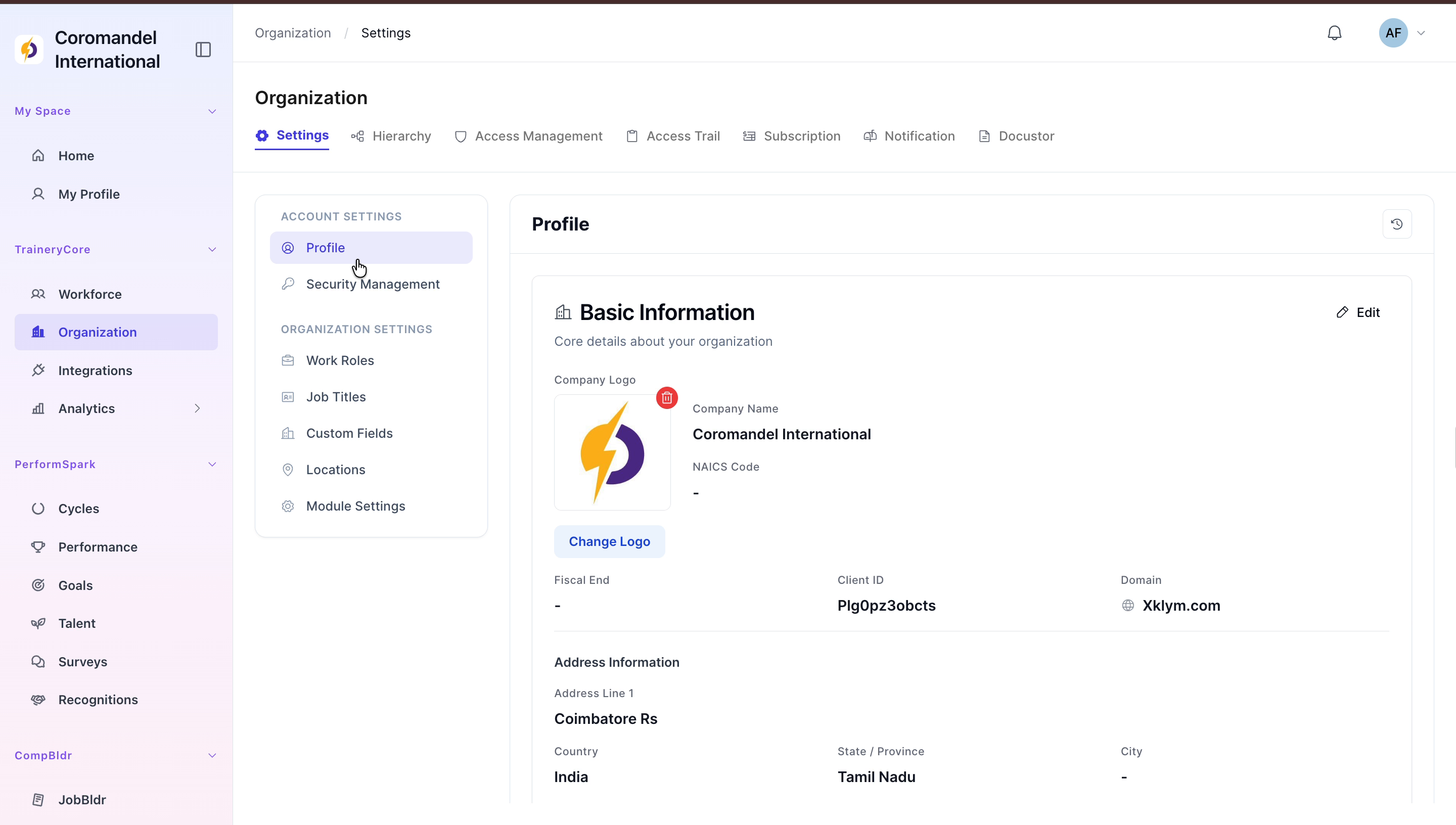
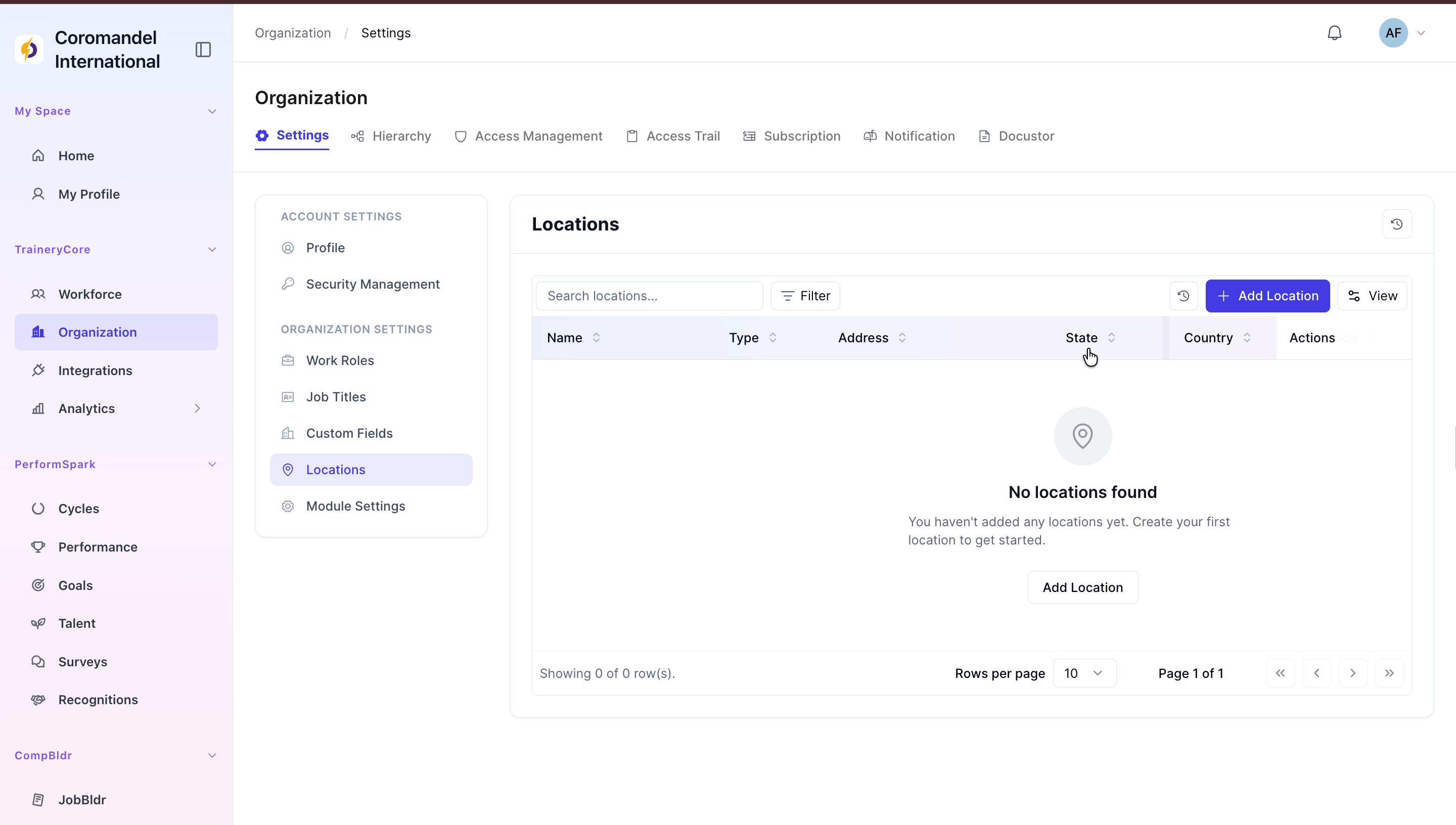
From the sidebar, click on Organization, then select Locations from the settings menu.

Step 2: Start Adding a New Location
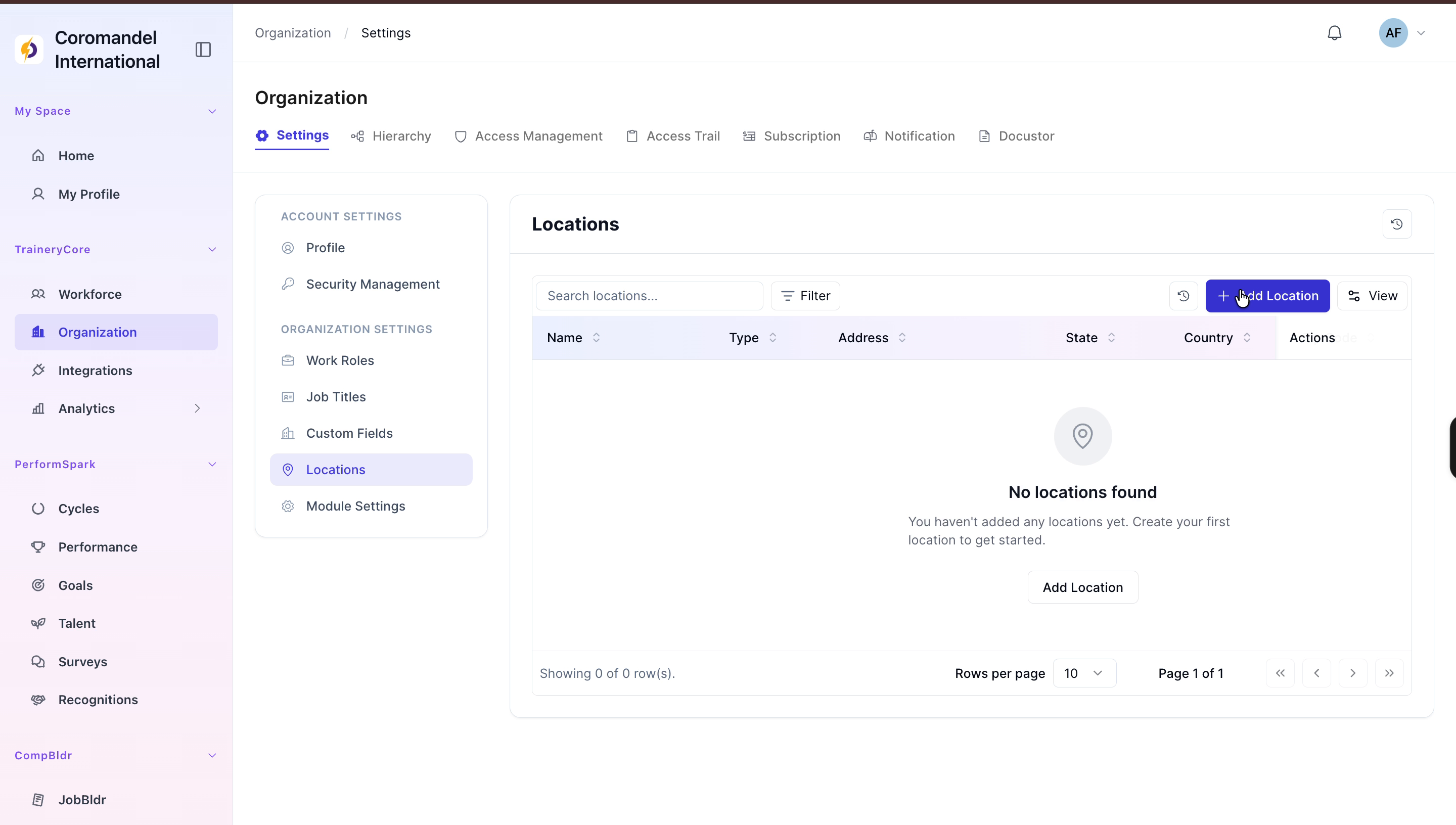
Click the Add Location button to open the new location modal.
Step 3: Enter Basic Location Details
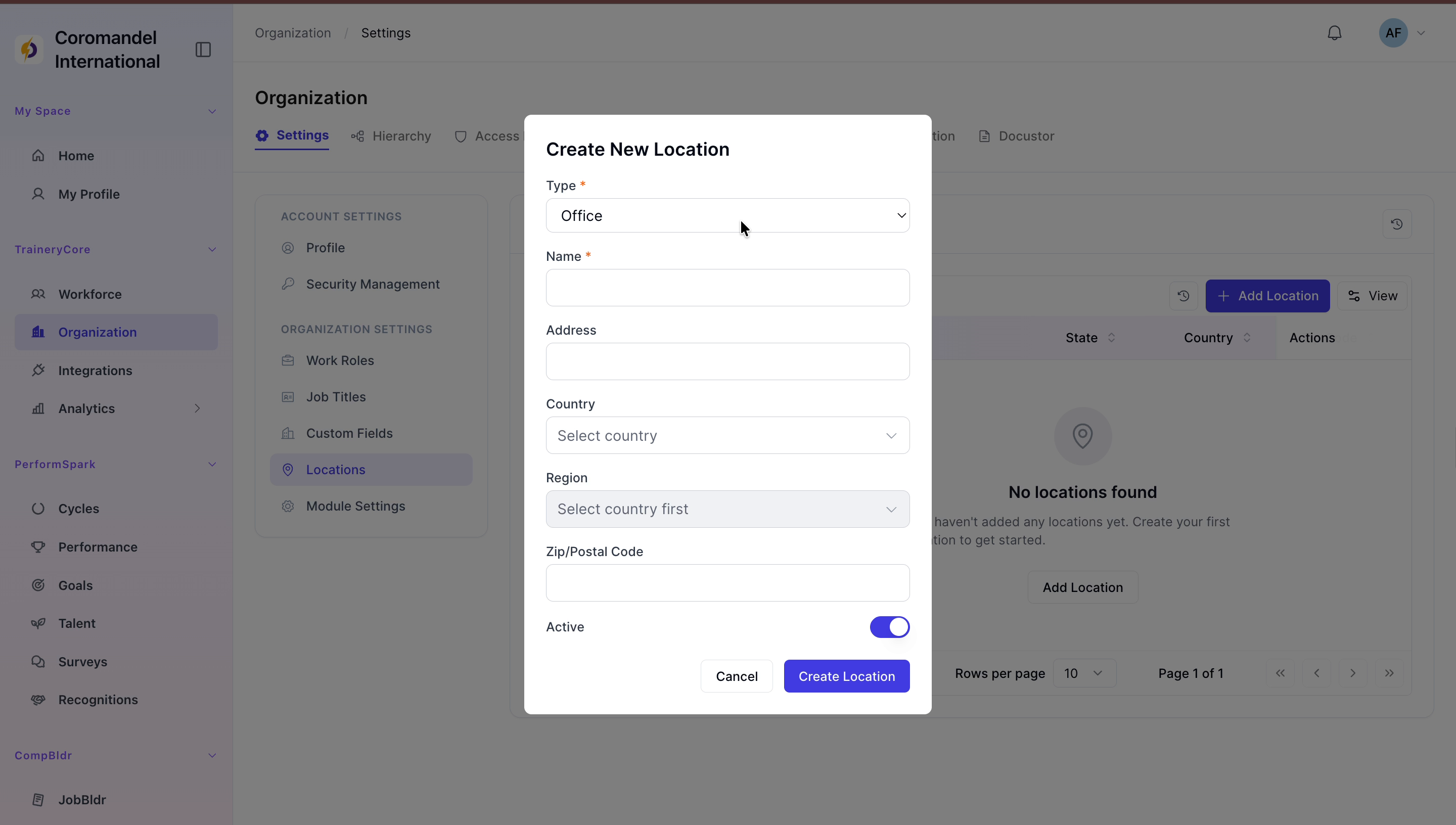
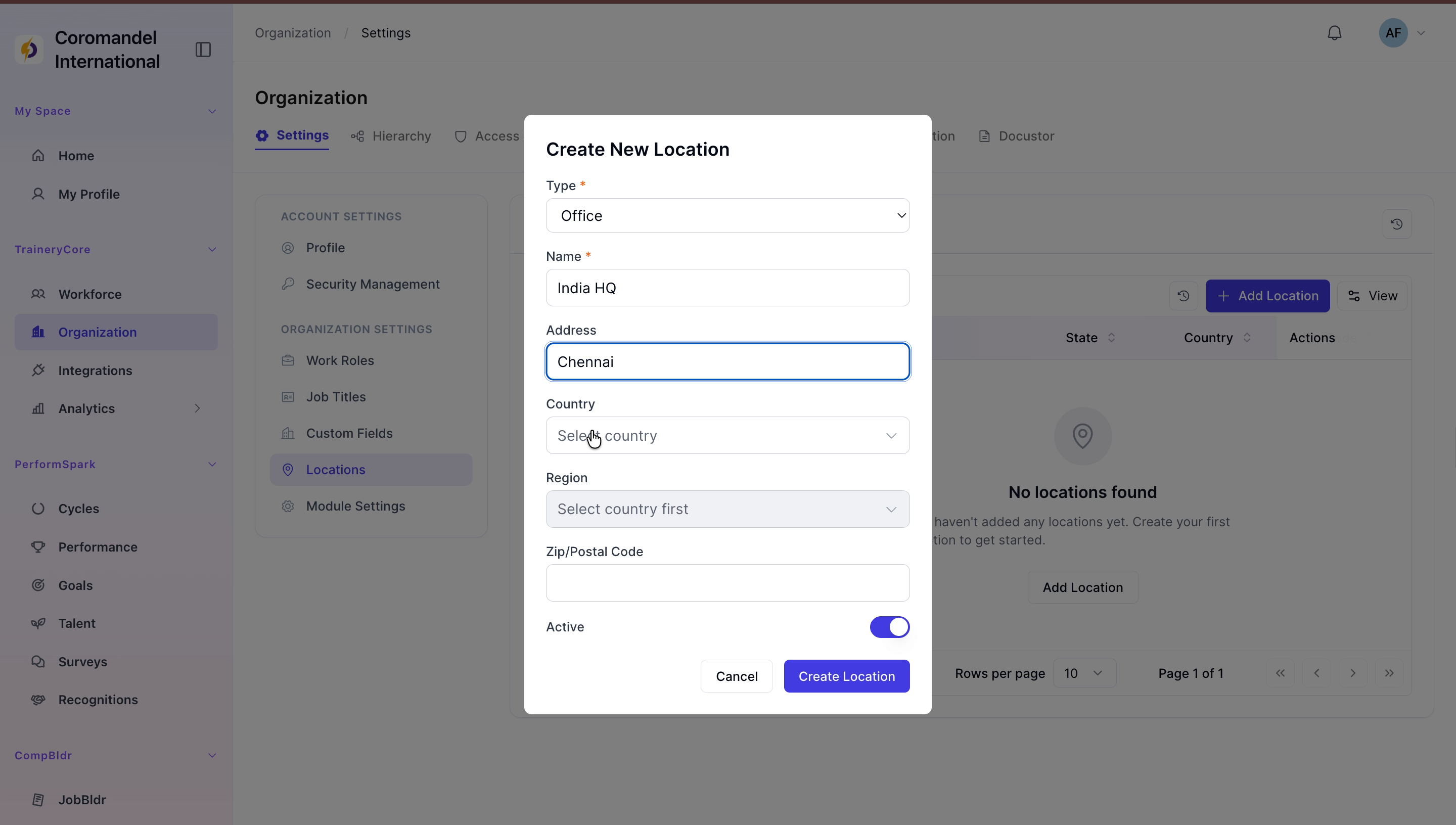
In the modal, keep the Type as Office, enter India HQ as the Name, and provide Chennai as the Address.
Step 4: Provide Country and Region
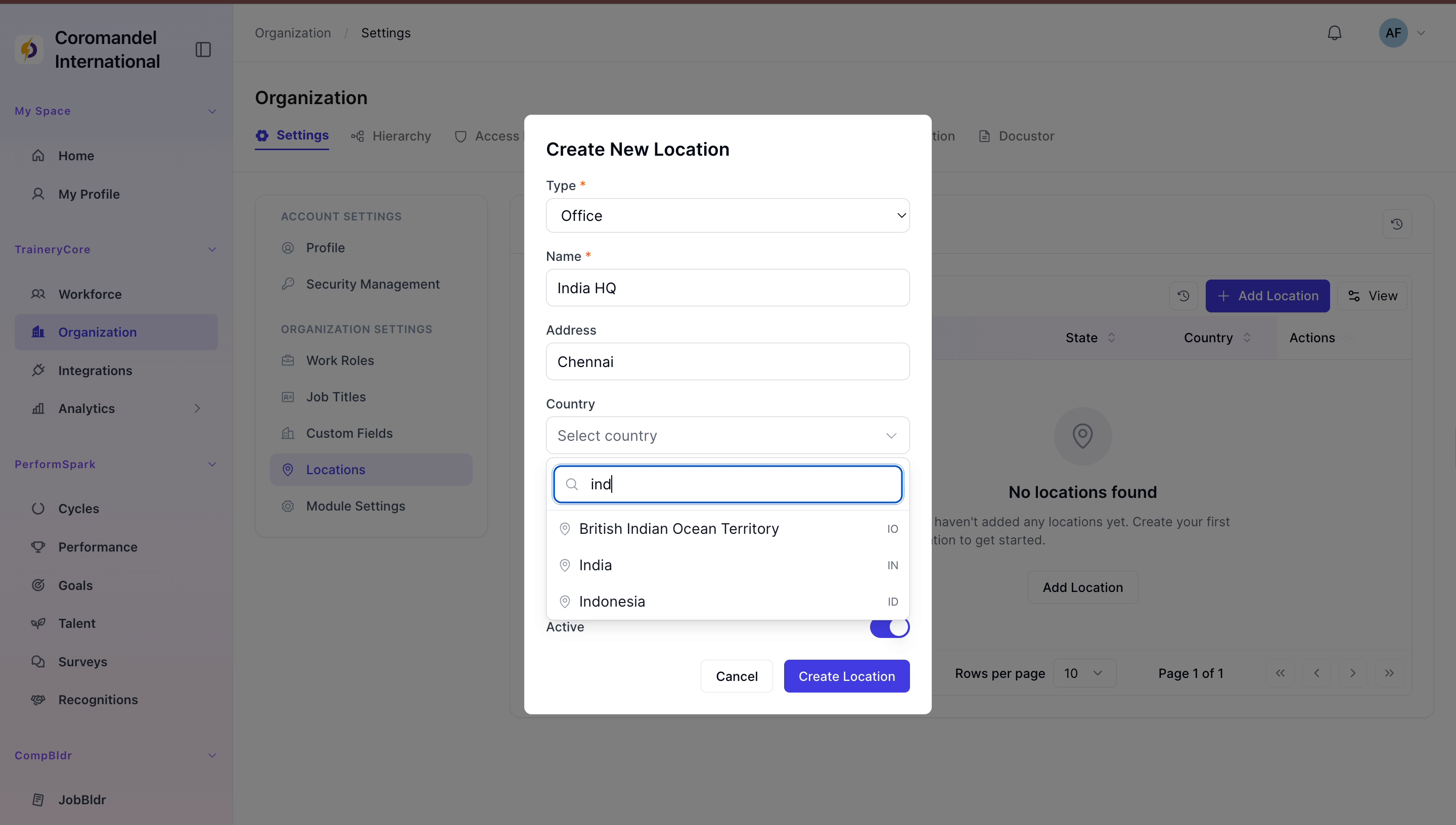
Select India as the Country and Tamil Nadu as the Region.
Step 5: Finalize and Create the Location
Enter the zip code 600028, ensure the Status is set to Active, and click Create Location to save the new entry.

