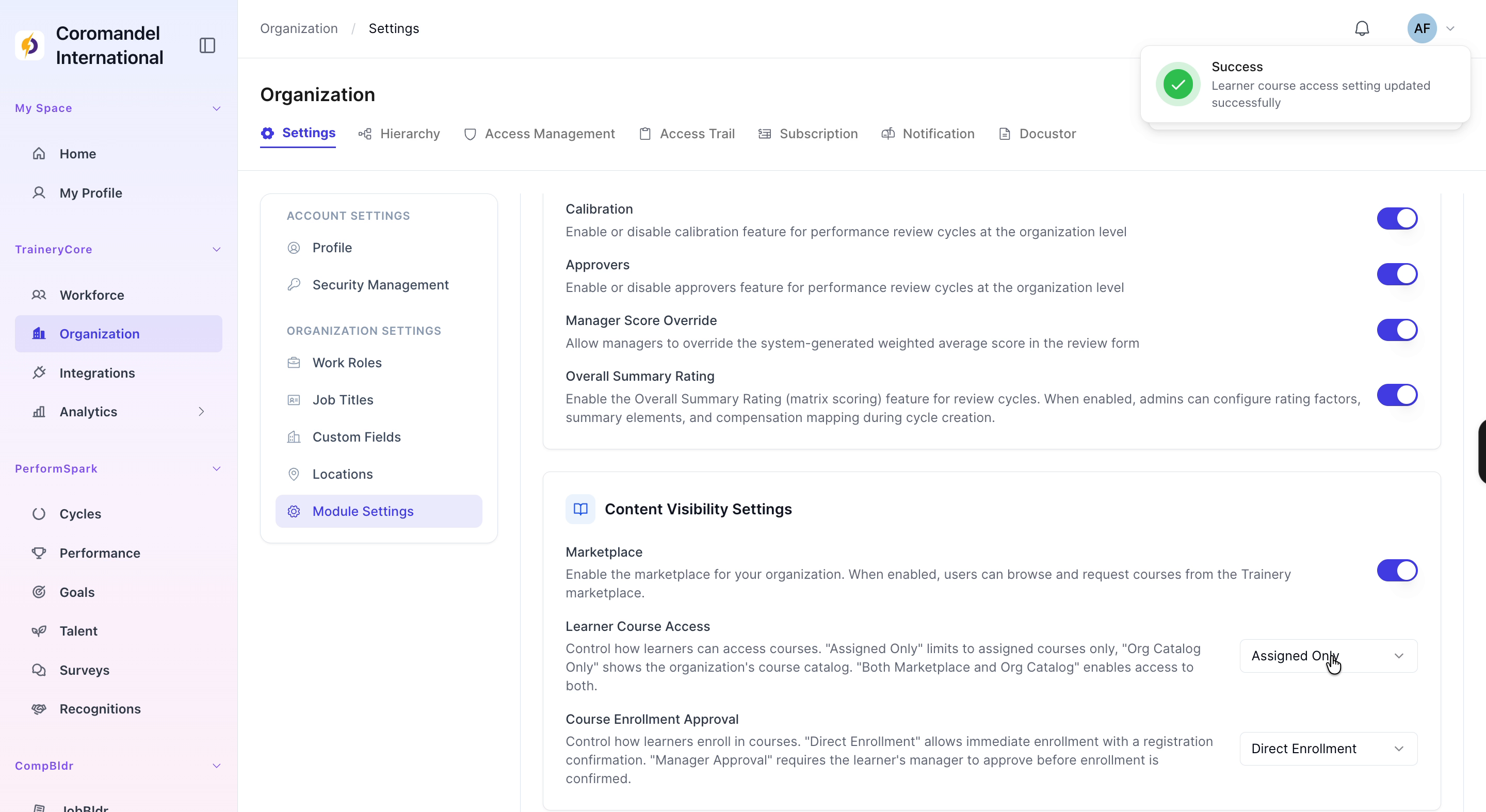
Configuring Content Visibility Settings Module and Course Settings
Last updated: July 1, 2026
Configuring Performance and Learning Module Settings
This process walks through configuring key module settings in the Organization section, including enabling performance features, marketplace access, learner course access rules, and course enrollment approval requirements.
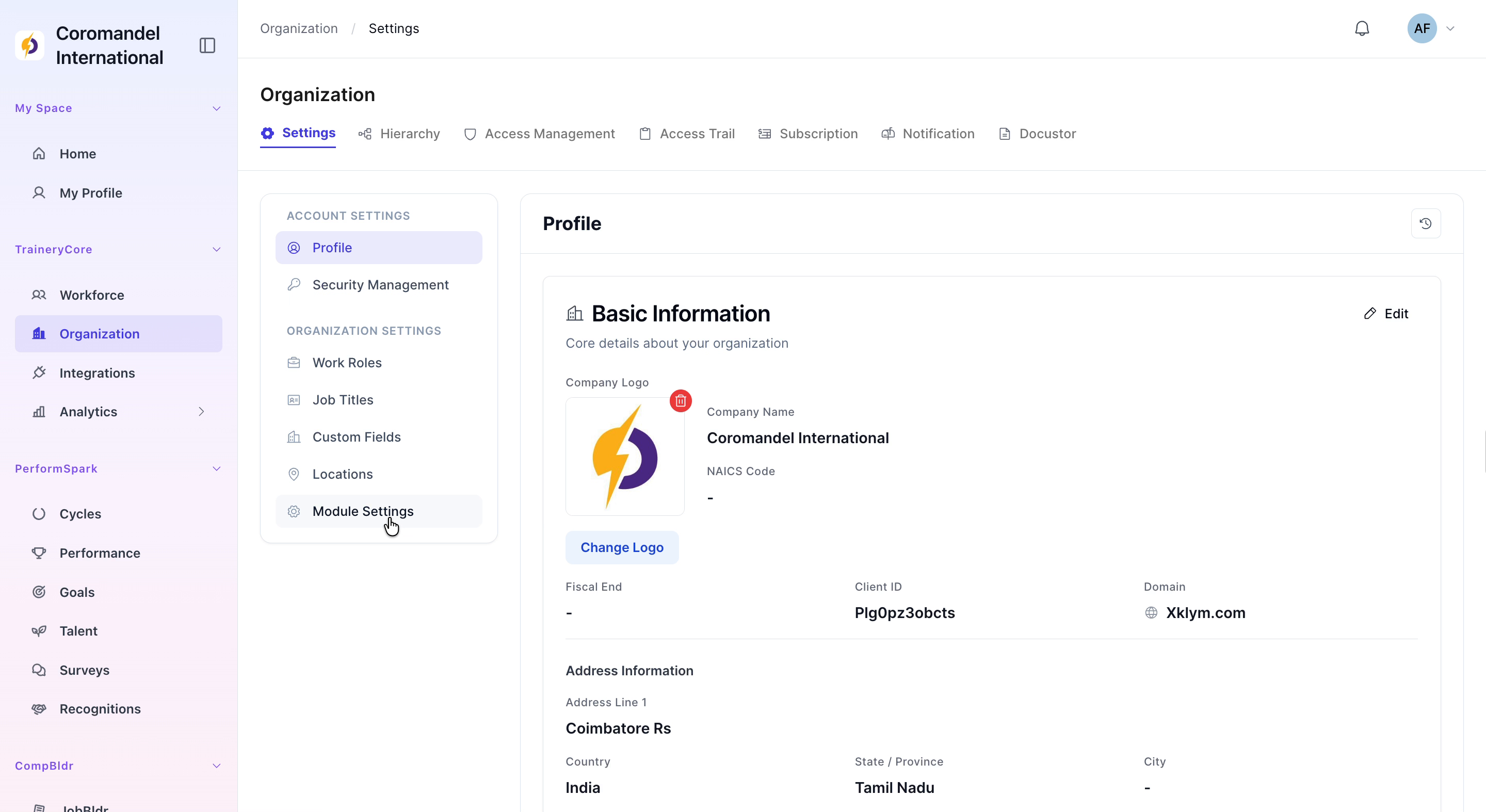
Step 1: Open Module Settings in the Organization Section
Navigate to the Organization section of the application. From there, select Module Settings to open the configuration page.

Step 2: Enable Core Performance Management Features
On the Module Settings page, enable the following options to activate performance management capabilities: - Calibration - Approvers - Manager Score Override
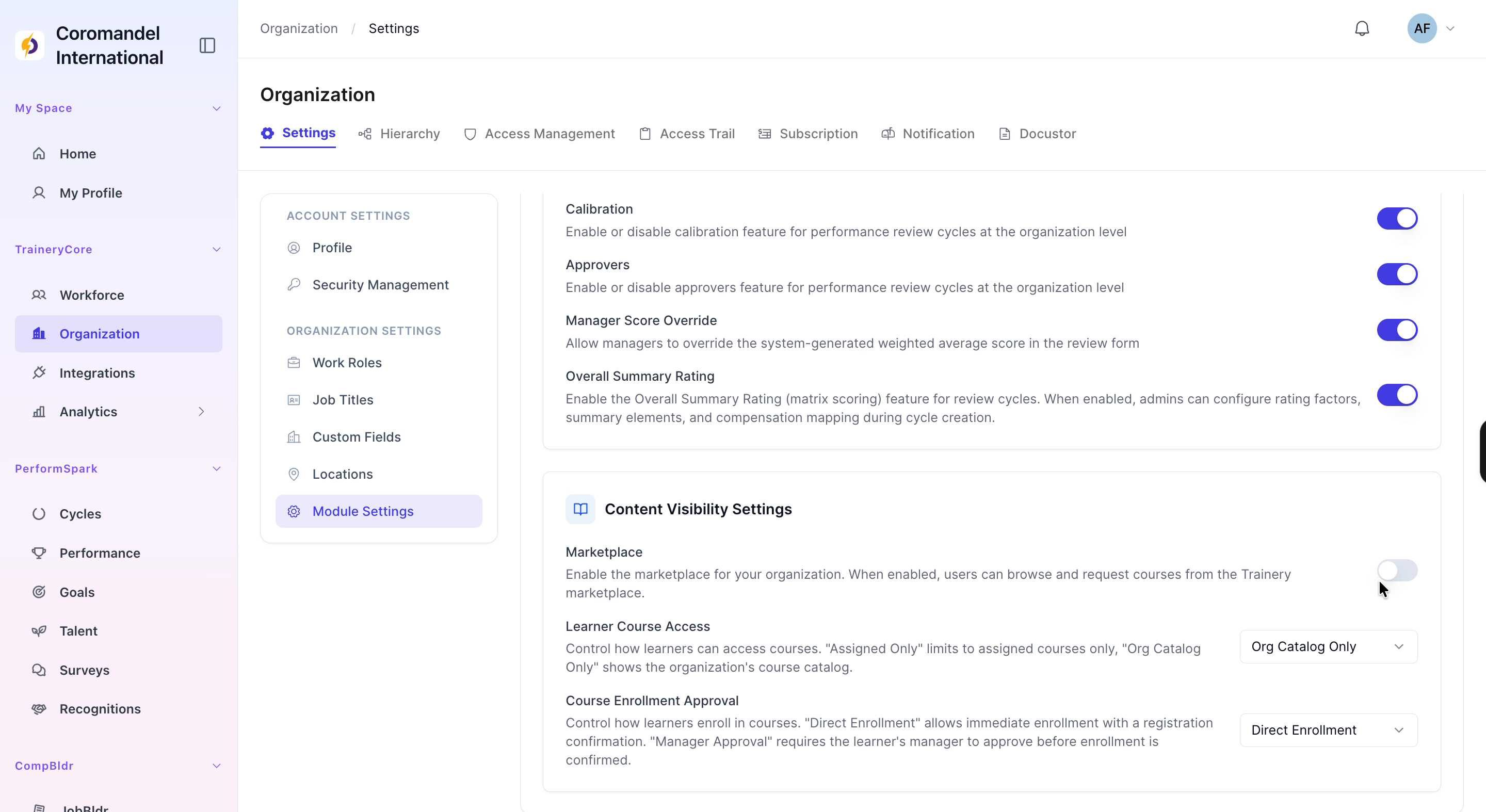
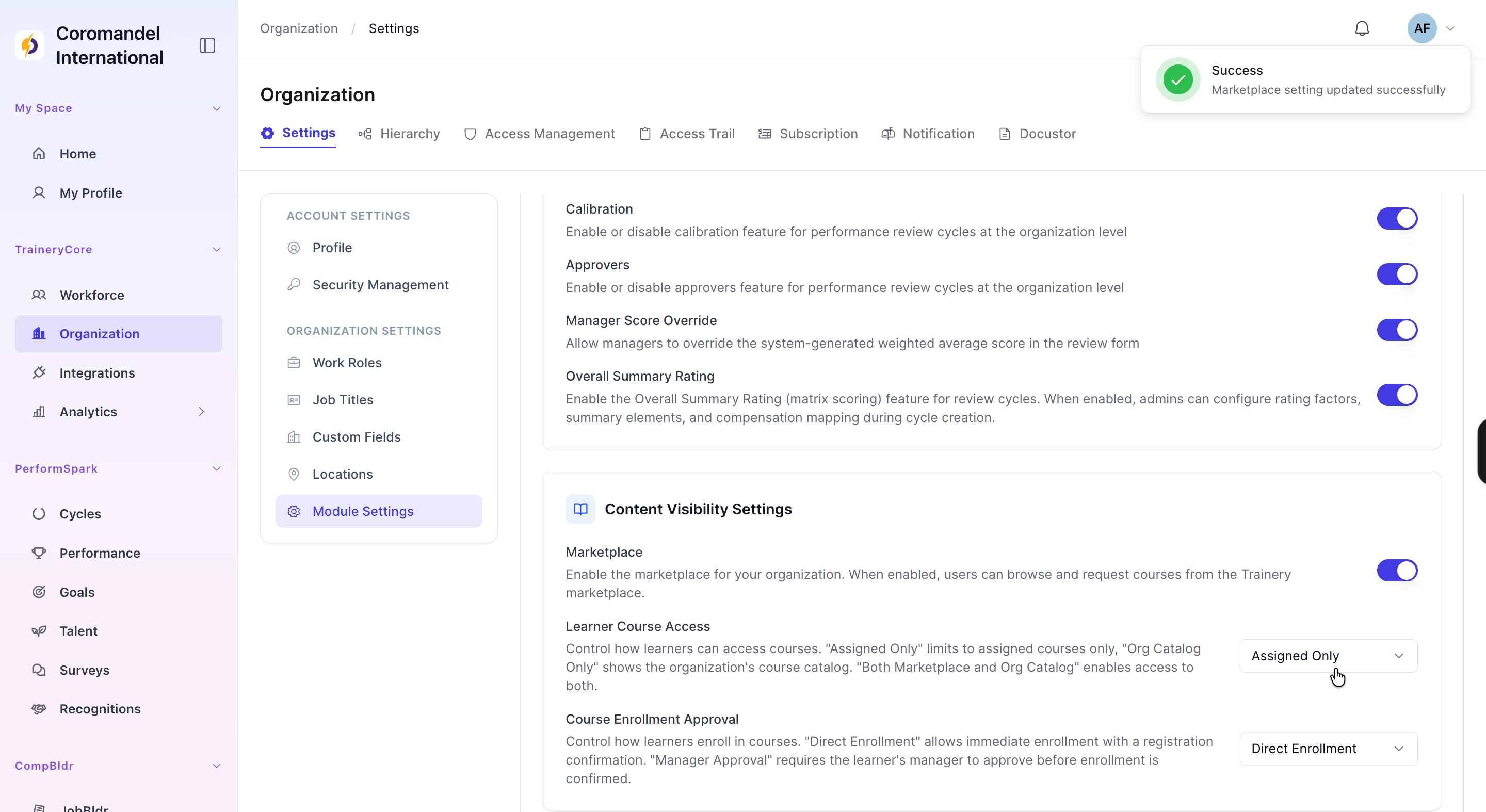
Step 3: Configure Learning Marketplace and Access Controls
Next, configure the learning settings: 1. Enable the Marketplace to allow users to browse available courses. 2. Set Learner Course Access to Assigned Only so learners only see courses that have been assigned to them. 3. Set Course Enrollment Approval to Manager Approval to require manager approval before enrollment is finalized.