Configuring PerformSpark Module Settings
Last updated: July 1, 2026
Configuring PerformSpark Module Settings
This document outlines how to access your Organization’s Module Settings and enable key PerformSpark configuration options, including Calibration, Approvers, Manager Score Override, and Overall Summary Rating.
Step 1: Open Organization Settings
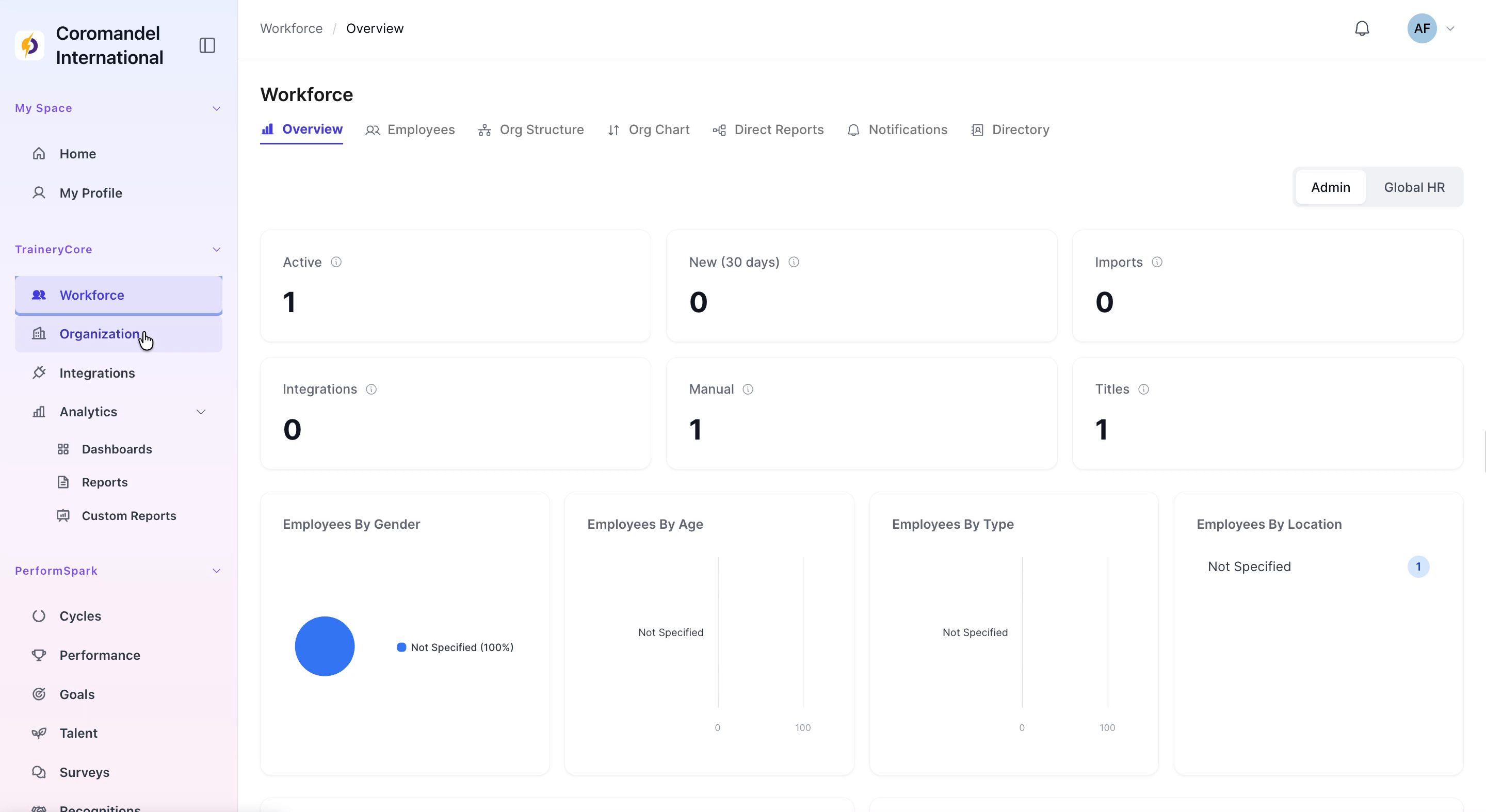
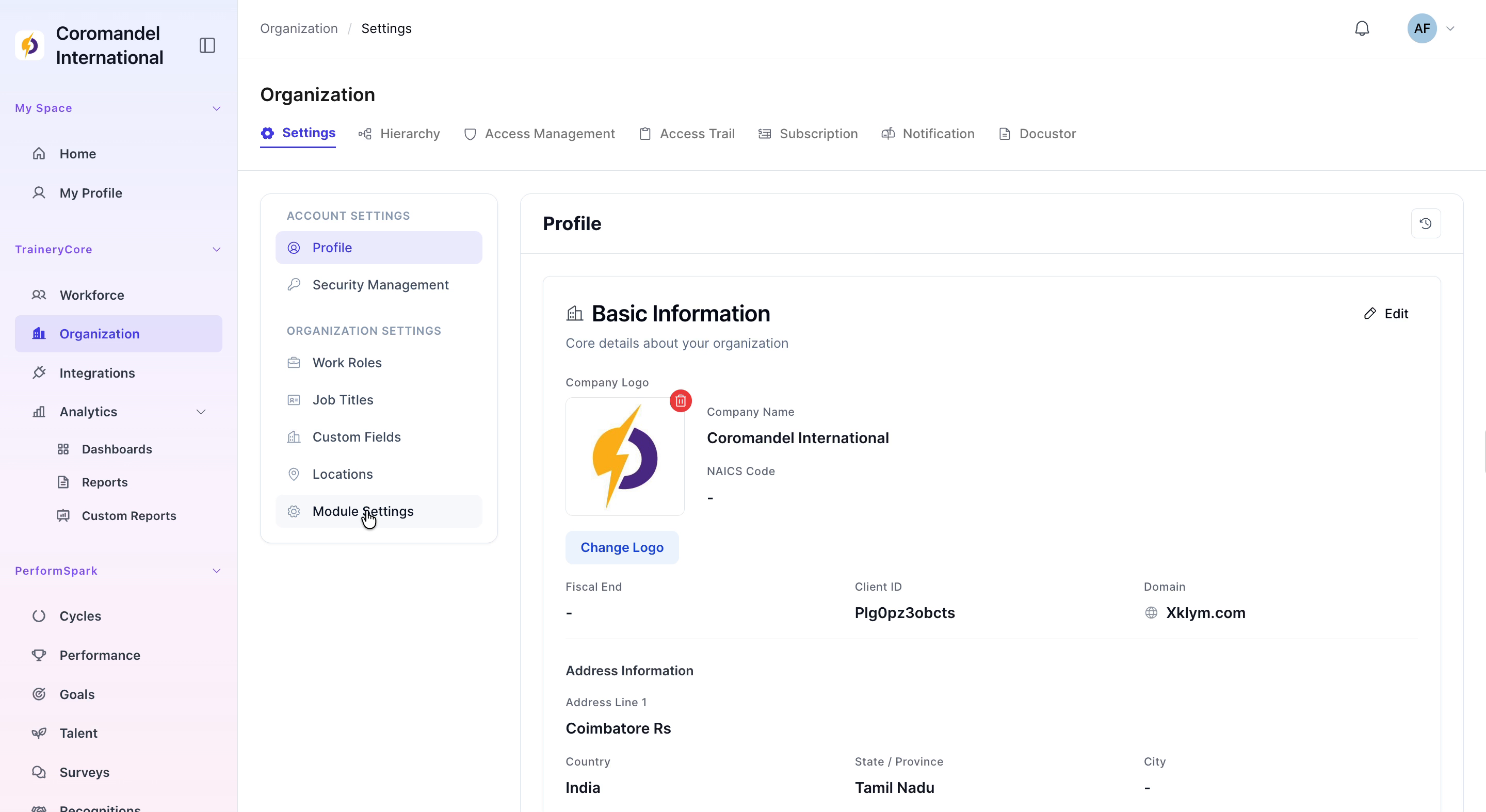
1. In the application sidebar, click Organization to open the organization-level configuration area. 2. Within the Organization section, navigate to Module Settings under Organization Settings.
Step 2: Enable PerformSpark Configuration Options
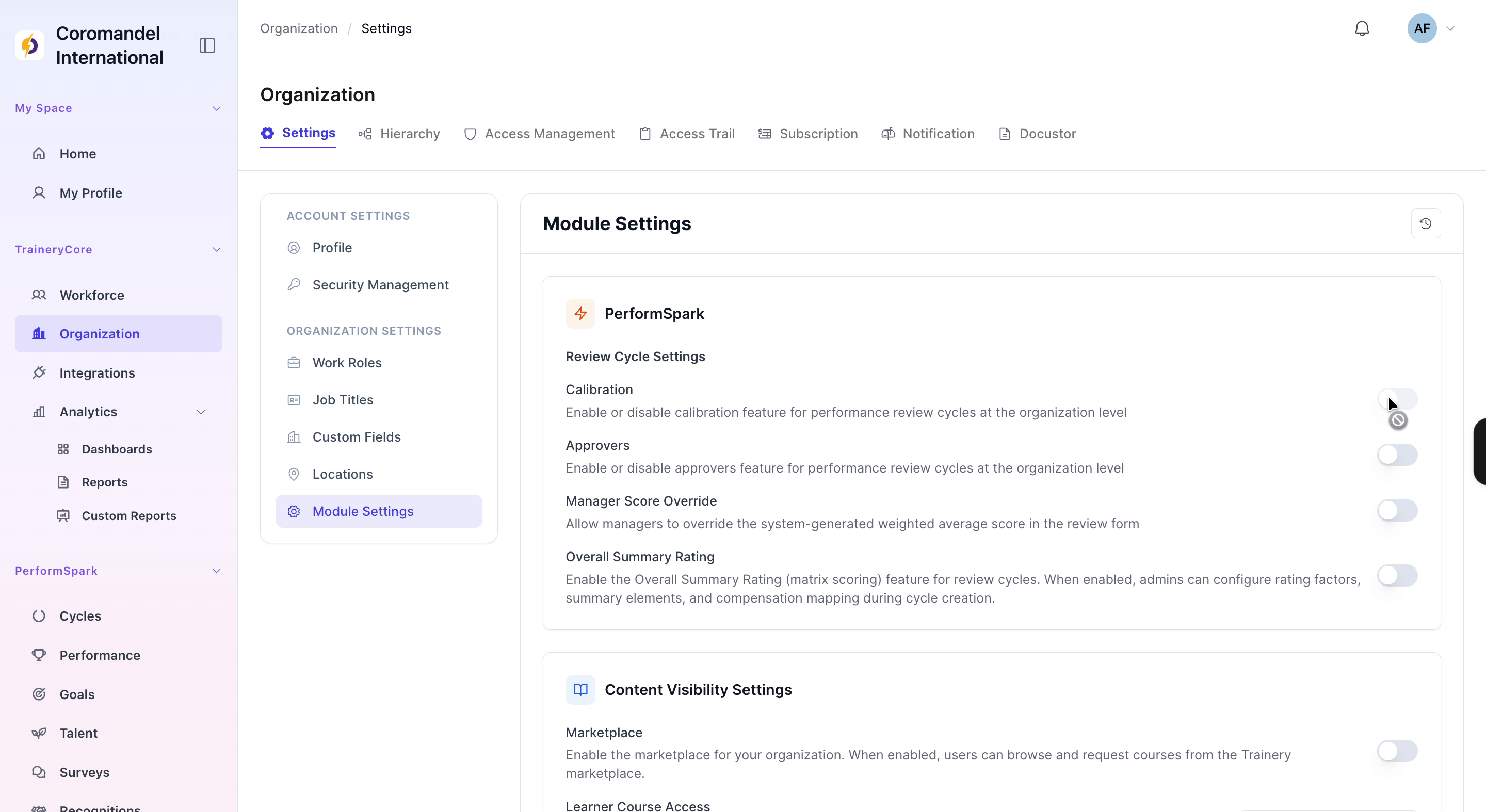
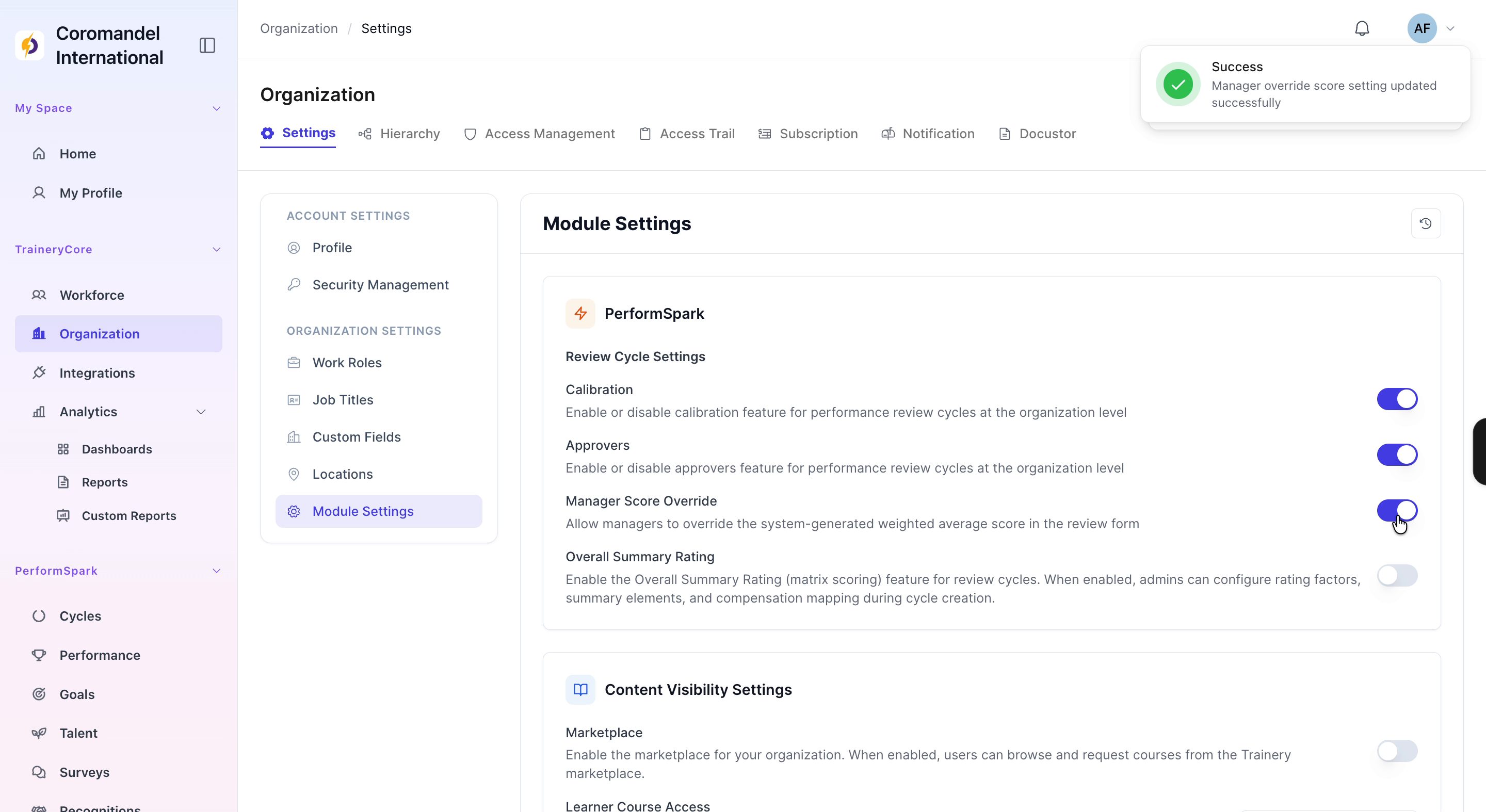
1. Scroll to the PerformSpark section within Module Settings. 2. Toggle on the following options as required for your organization: - Calibration - Approvers - Manager Score Override - Overall Summary Rating