Creating a Compensation Planning Cycle
Last updated: October 14, 2026
This document describes how to configure and activate a new compensation planning cycle, including defining cycle details, setting rules and participants, configuring budgets and workflows, and publishing the final cycle.
Step 1: Start a New Cycle
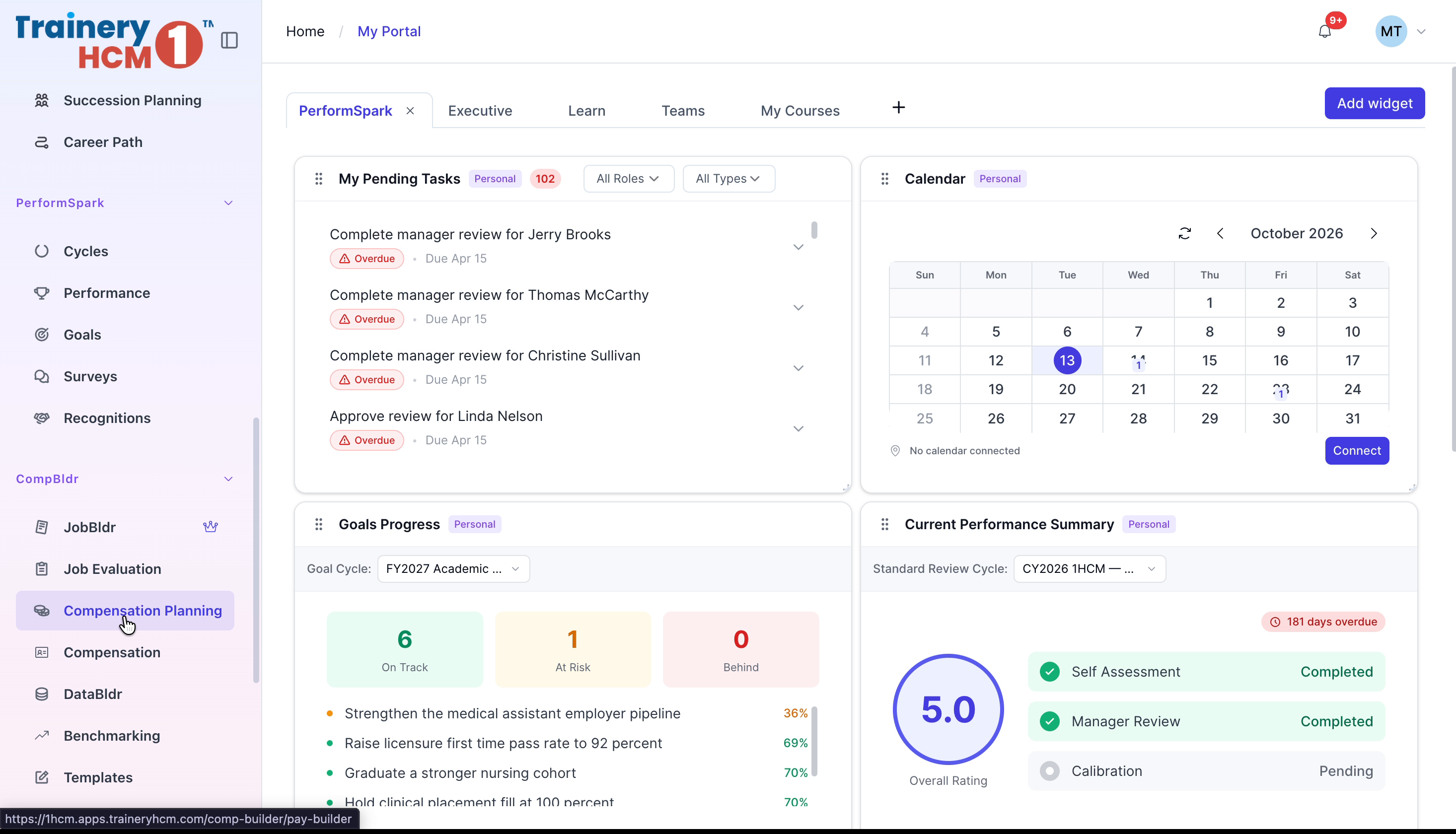
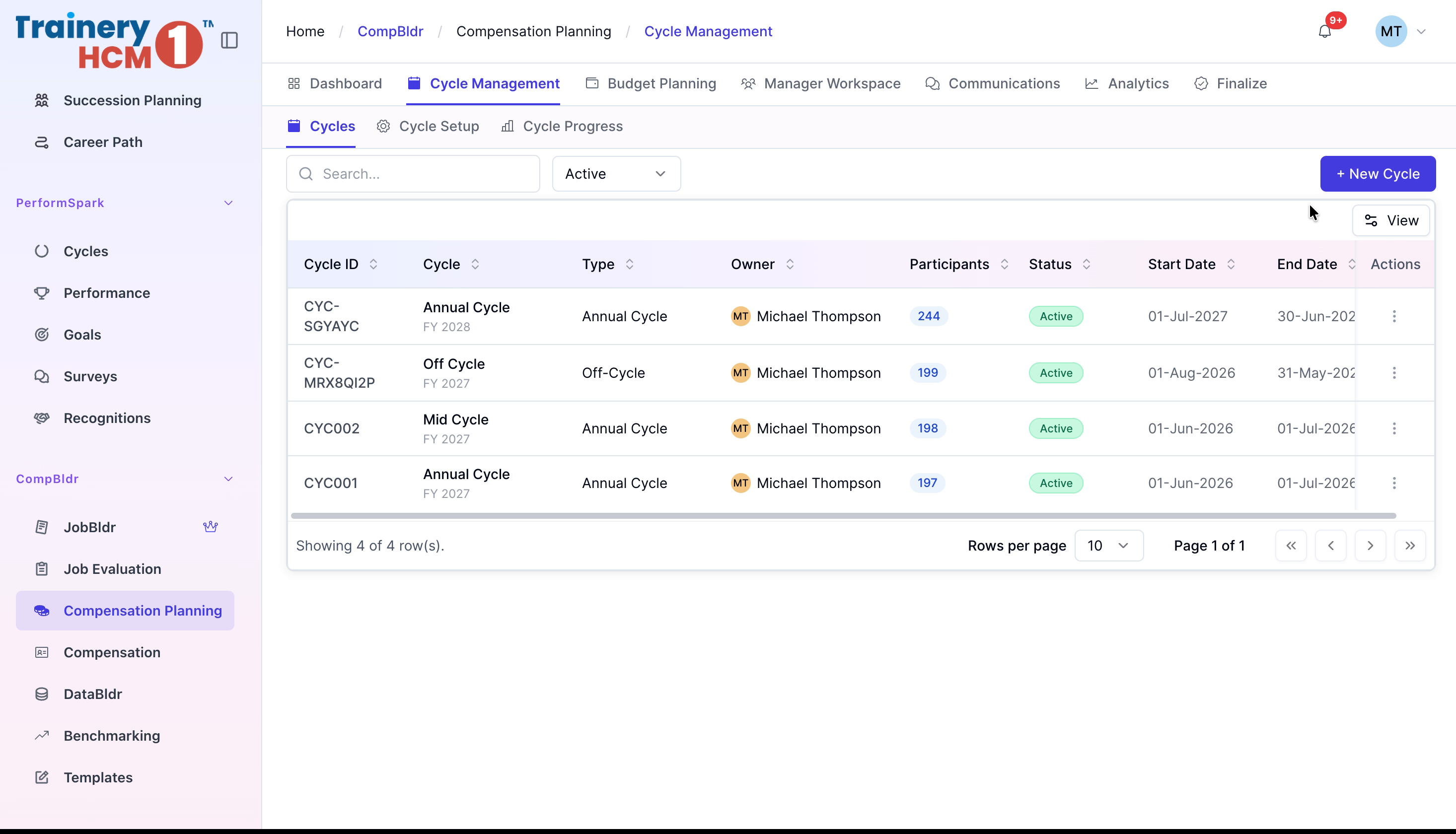
From the side menu, select Compensation Planning, then open Cycle Management and click New Cycle.
Step 2: Configure Definition Details
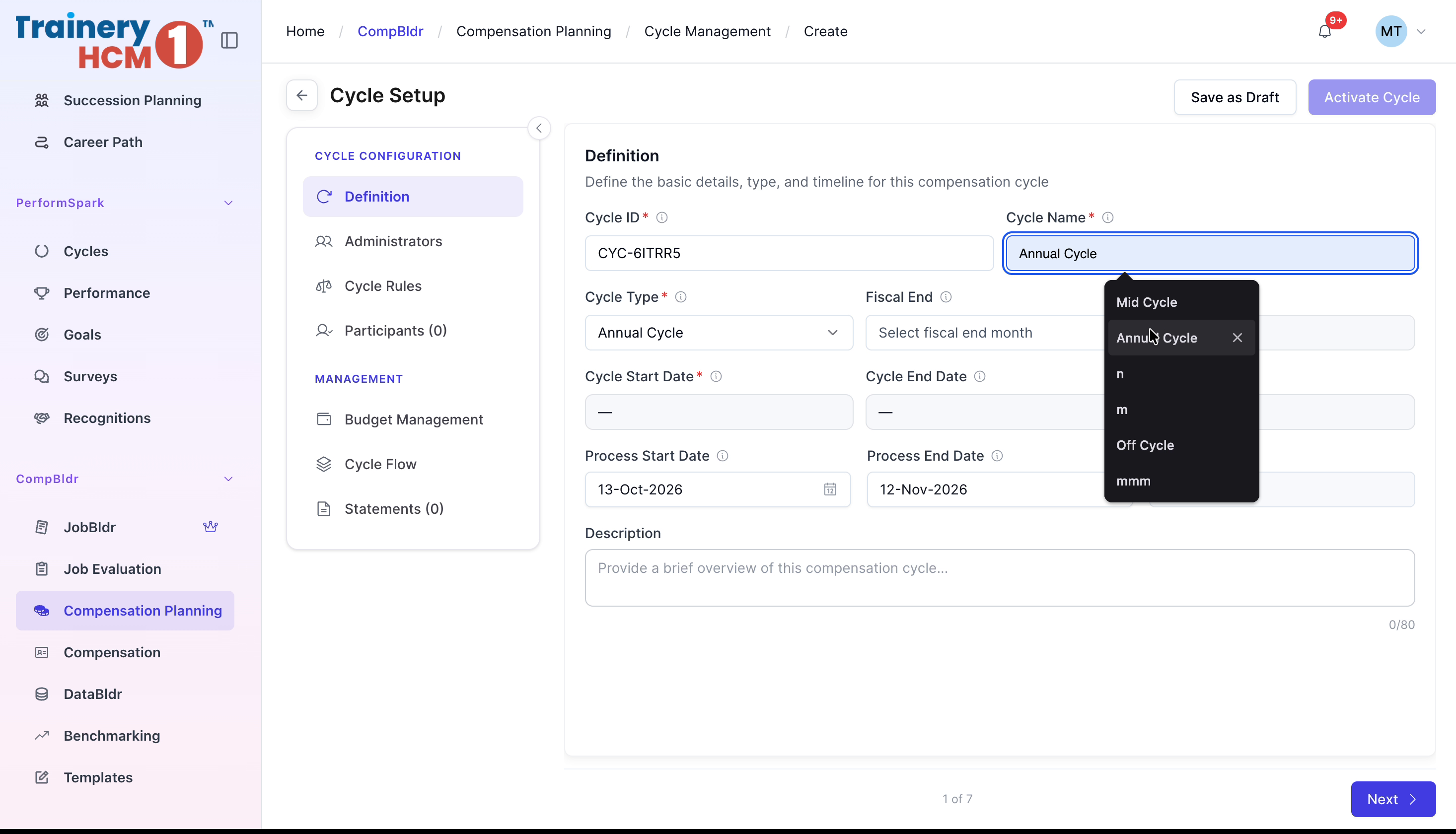
Under Definition, select the Fiscal End Month, set the Start Date and End Date, and enter a short Description. Click Next.
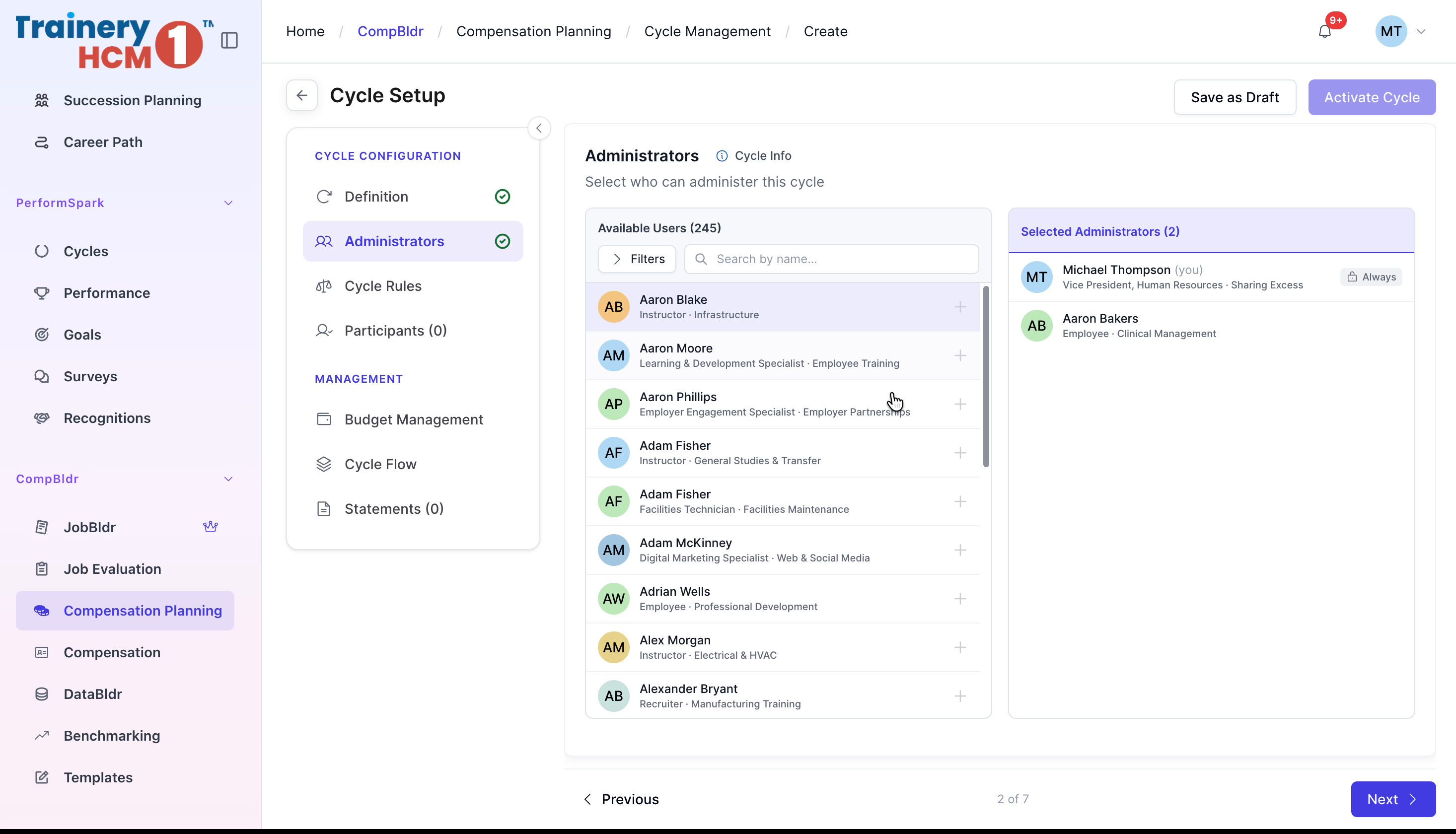
Step 3: Assign Administrators
Under Administrators, select the administrator(s) for this cycle from the list, then click Next.
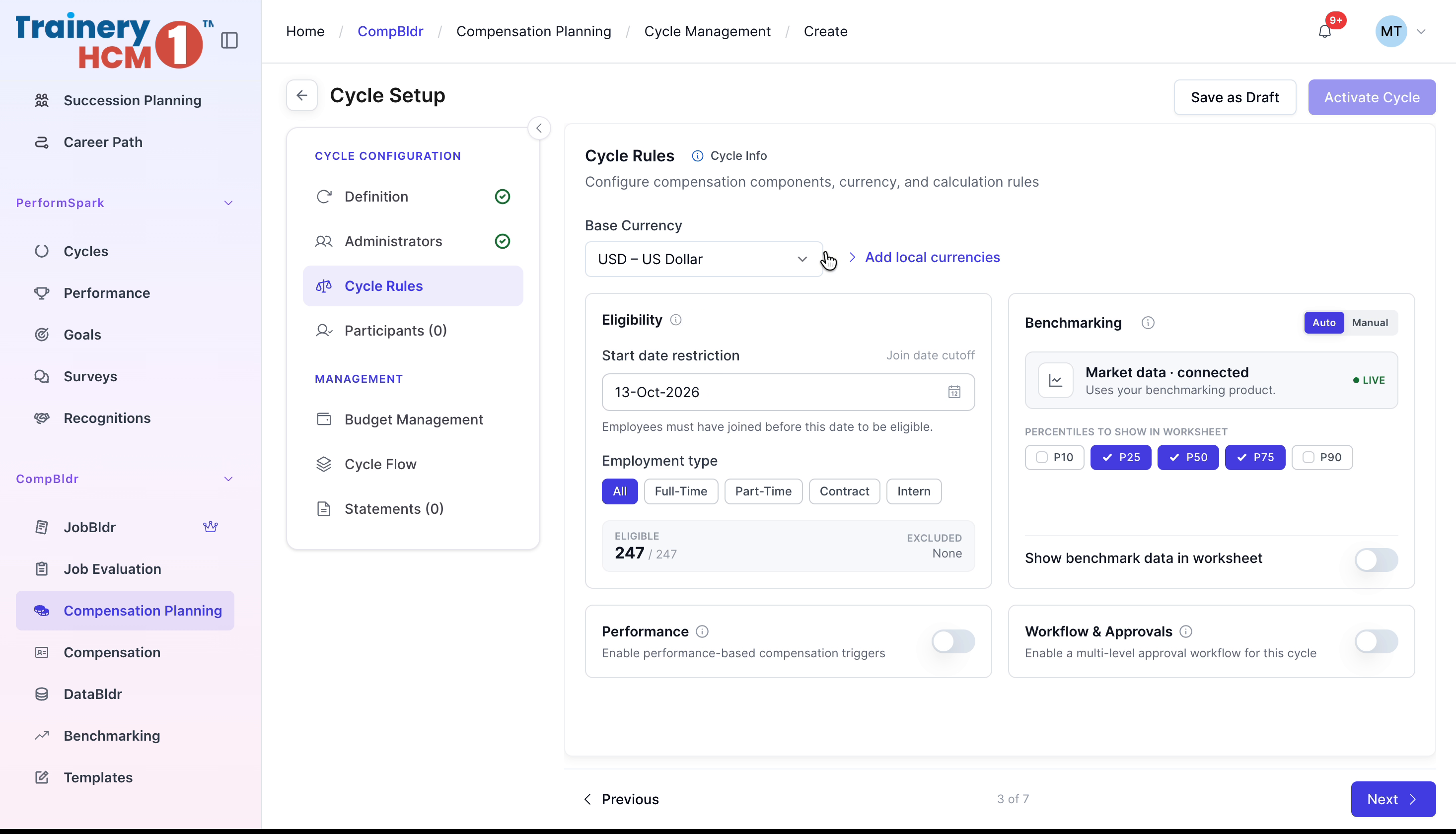
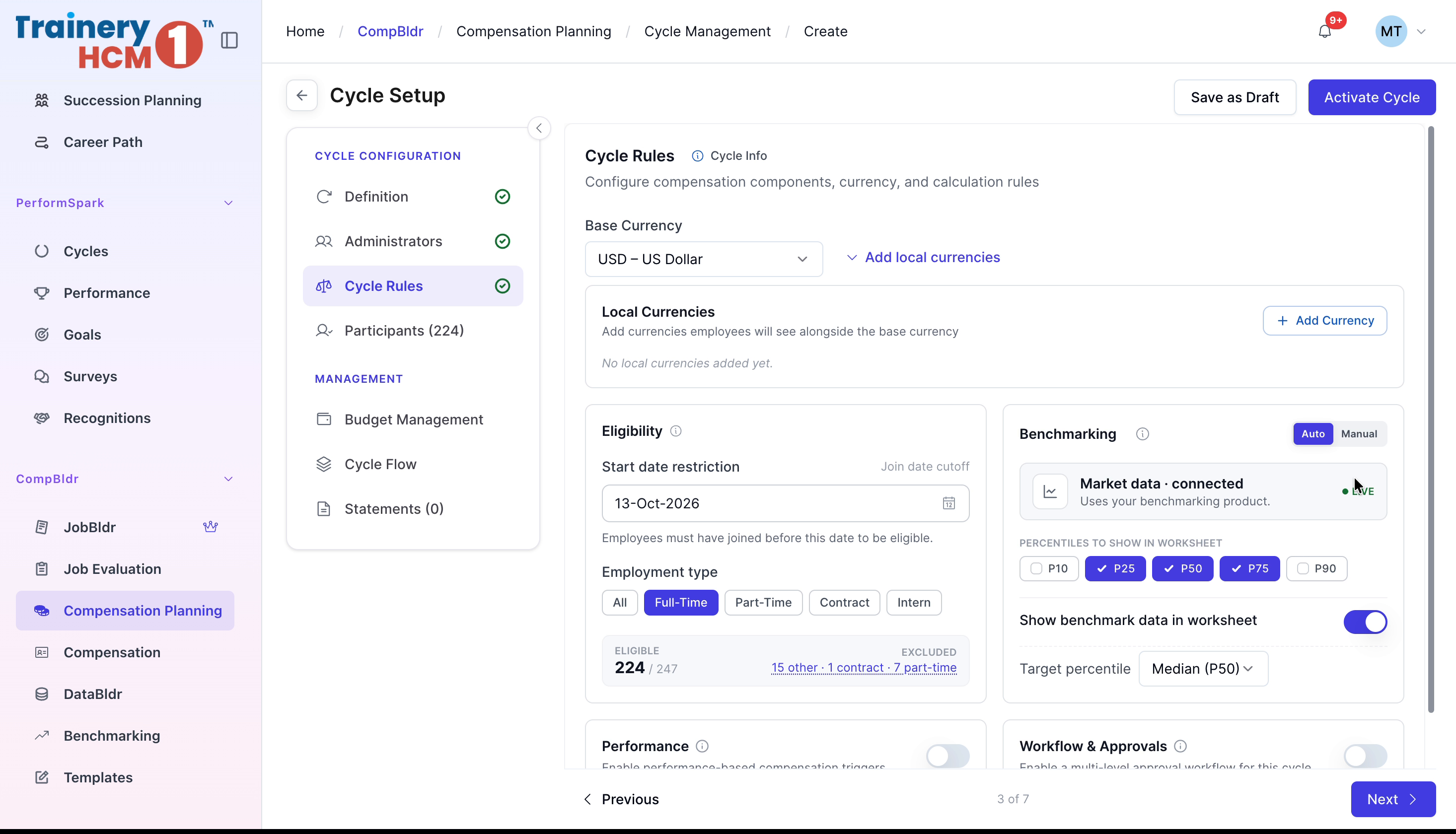
Step 4: Adjust Cycle Rules and Currency Settings
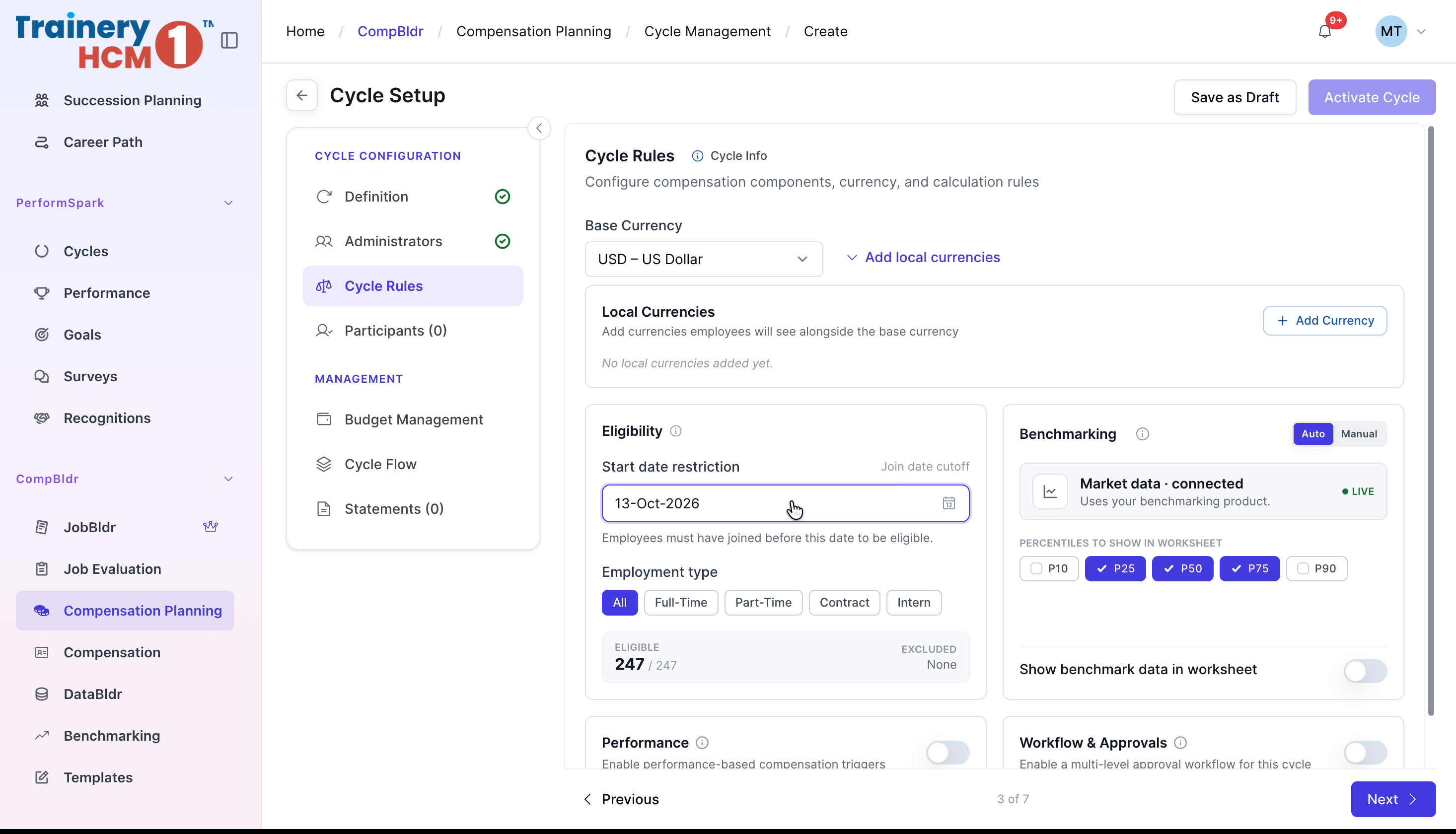
Under Cycle Rules, open Currencies and add any currencies your organization needs.
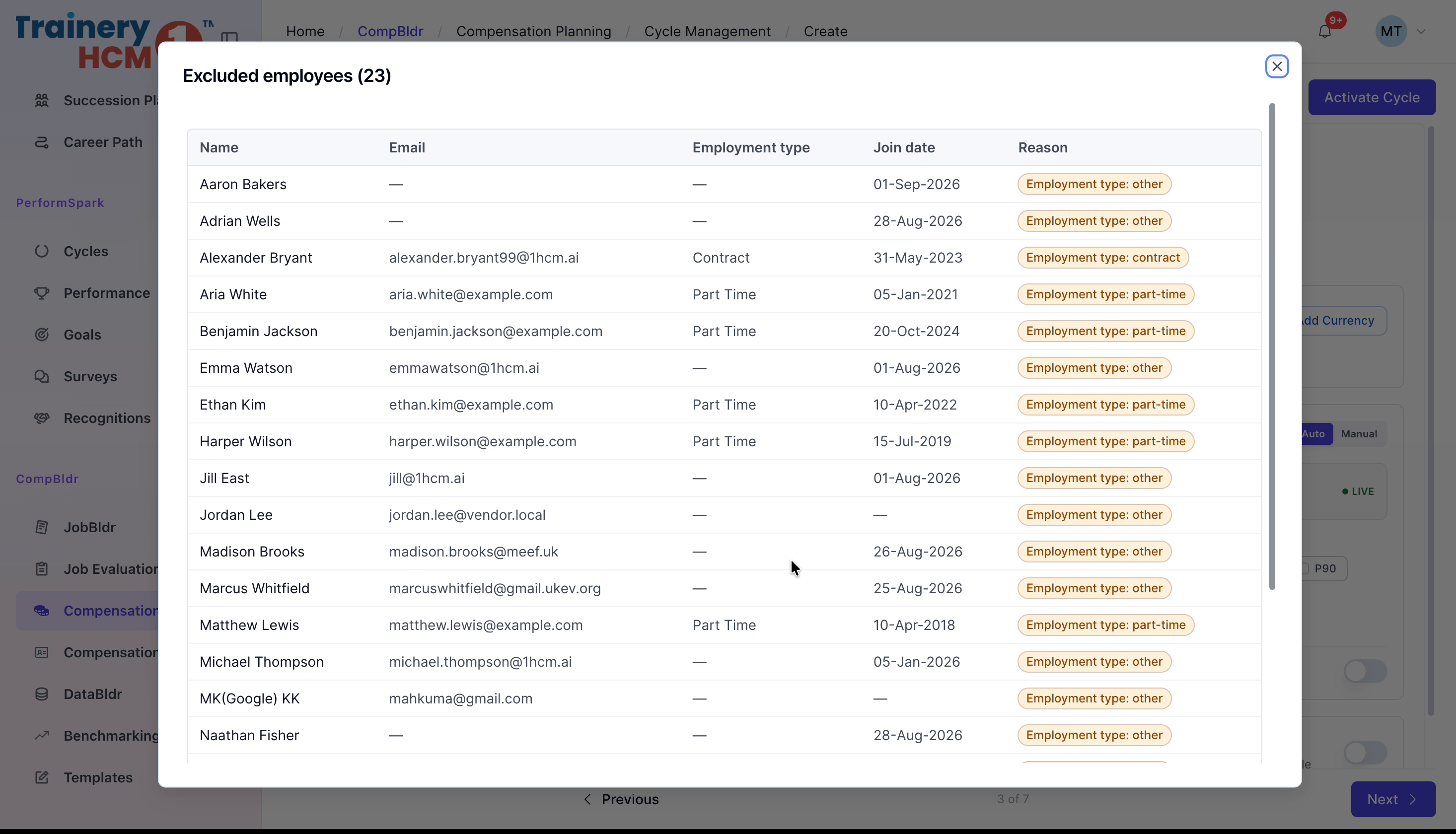
Set the Start Date Restriction and Employment Type, then review the list of excluded employees.
Enable Show Benchmark Data in Worksheet if needed. Turn on Performance and link the relevant PerformSpark cycle (or use your own metrics), and enable Workflow & Approvals if required. Click Next.
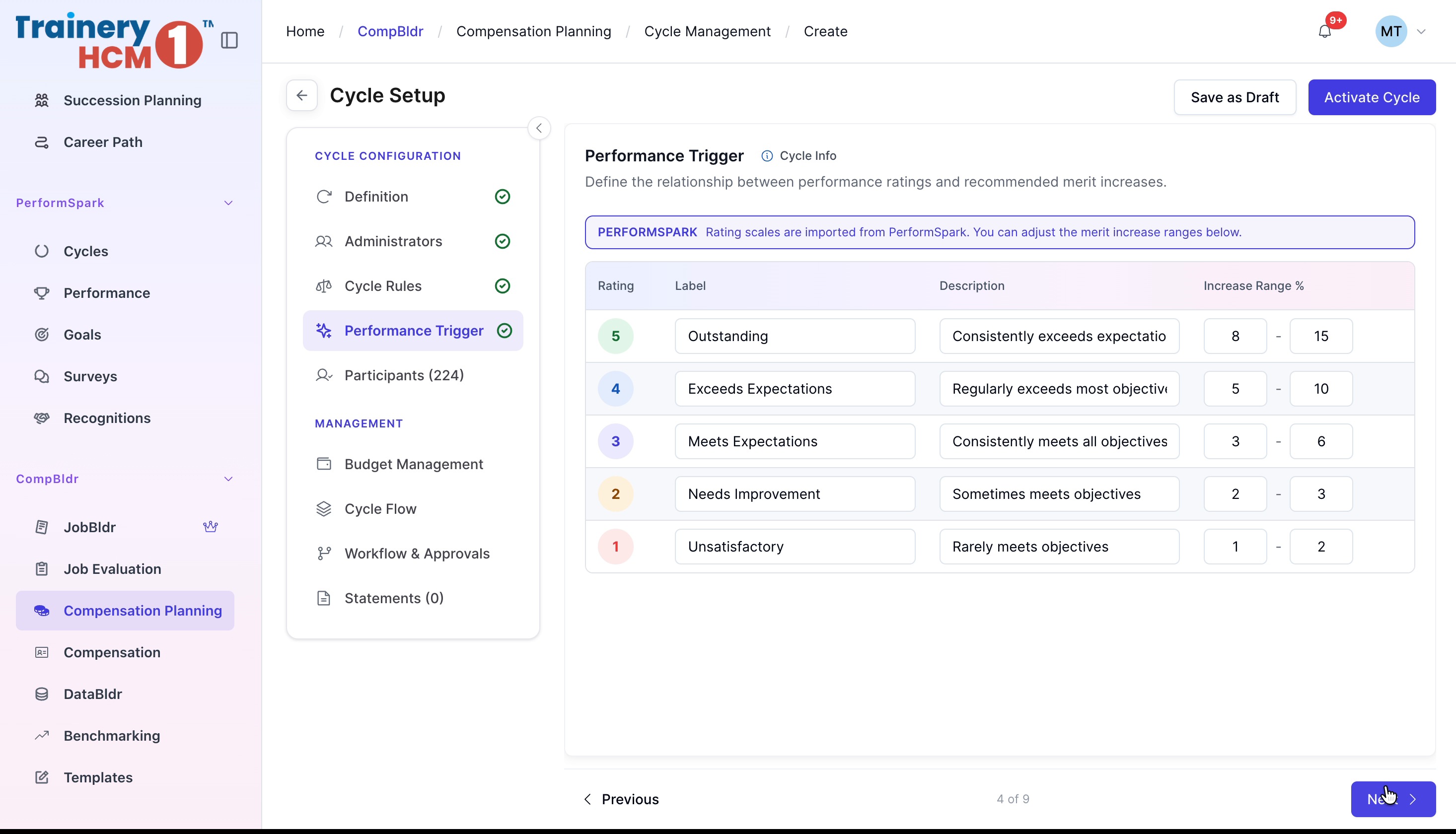
Step 5: Configure Performance Triggers
Under Performance Trigger, set the increase range percentages for each performance rating, then click Next.
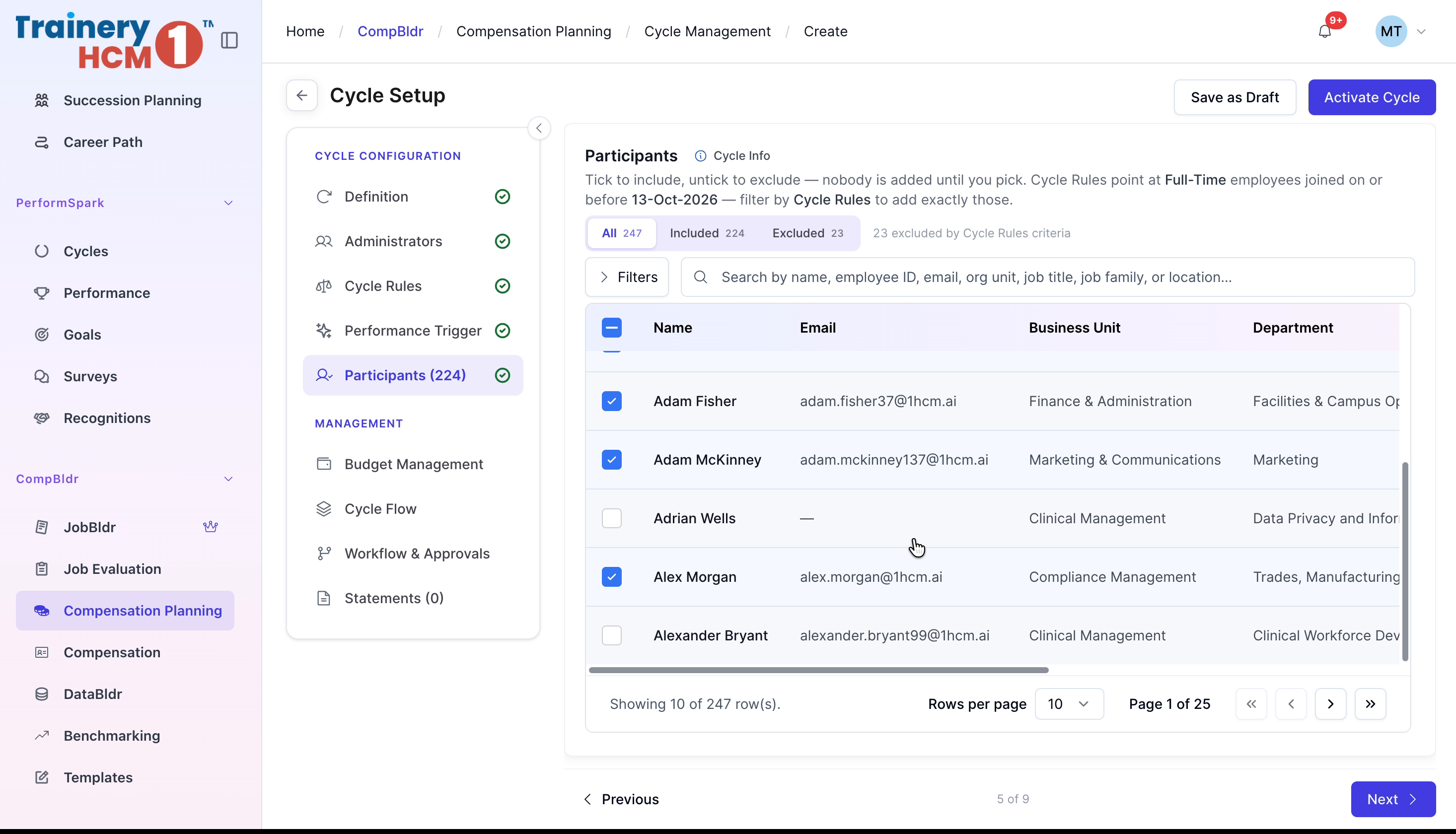
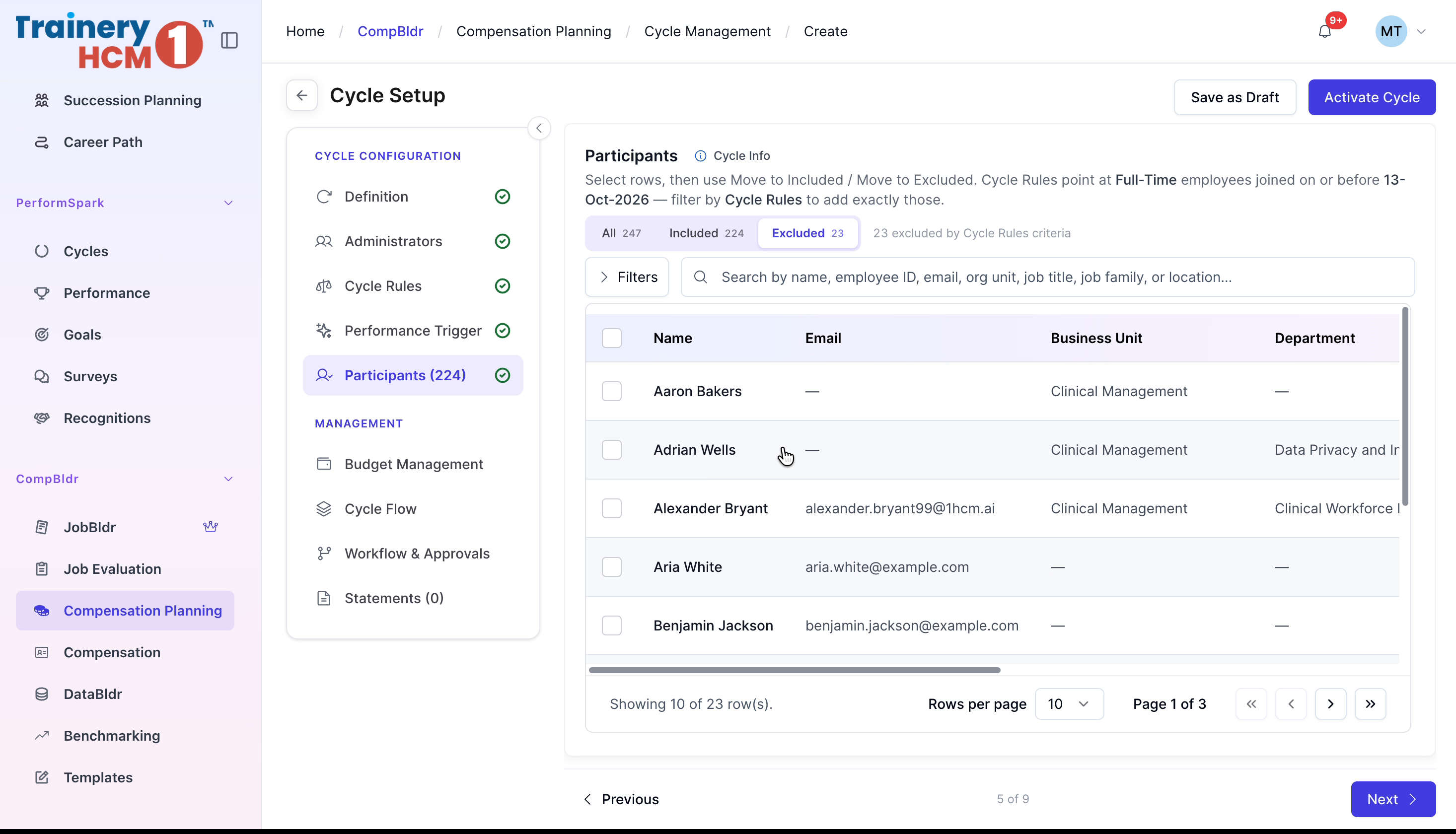
Step 6: Review Participants
Under Participants, review the included and excluded lists to confirm who is eligible, then continue to Budget Management.
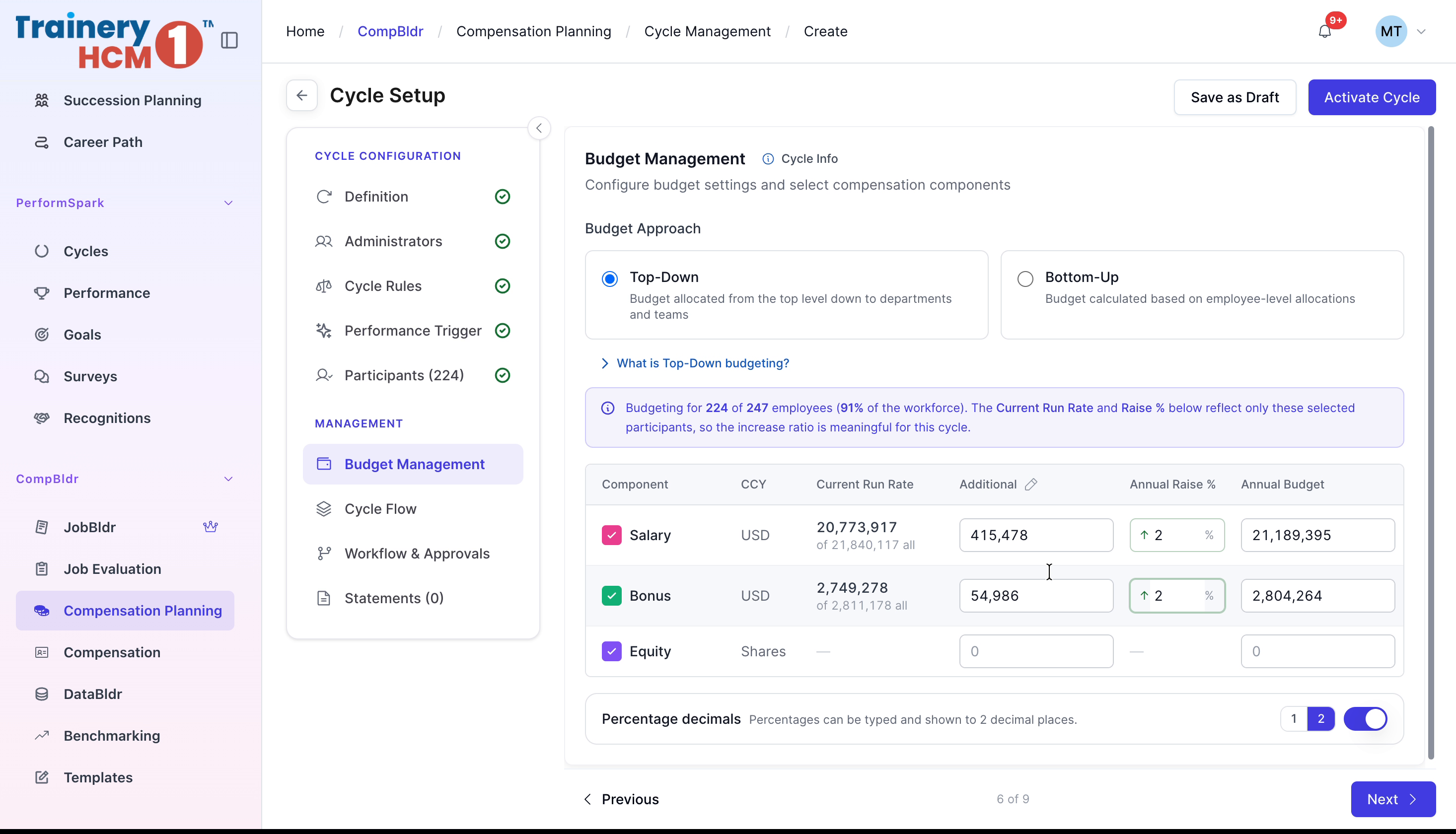
Step 7: Set Budget Management Approach
Under Budget Management, choose a Budget Approach (Top-Down or Bottom-Up) and enter the additional percentage increases for each pay component. Click Next.
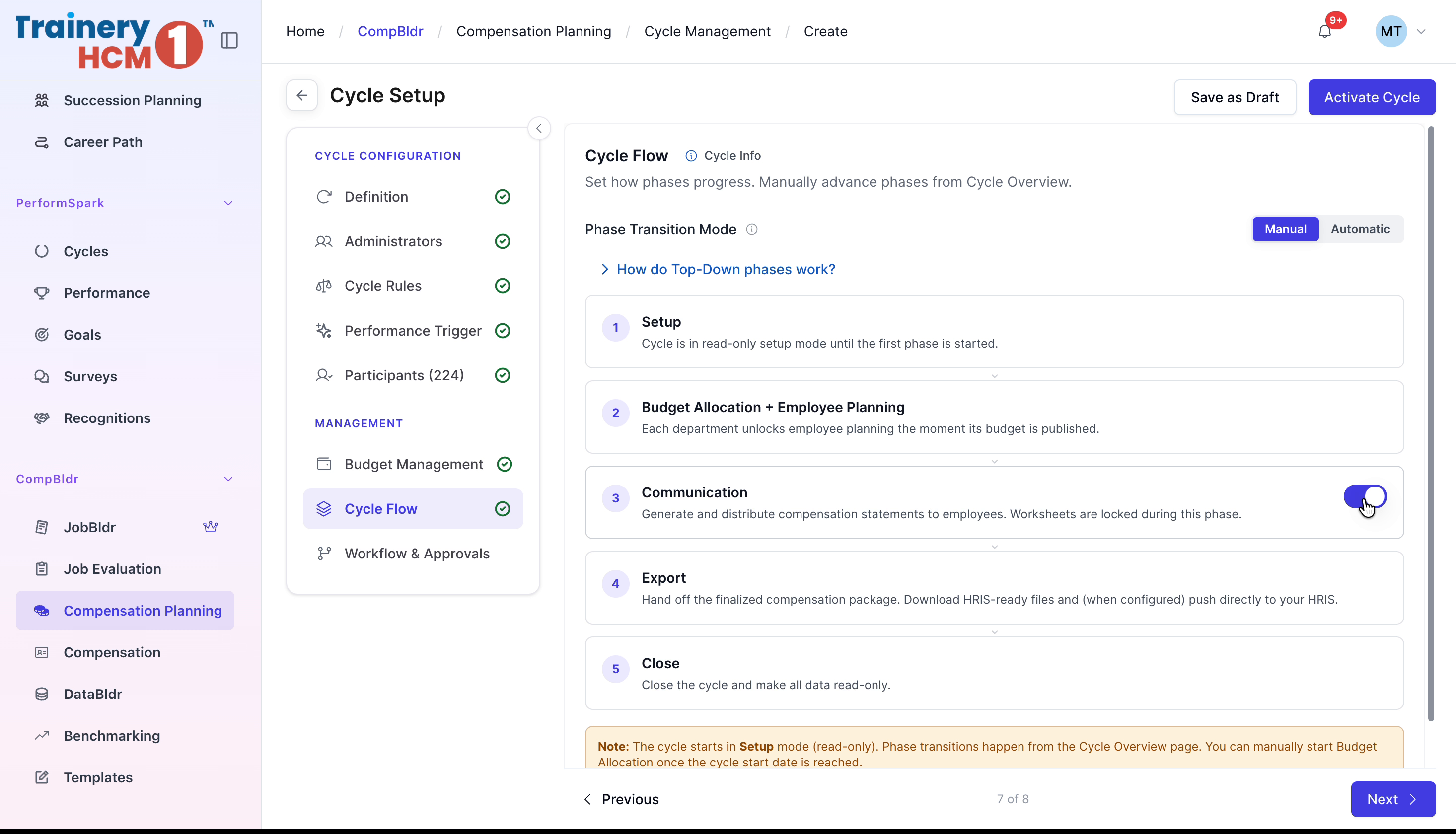
Step 8: Review Cycle Flow
Under Cycle Flow, review the cycle's phases, then continue to Workflow & Approvals.
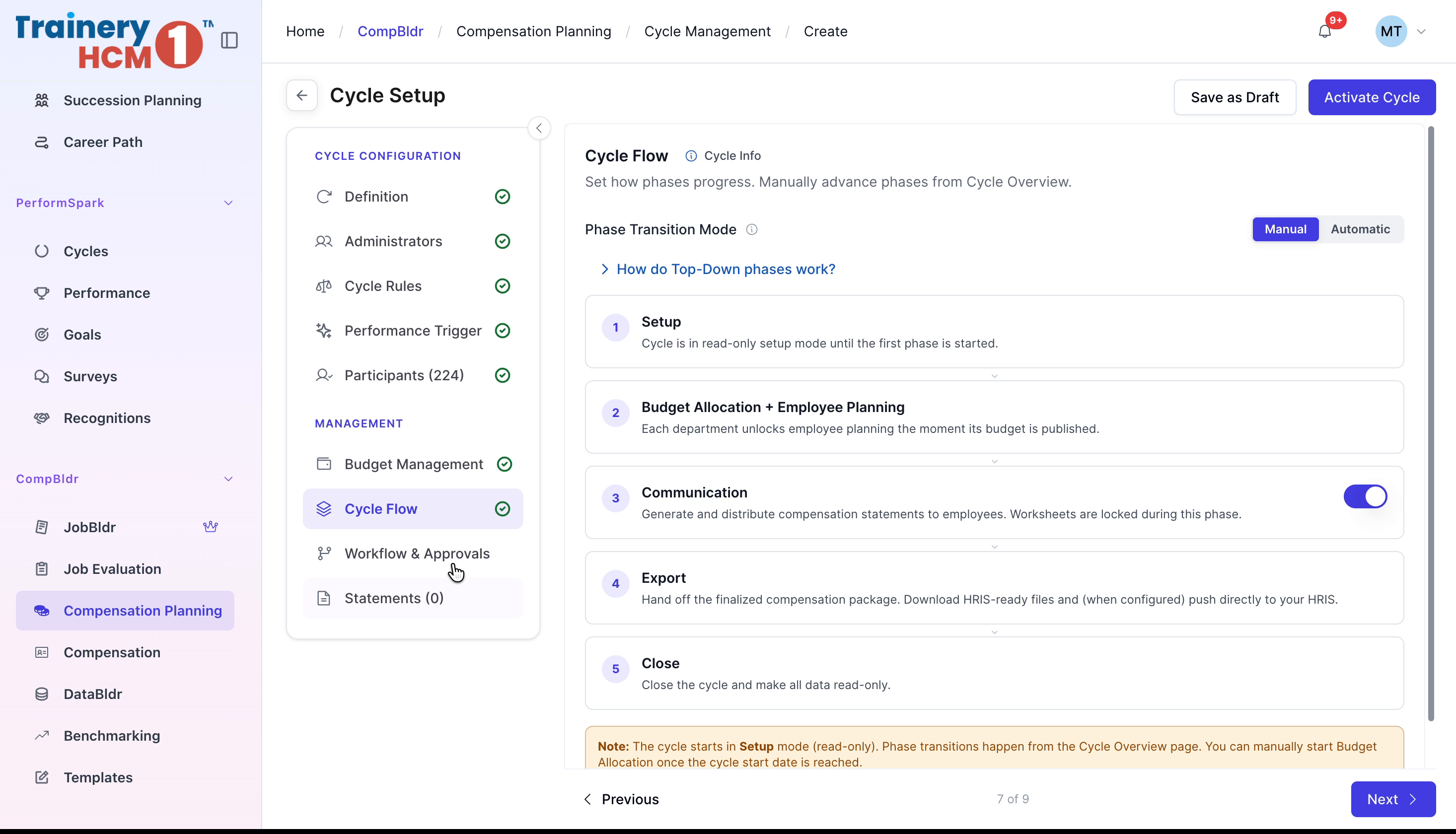
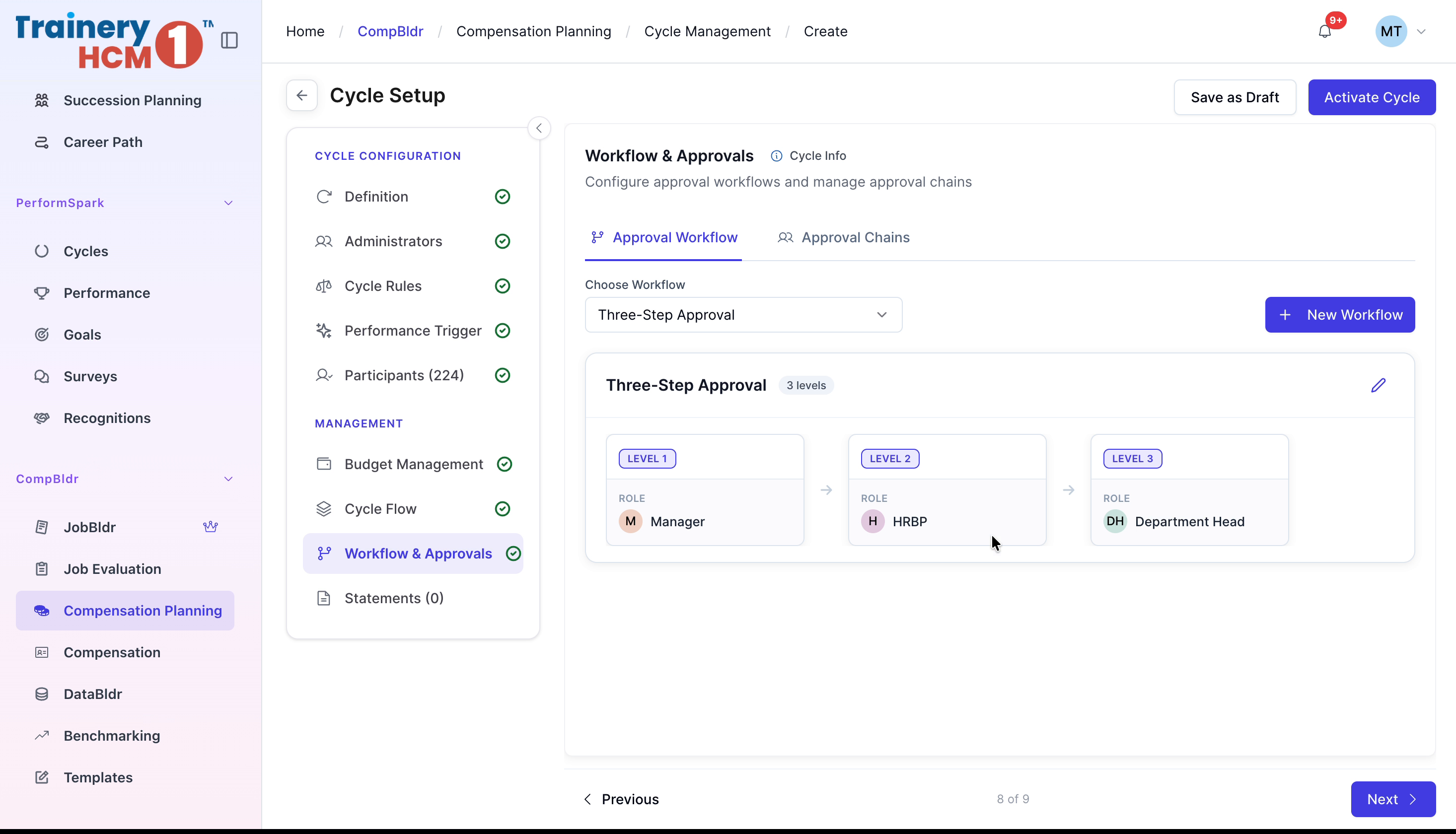
Step 9: Configure Workflow & Approvals
Under Workflow & Approvals, select an existing approval workflow or create a new one. Review each approval level, then continue to Statements.
Step 10: Select Statements Template and Activate the Cycle
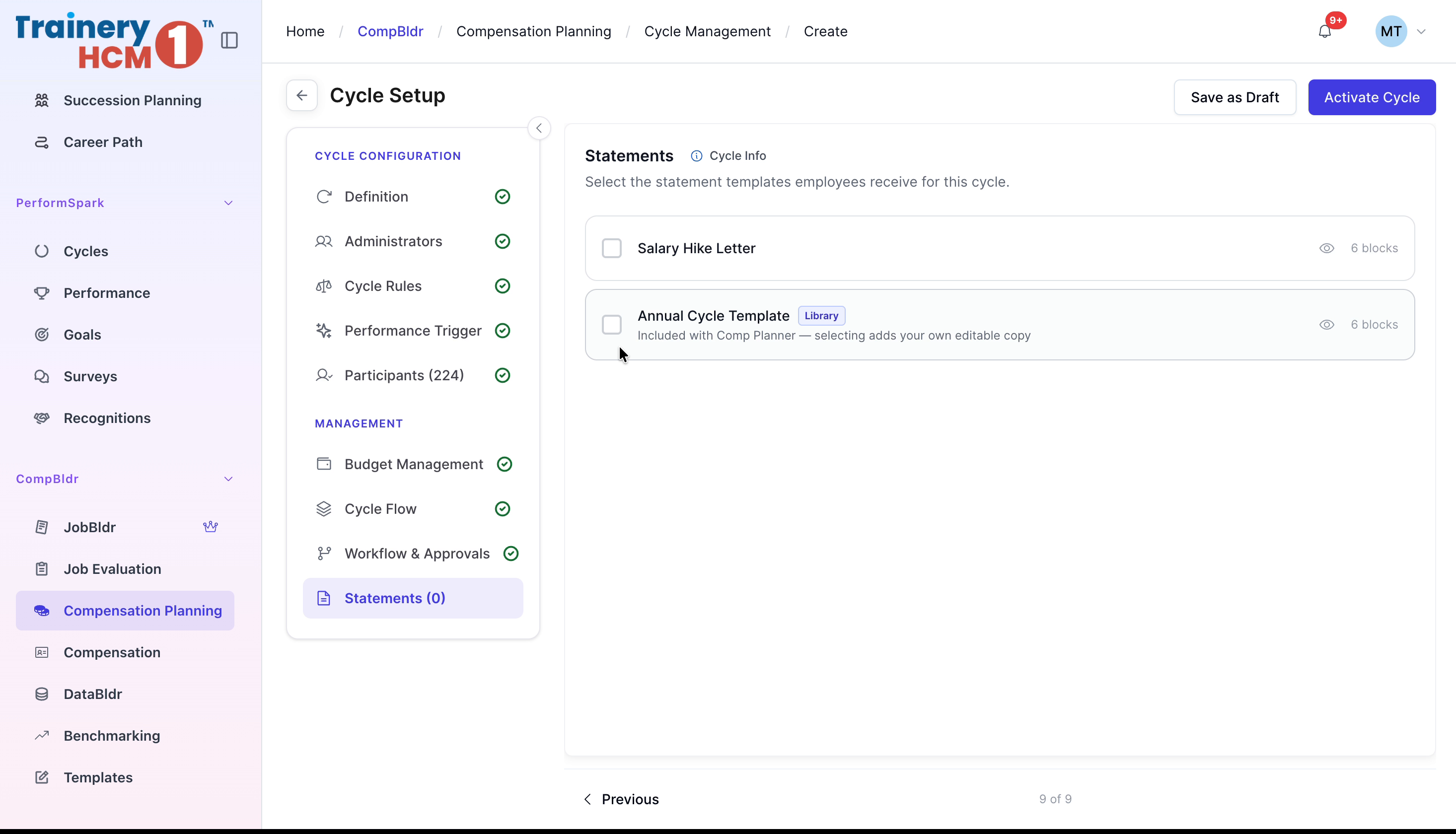
Under Statements, preview and select the appropriate cycle template, then click Activate Cycle to create and activate your new cycle.