Creating a New Competency
Last updated: July 1, 2026
Creating a New Competency from the Template Library
This document outlines how to create a new competency in the system by using the Template Library within the Cycles section. You will navigate to the appropriate tab, review available views, and configure the details for your new competency.
Step 1: Open Cycles and Access the Template Library
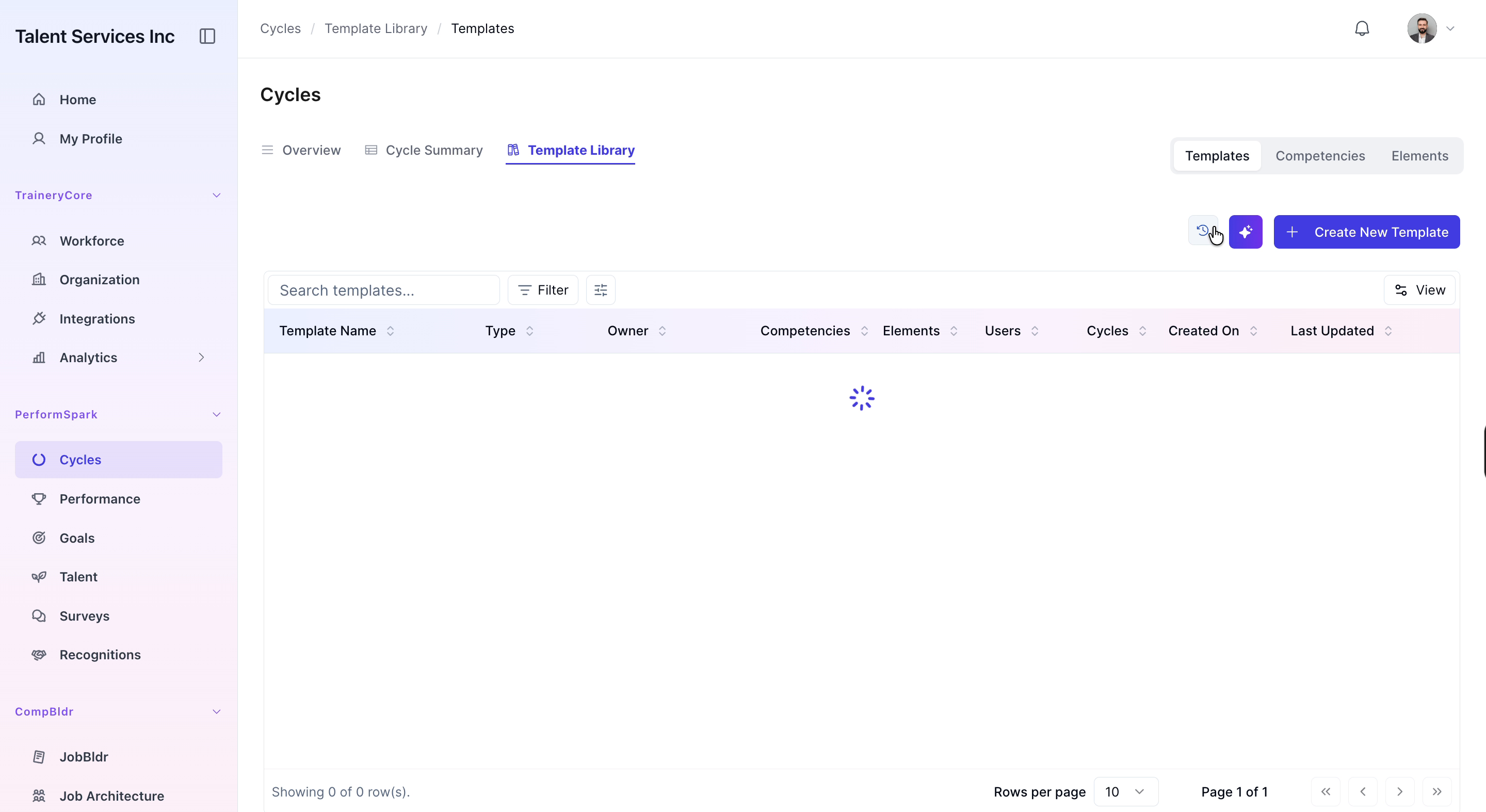
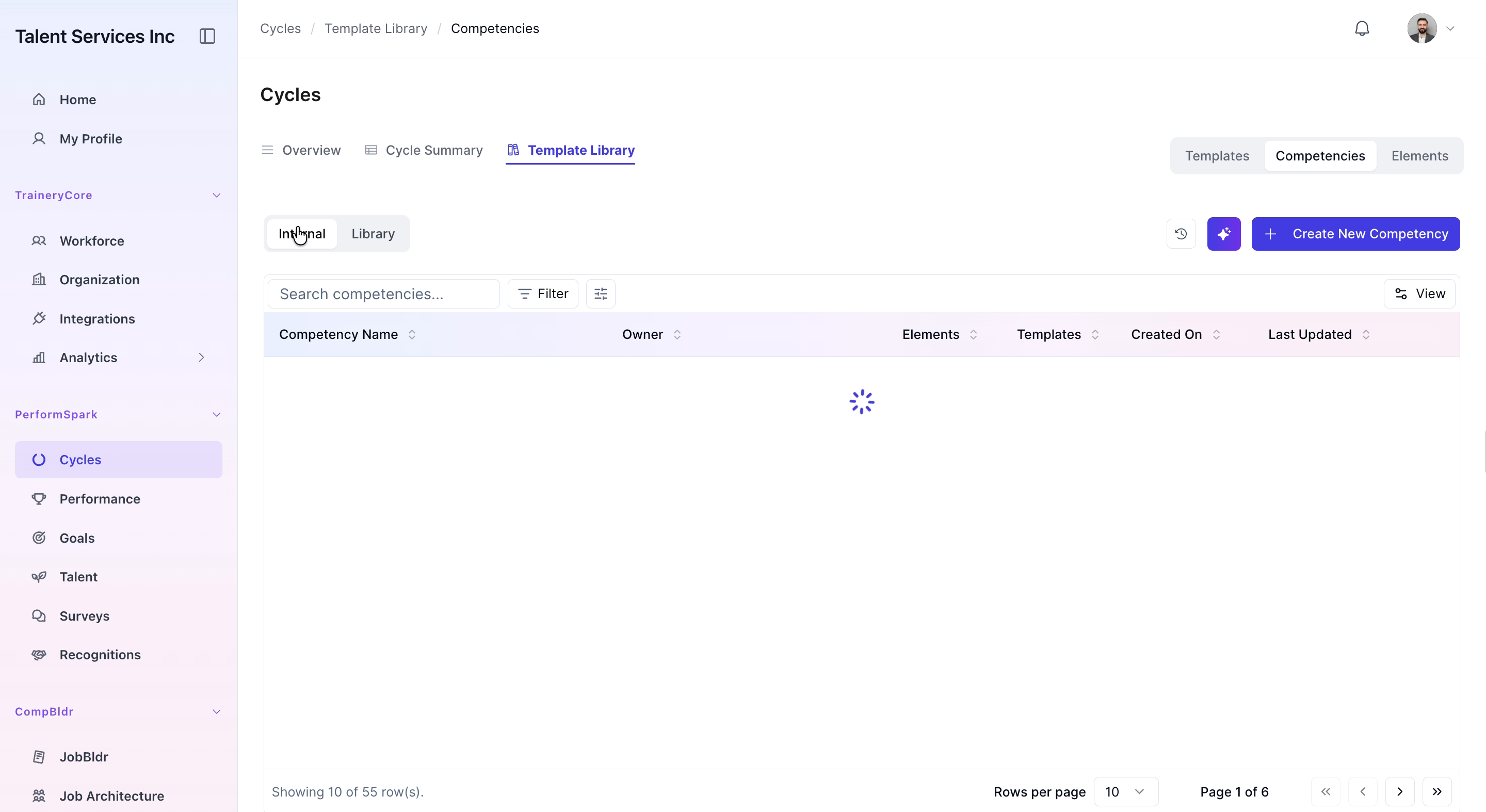
In the main sidebar, click on Cycles to open the Cycles workspace. Then navigate to the Template Library section and select the Competencies tab to view all available competency templates.

Step 2: Review Views and Start Creating a New Competency
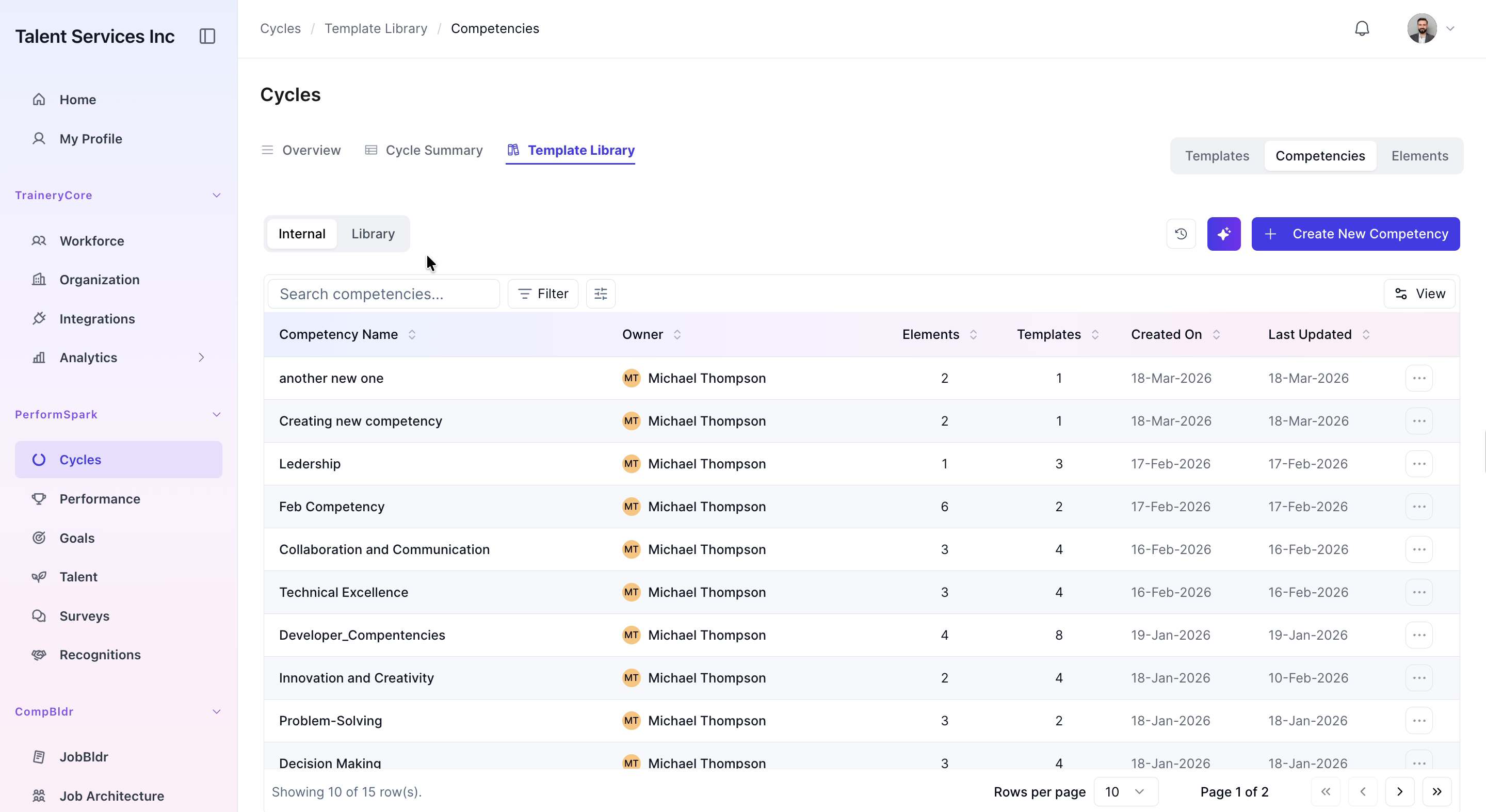
Toggle between the Library and Internal views to review existing competencies and understand available options. Once you are ready to create a new one, click the Create New Competency button.
Step 3: Configure and Save the New Competency
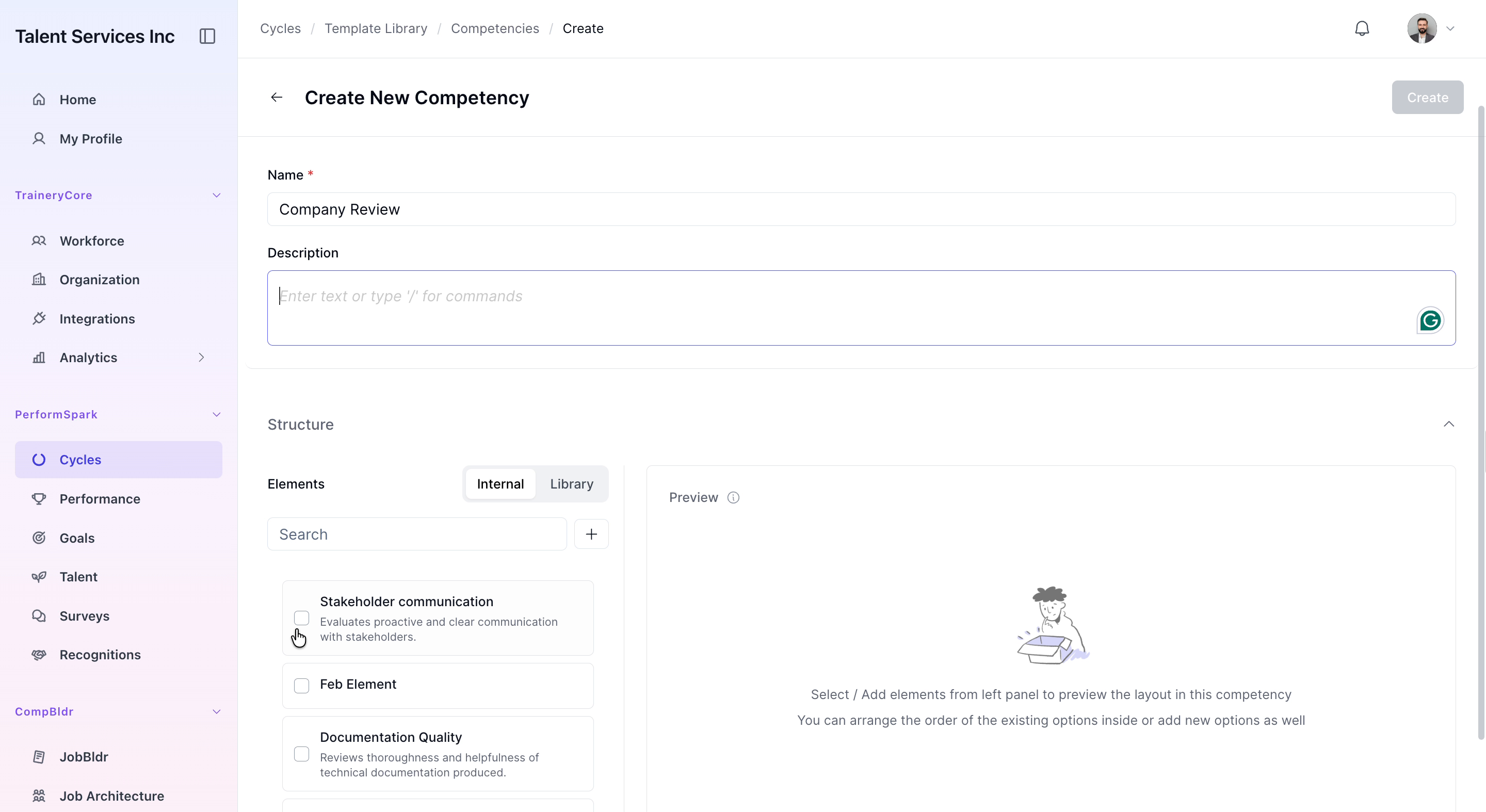
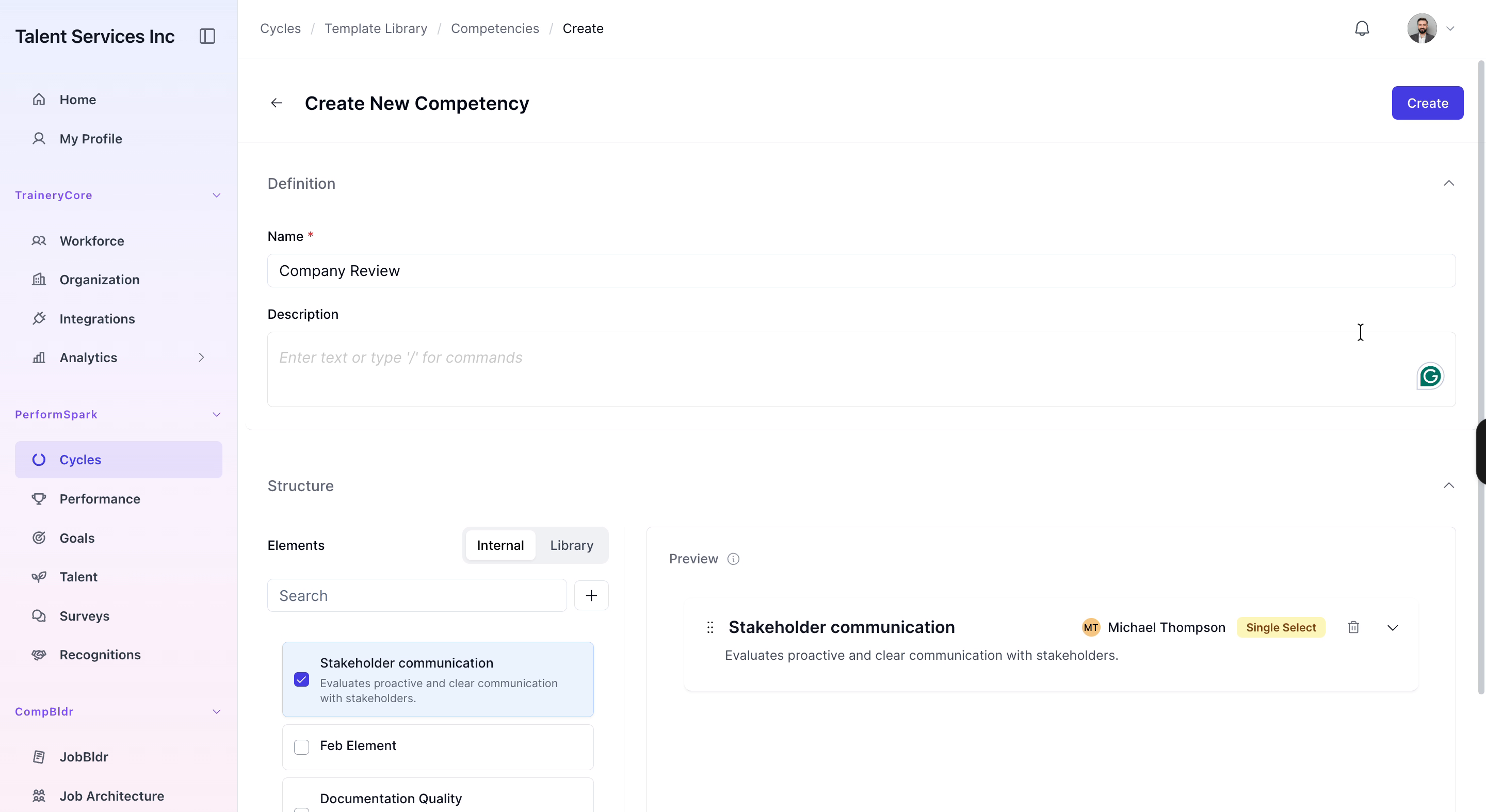
In the competency creation form, enter Company Review in the Name field. From the elements list, select Stakeholder communication as the relevant element. When all details are set, click the Create button to save your new competency.