Creating new Elements
Last updated: July 1, 2026
Creating a Stakeholder Communication Element in the Template Library
This process walks you through creating a new “Stakeholder communication” element in the Cycles Template Library, configuring it as a single-select question with scored response options, and reviewing the final configuration.
Step 1: Open the Template Library and Start a New Element
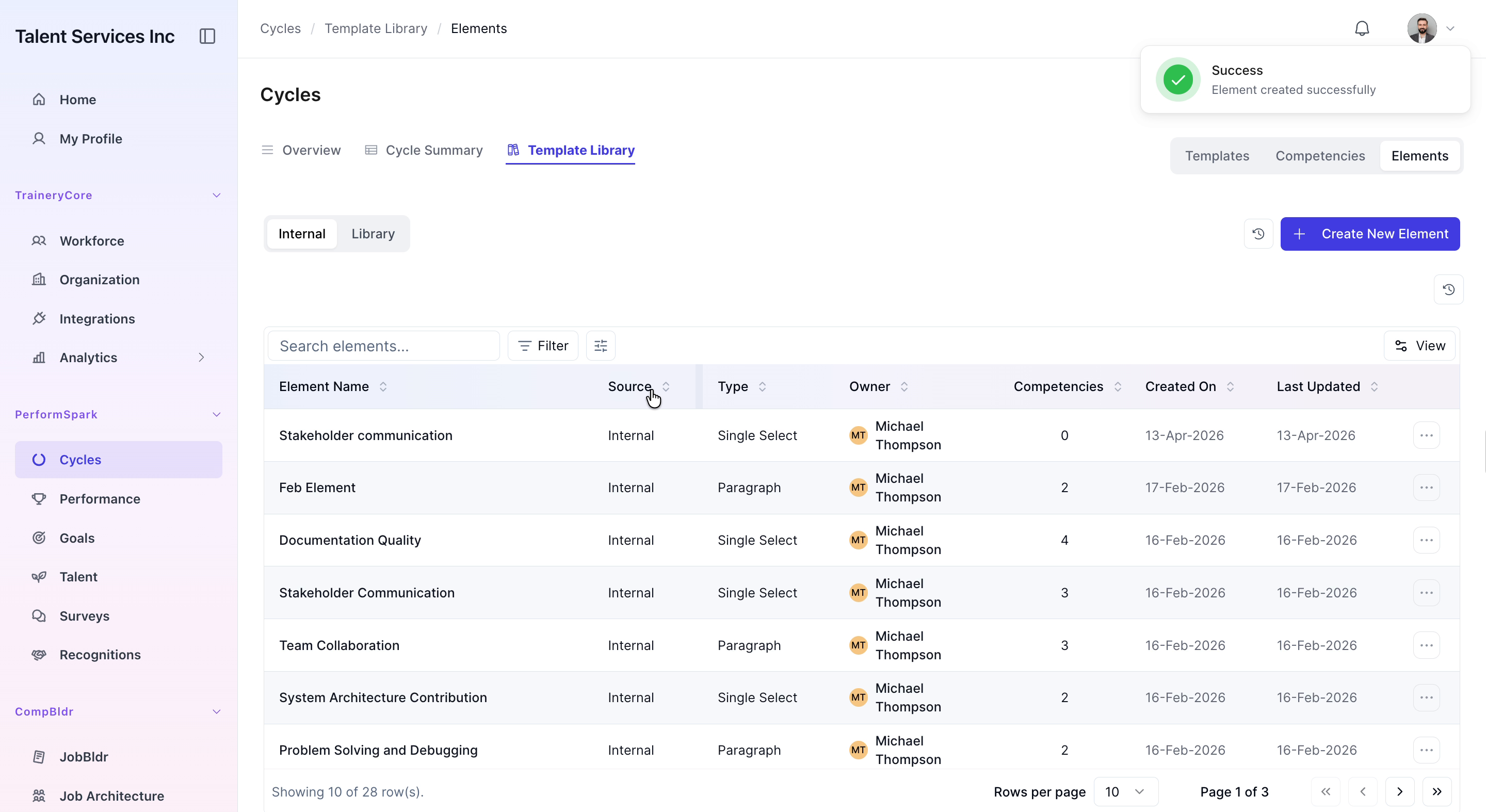
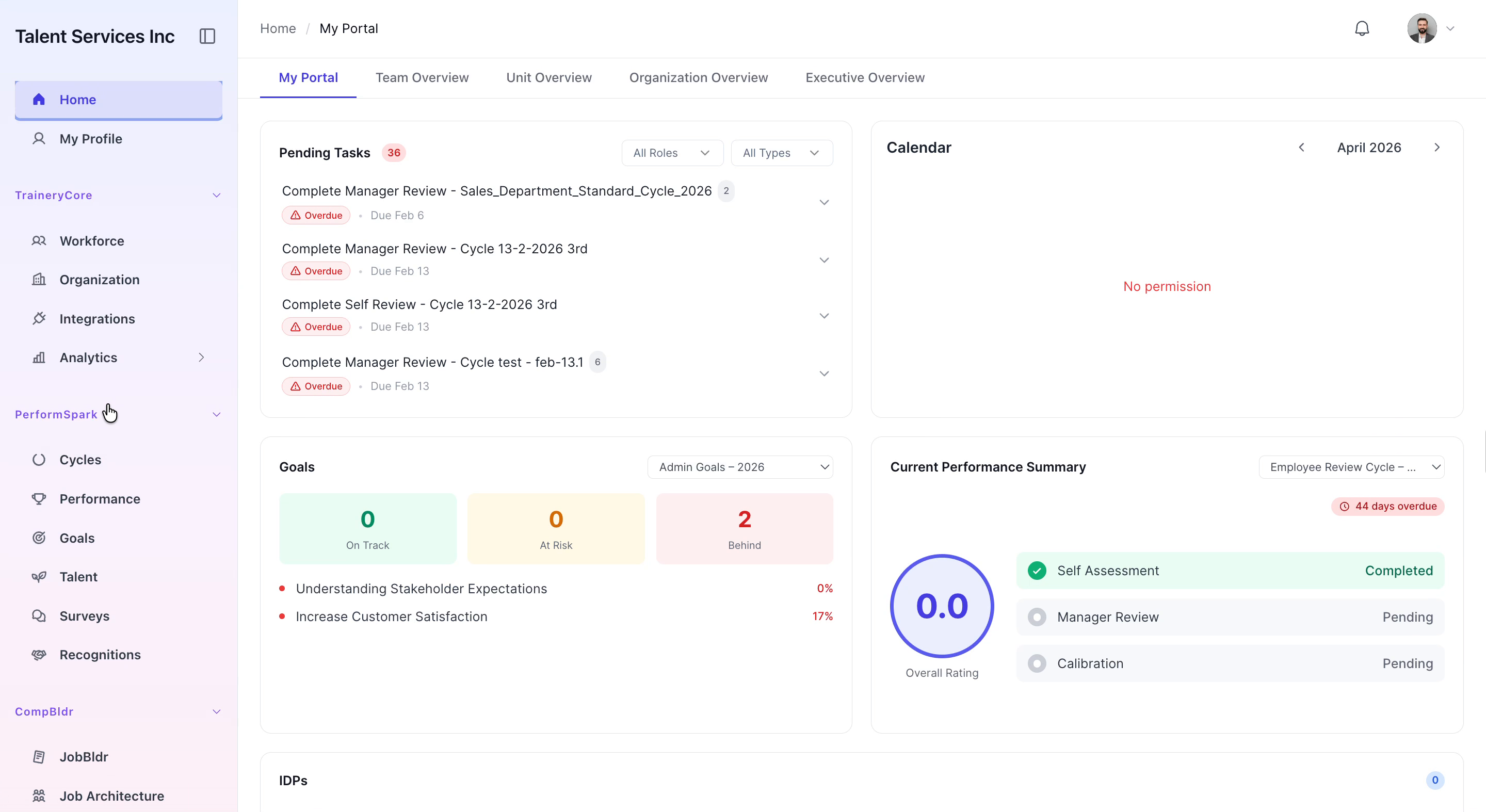
Navigate to the Cycles section of the application. Open the Template Library, click on Elements, and then select the Create New Element button.

Step 2: Define the Element Name and Description
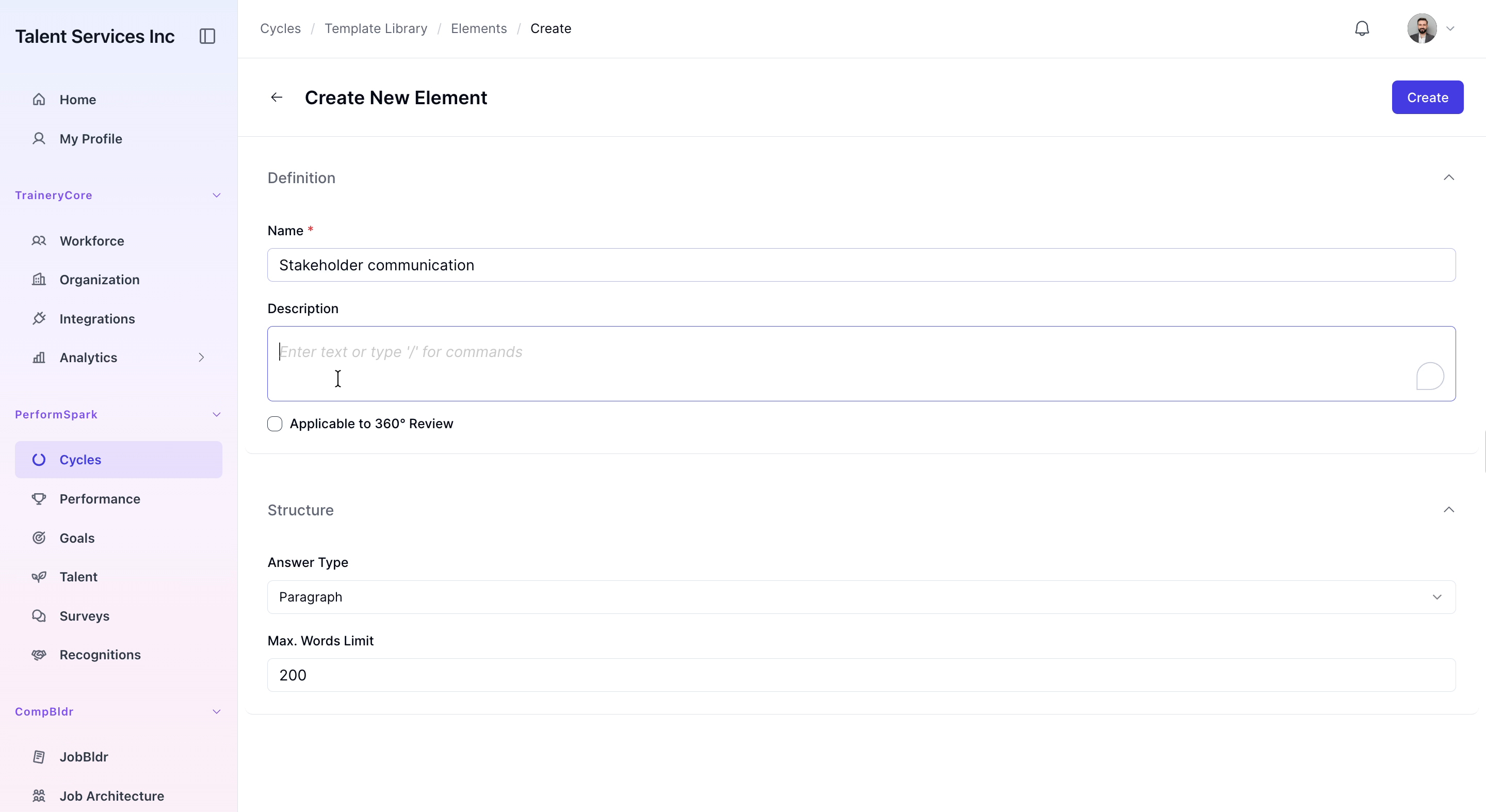
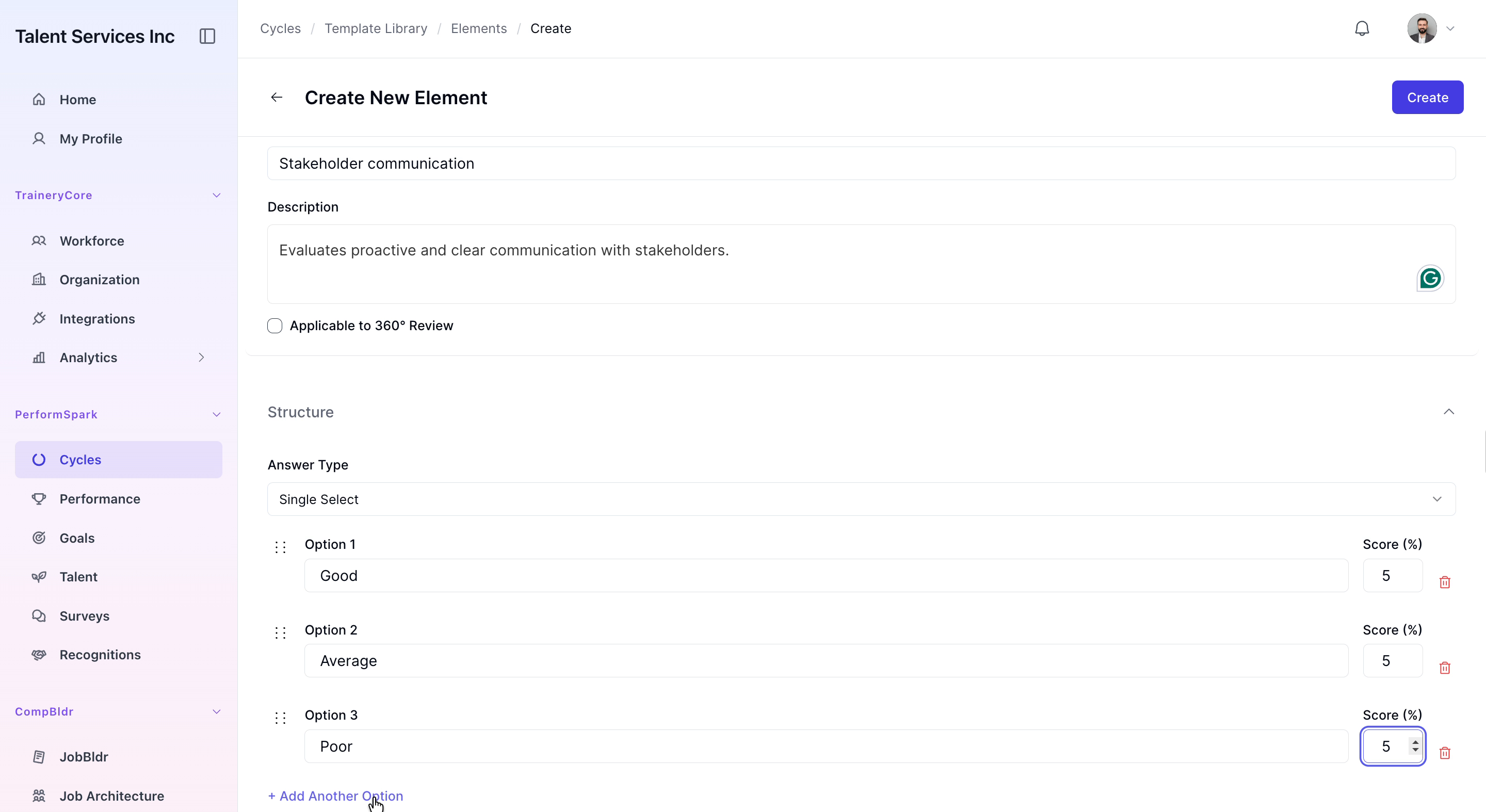
In the creation form, enter “Stakeholder communication” as the element name. Provide a clear, detailed description explaining the purpose of this element and how it should be used in evaluations.
Step 3: Configure Answer Type and Response Options
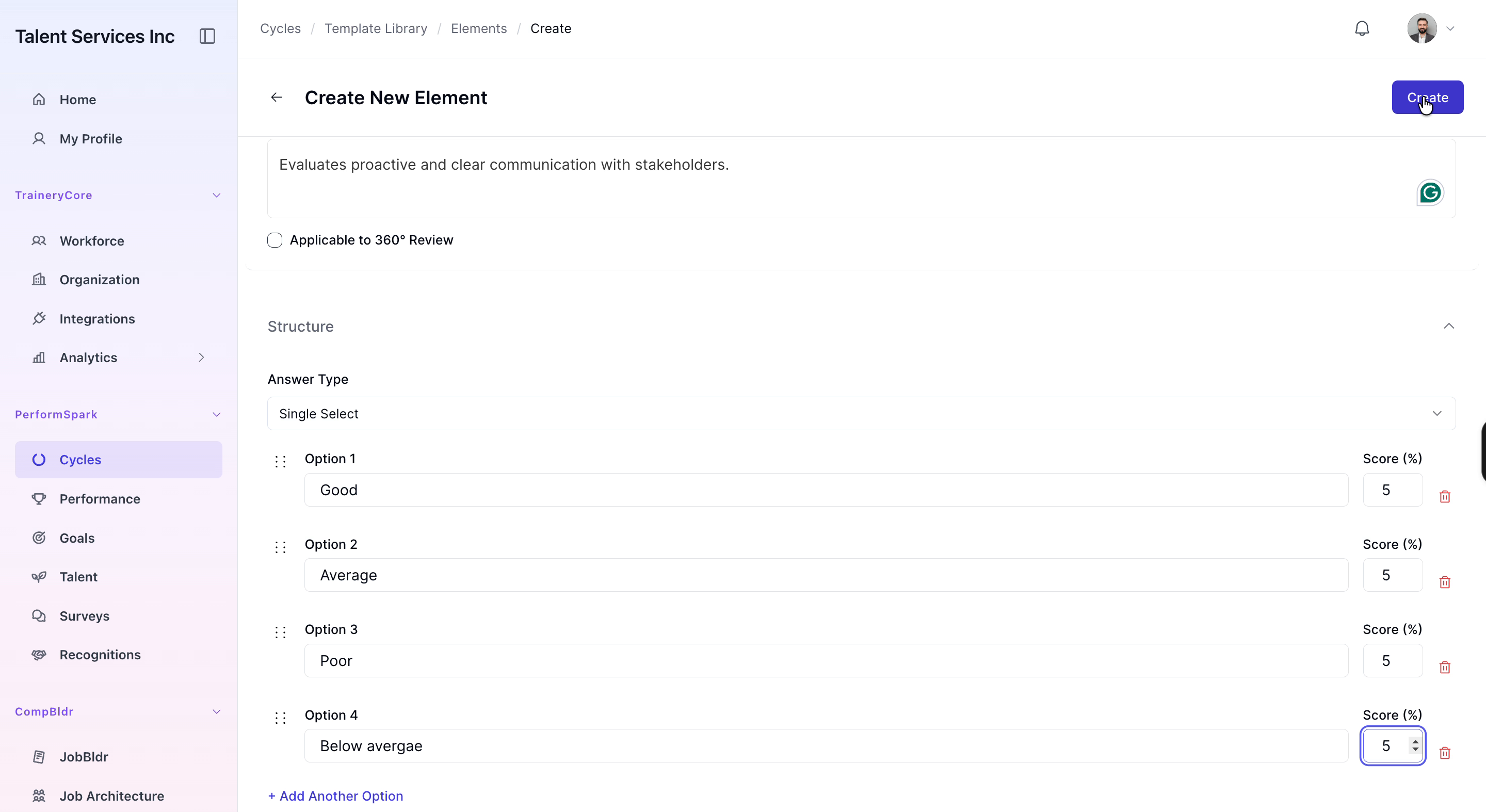
Change the Answer type to Single Select. Add four response options one by one: Good, Average, Poor, and Below average. For each option, enter the label text and assign a score value of 5 to maintain consistent evaluation criteria across all responses.

Step 4: Create and Review the New Element
Click Create to save the new element. From the list of elements, select the newly added Stakeholder communication element to open and review its configuration, ensuring the name, description, answer type, and scoring are all correct.