Creating new Cycle Templates for library
Last updated: July 1, 2026
Creating a “First Quarter Assessment” Cycle Template
This document describes how to create a new “First Quarter Assessment” cycle template, configure its structure and custom questions, save it, and then review the final setup.
Step 1: Open the Template Library and Start a New Template
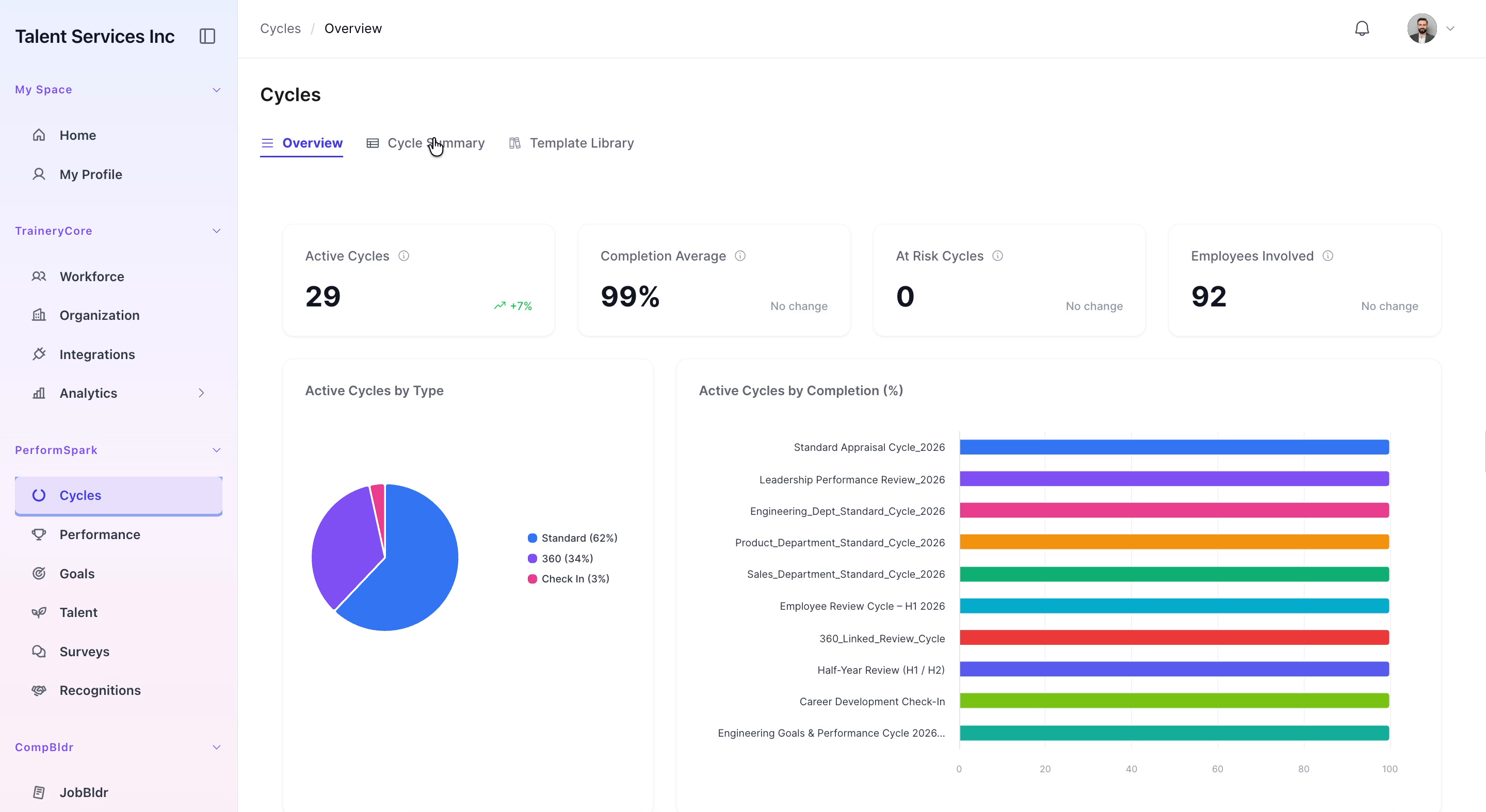
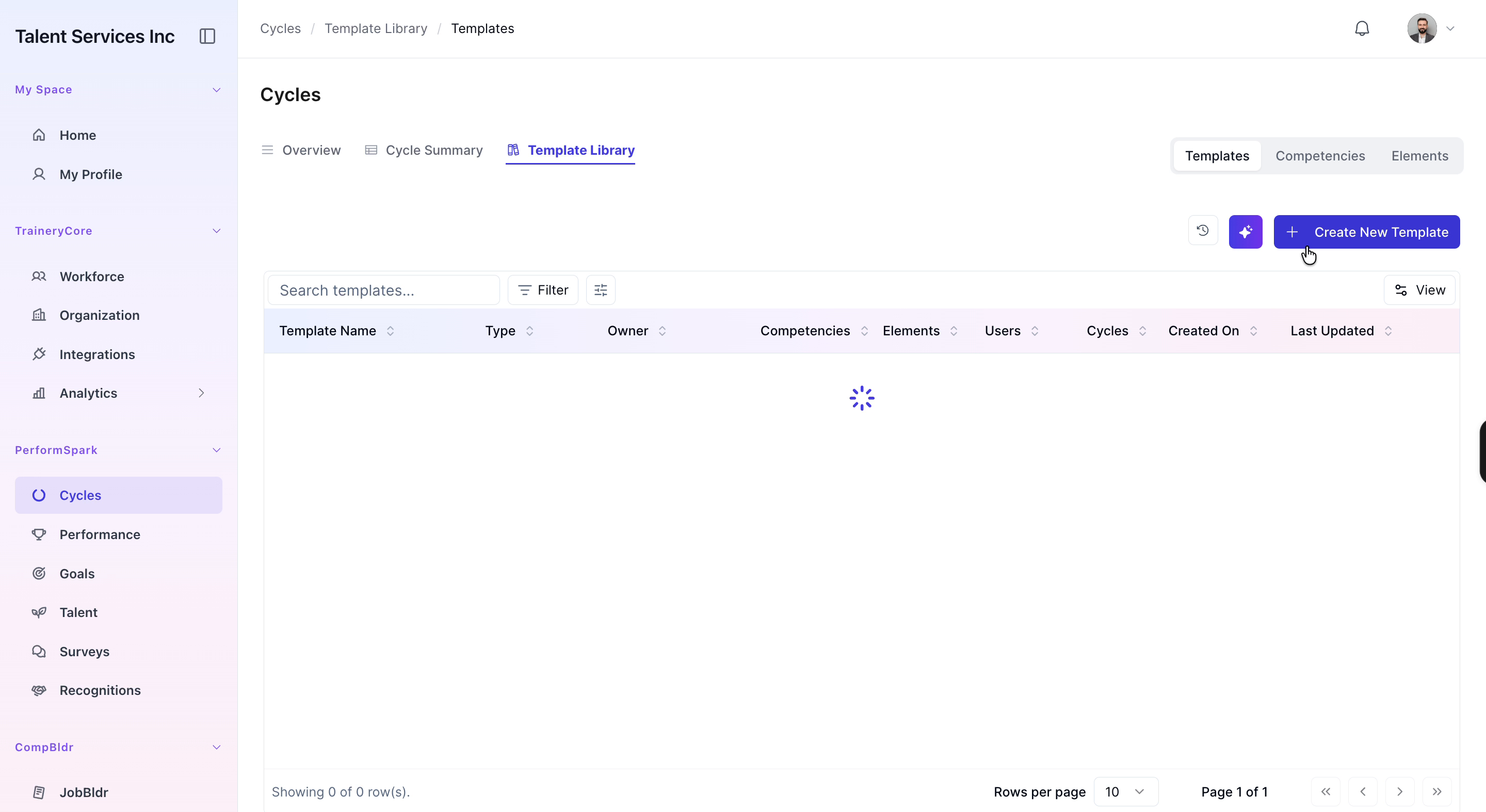
Navigate to the Template Library in your application. Click the Create New Template button to start setting up a new cycle template.
Step 2: Name the New Cycle Template
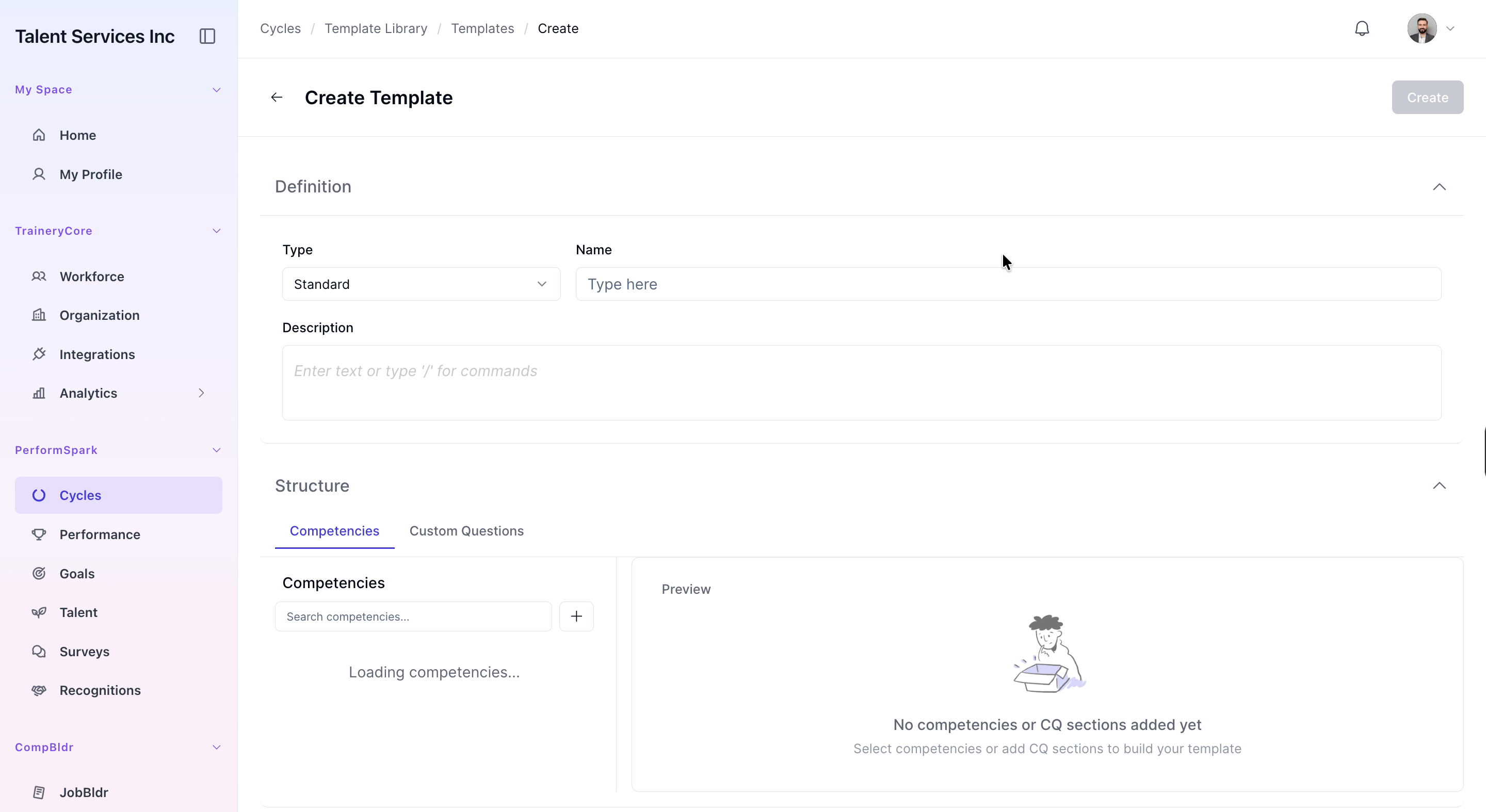
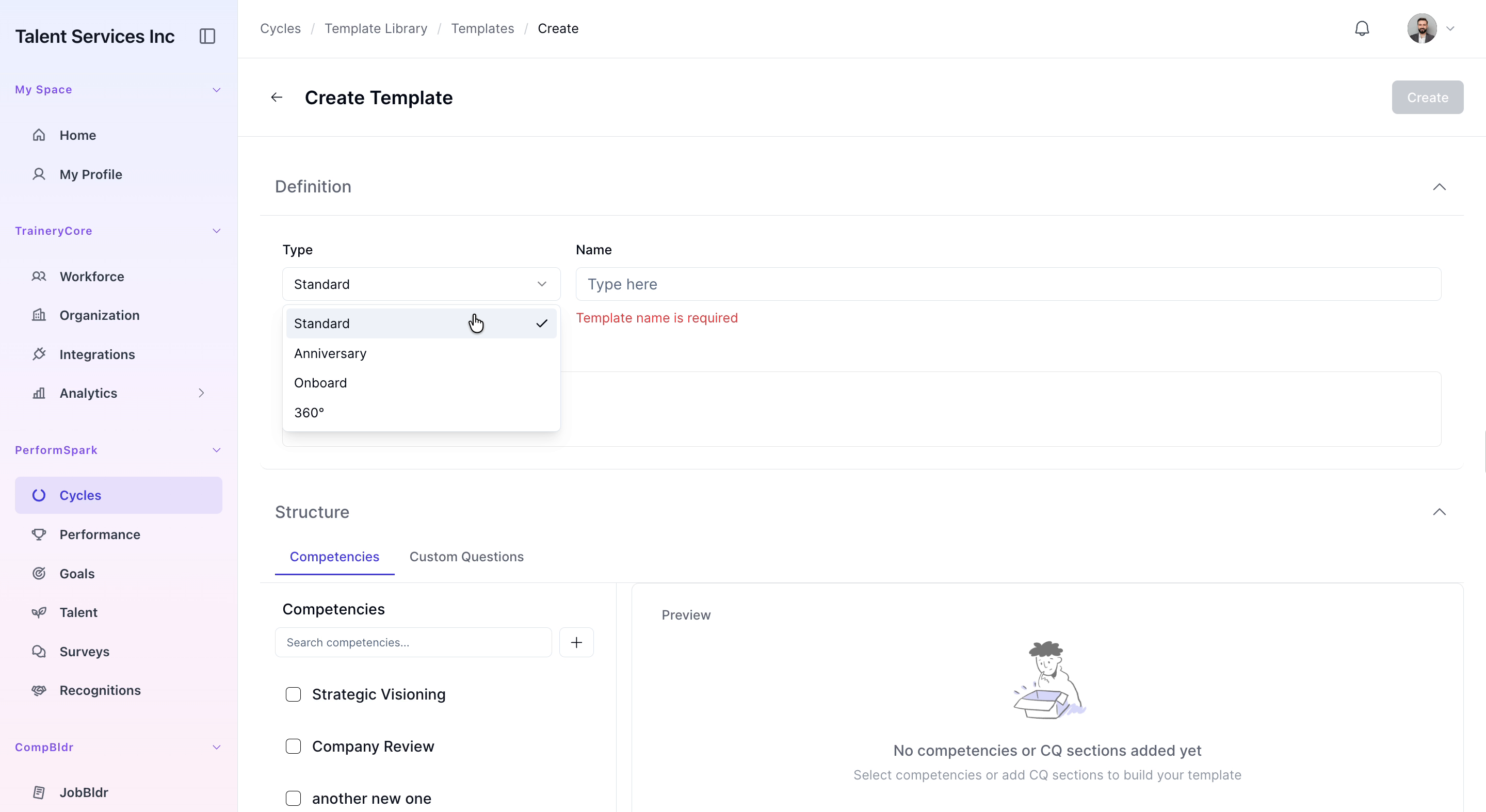
In the Create Template form, enter “First Quarter Assessment” as the name for your new cycle template.
Step 3: Configure the Template Structure
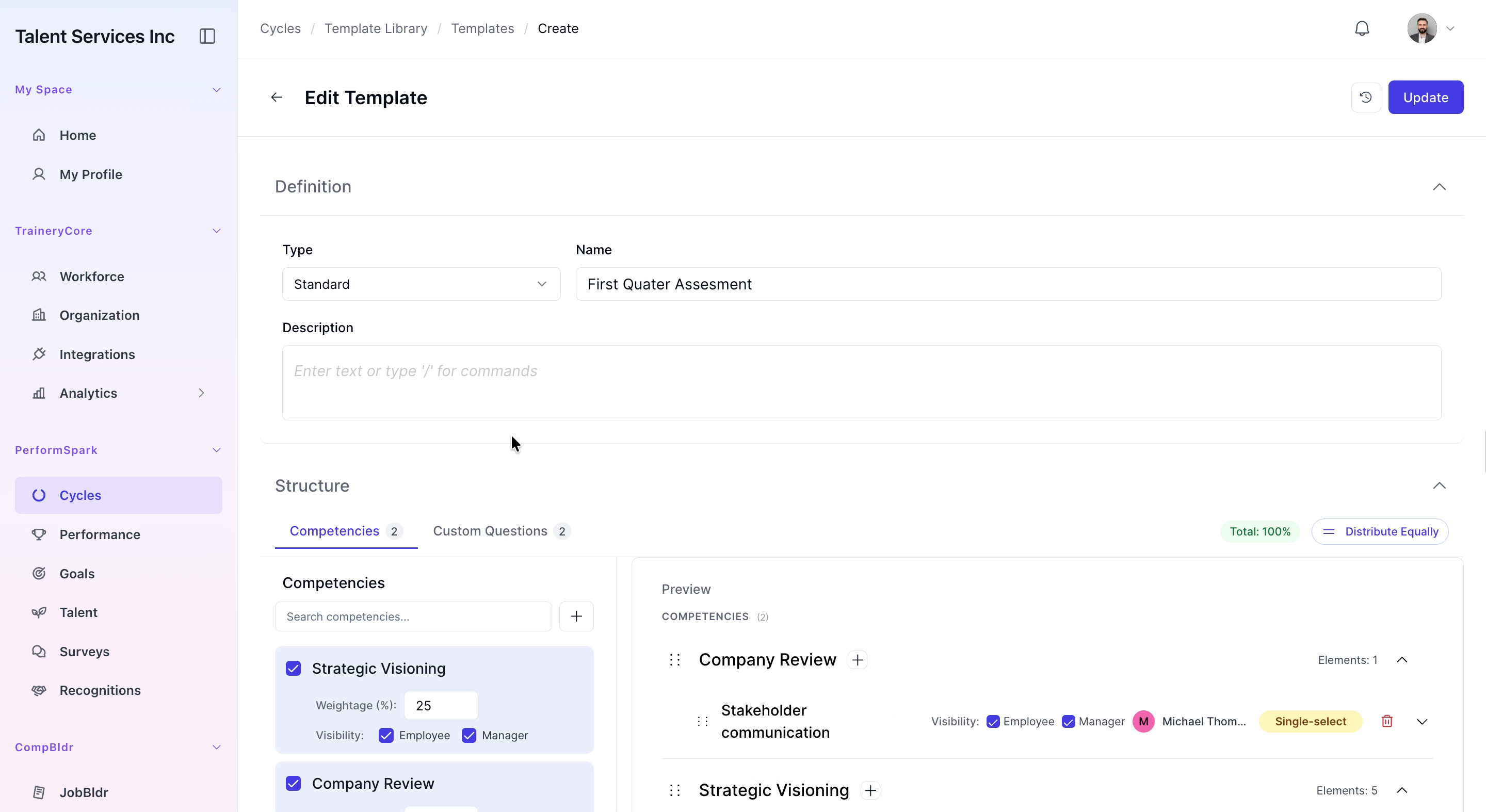
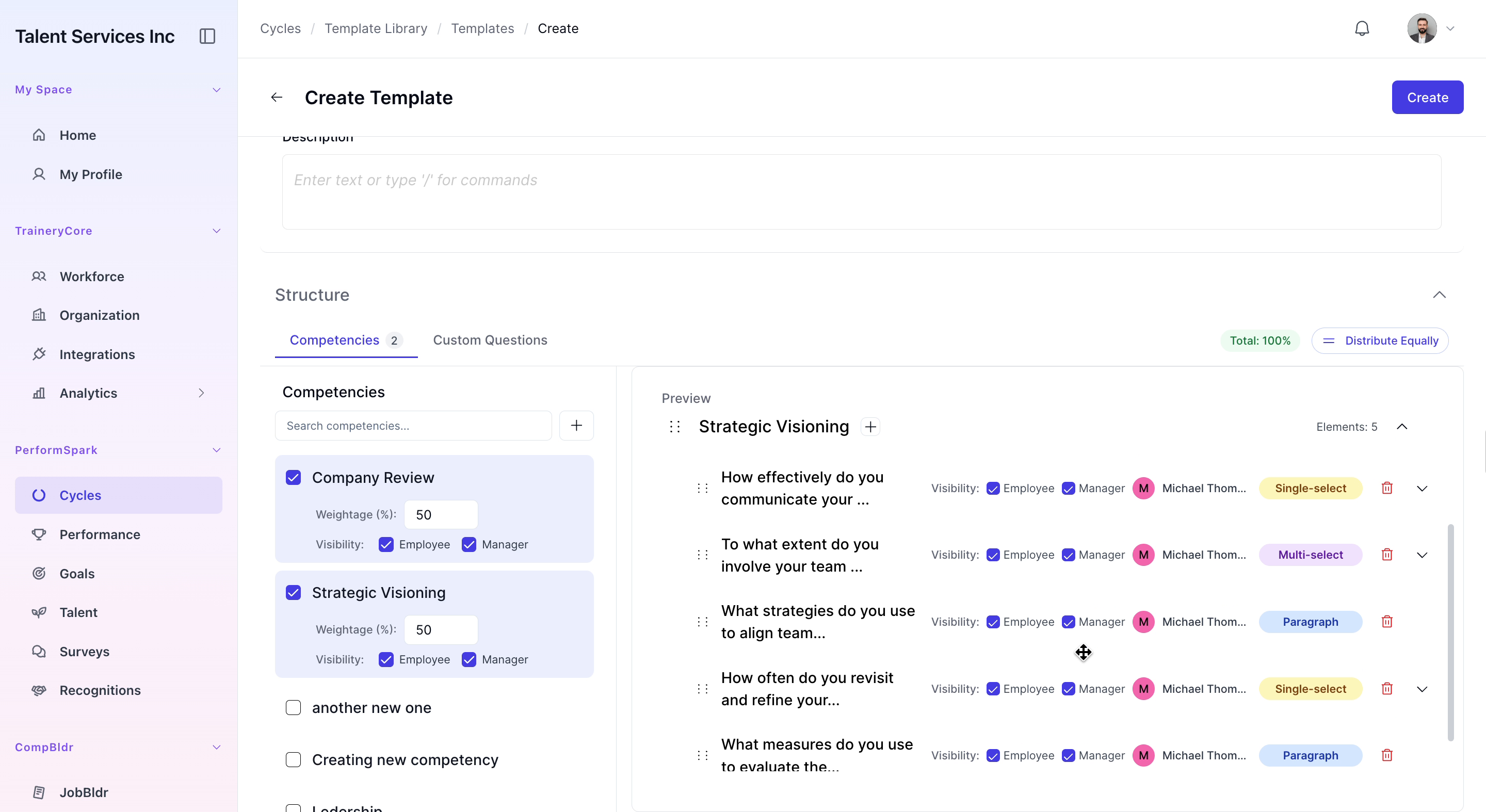
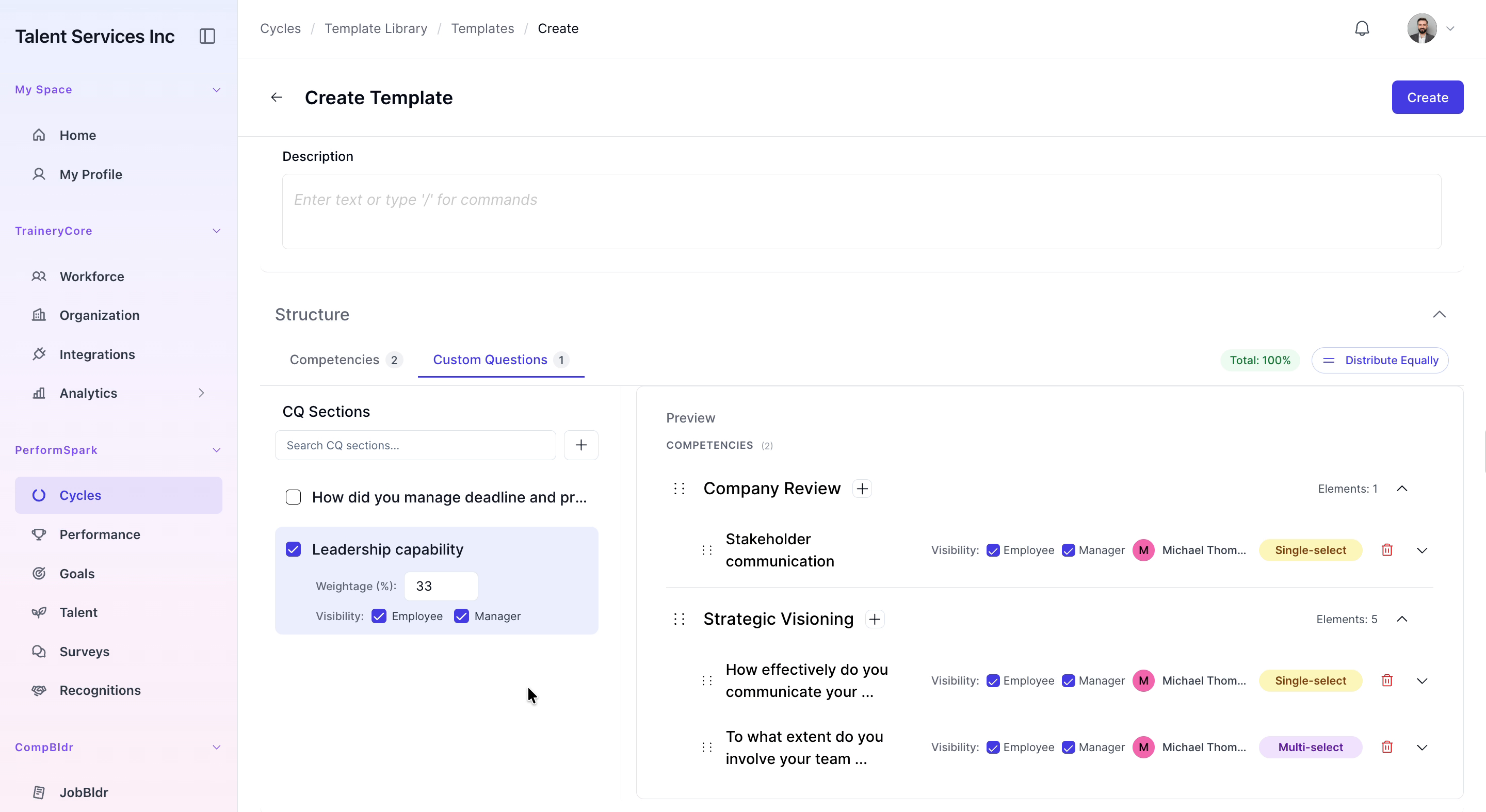
Under the Structure section, select “Company Review” and “Strategic Visioning” from the list of available competencies so they are included in this template.

Step 4: Open the Custom Questions Tab and Select a Section
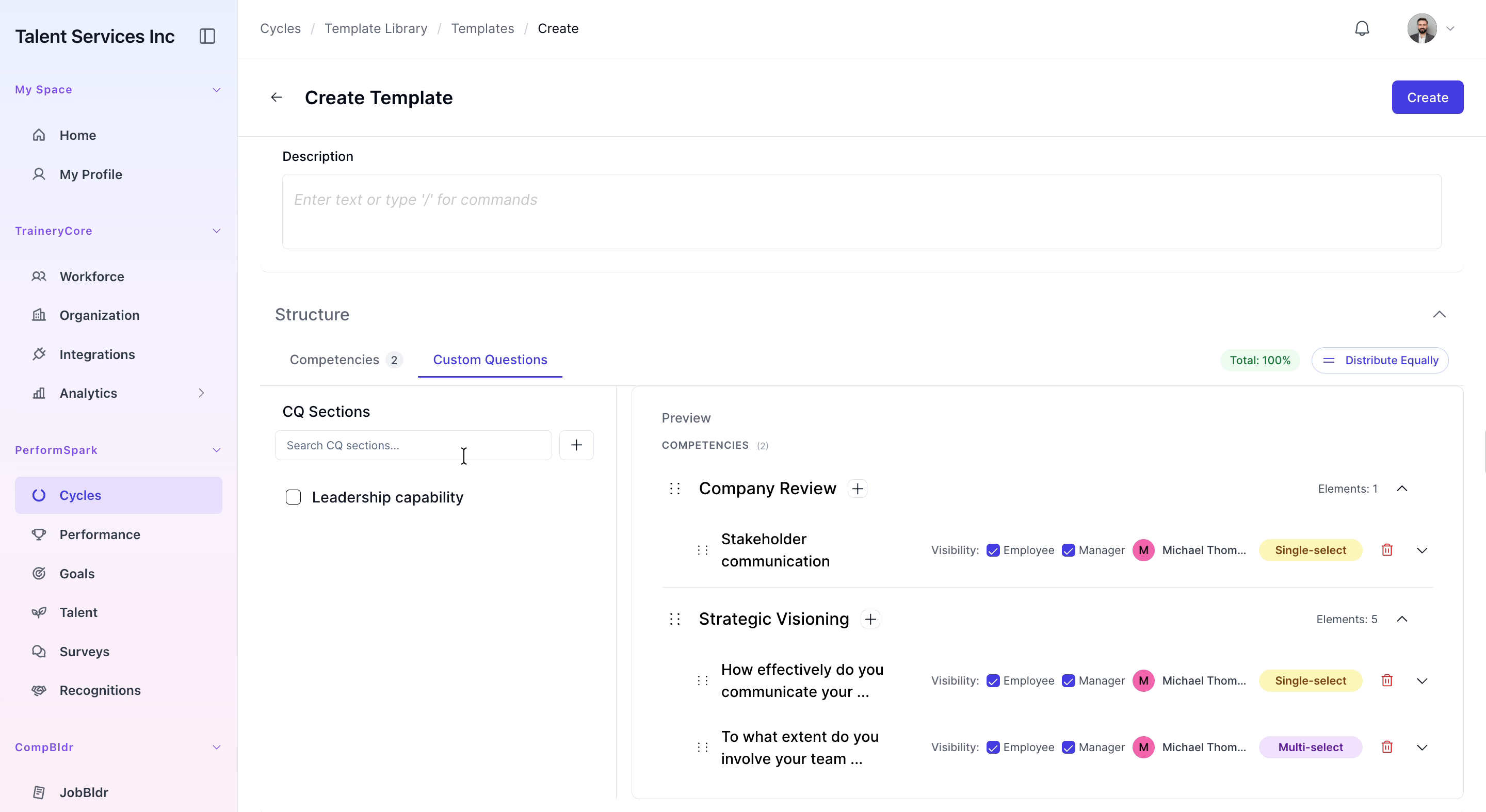
Switch to the Custom Questions tab. From there, select the “Leadership capability” section to add custom content within that area.

Step 5: Create a New Custom Question Section
Click the plus (+) icon to open the Create CQ Section modal. In the Section Title input field, type “How did you manage deadline and priorities” to define the focus of this new question group.

Step 6: Add a Text & Optional Rating Question
Click Add question and, from the available options, select the “Text & Optional Rating” question type.
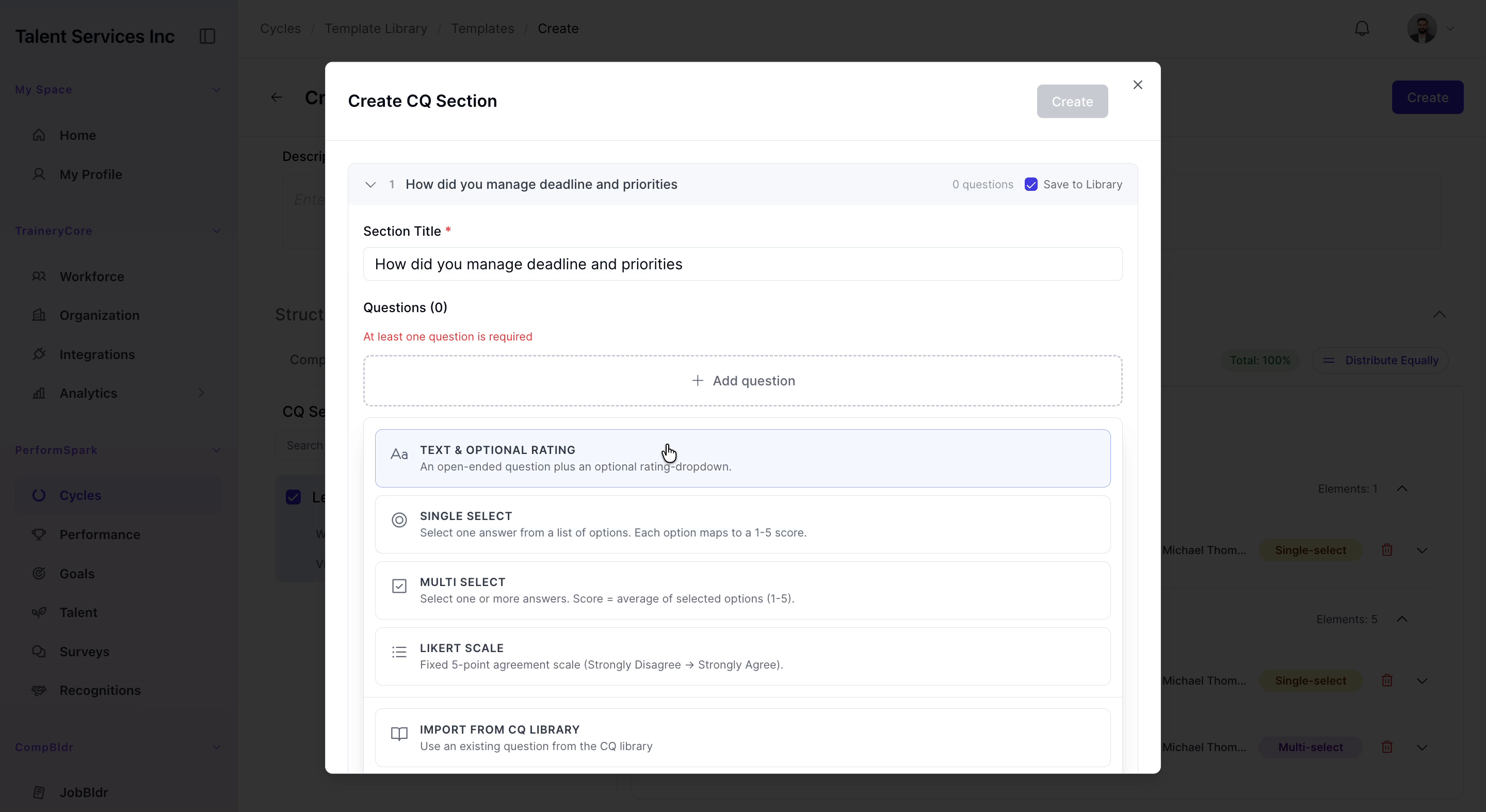

In the question title field, type “How do you rate quality of your work this quater”. After reviewing the text, click the Create button at the top of the modal to save both the question and the new section to your template.

Step 7: Save the Template
Check the box for your newly created custom question section so it is included in the template. Then click the Create button to save the entire template.

Step 8: Review the Completed Template
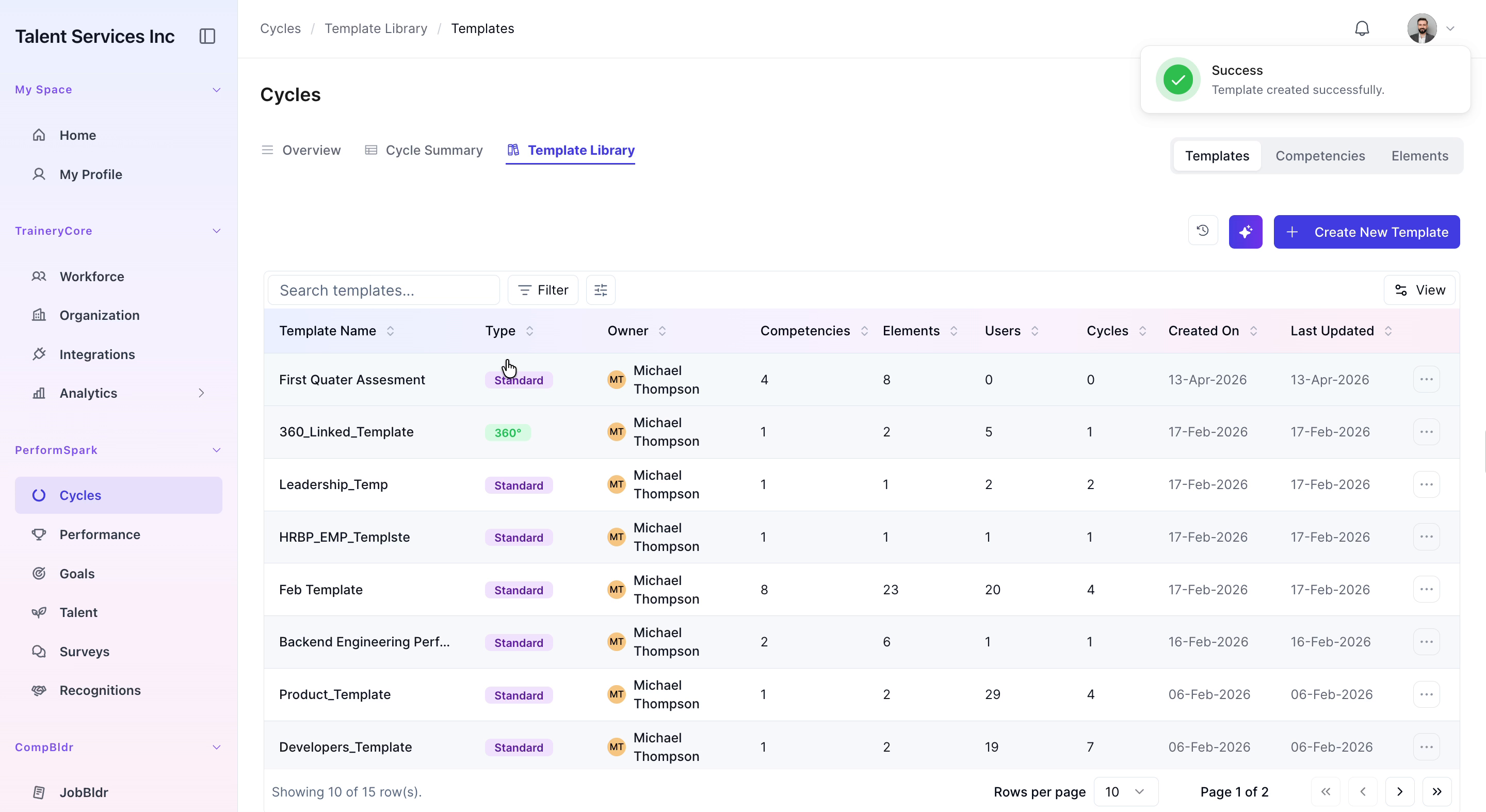
In the template list, click on the “First Quarter Assessment” template to open it and review the structure, competencies, and custom questions you just configured.