Creating a SCORM Course
Last updated: August 26, 2026
This document describes how to start creating a new SCORM course
Step 1: Open the Course Creation Flow
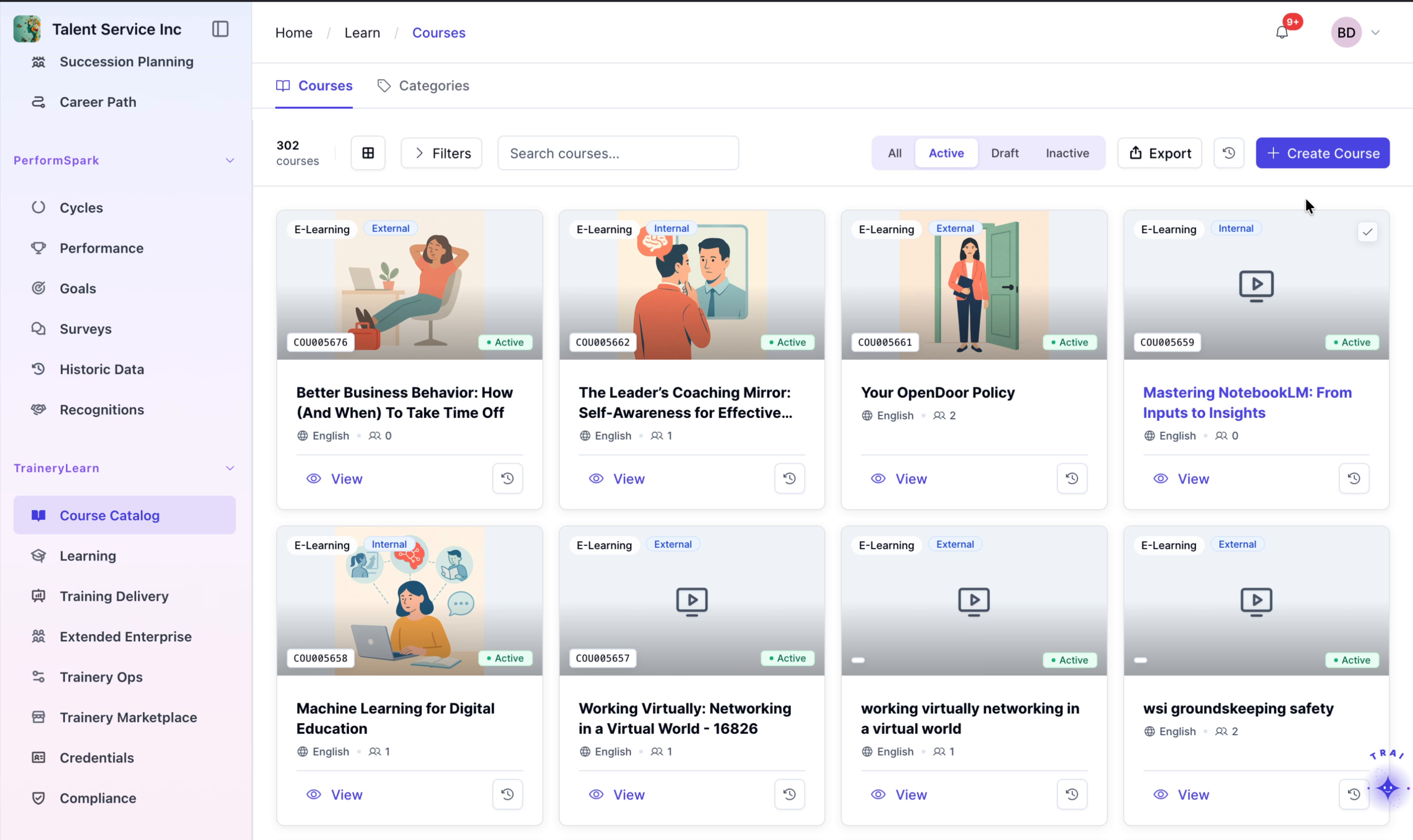
Click Create Course to begin setting up a new course.
Step 2: Choose the Course Type
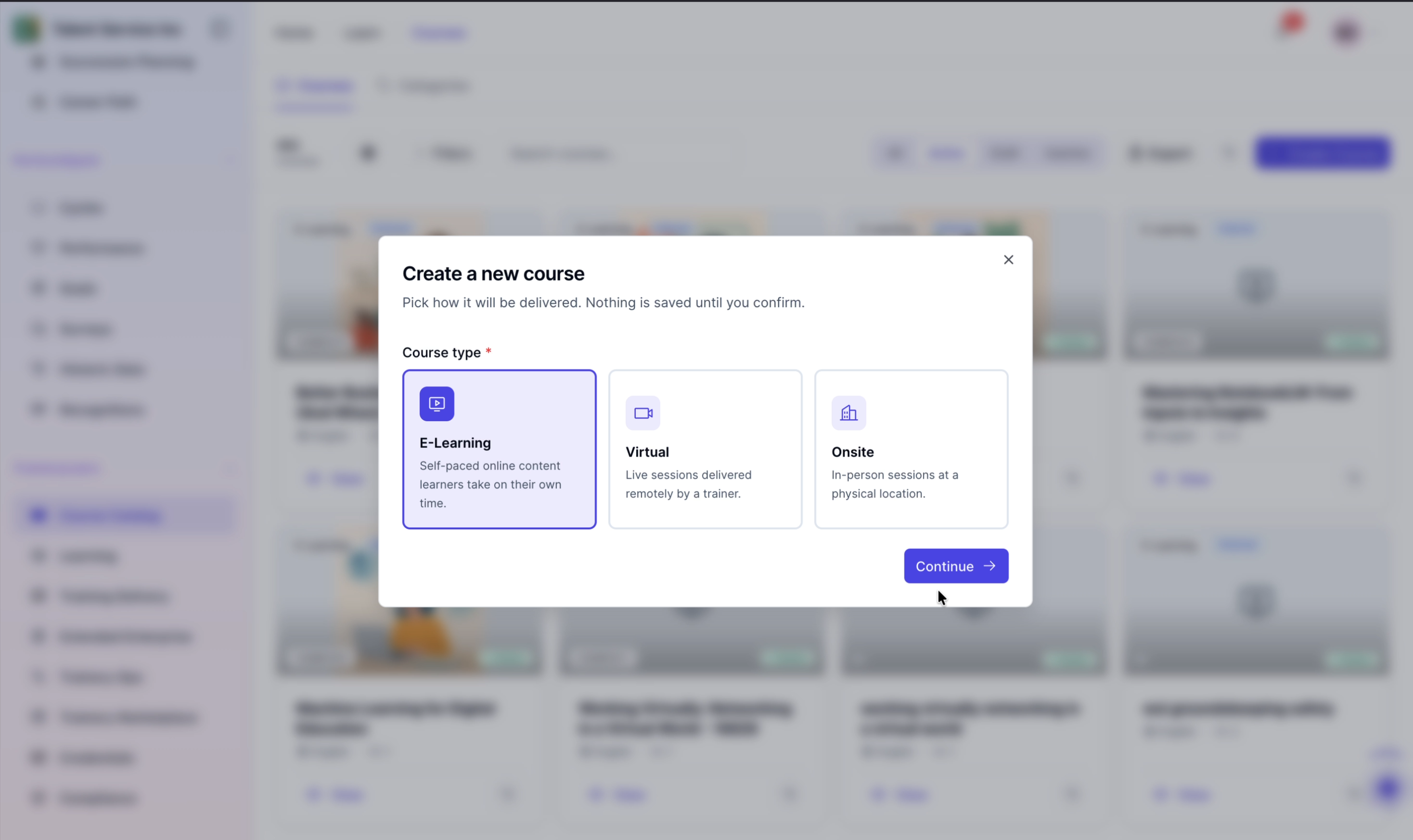
In the course type selection screen, select the course format.
Step 3: Proceed to the Next Configuration Screen
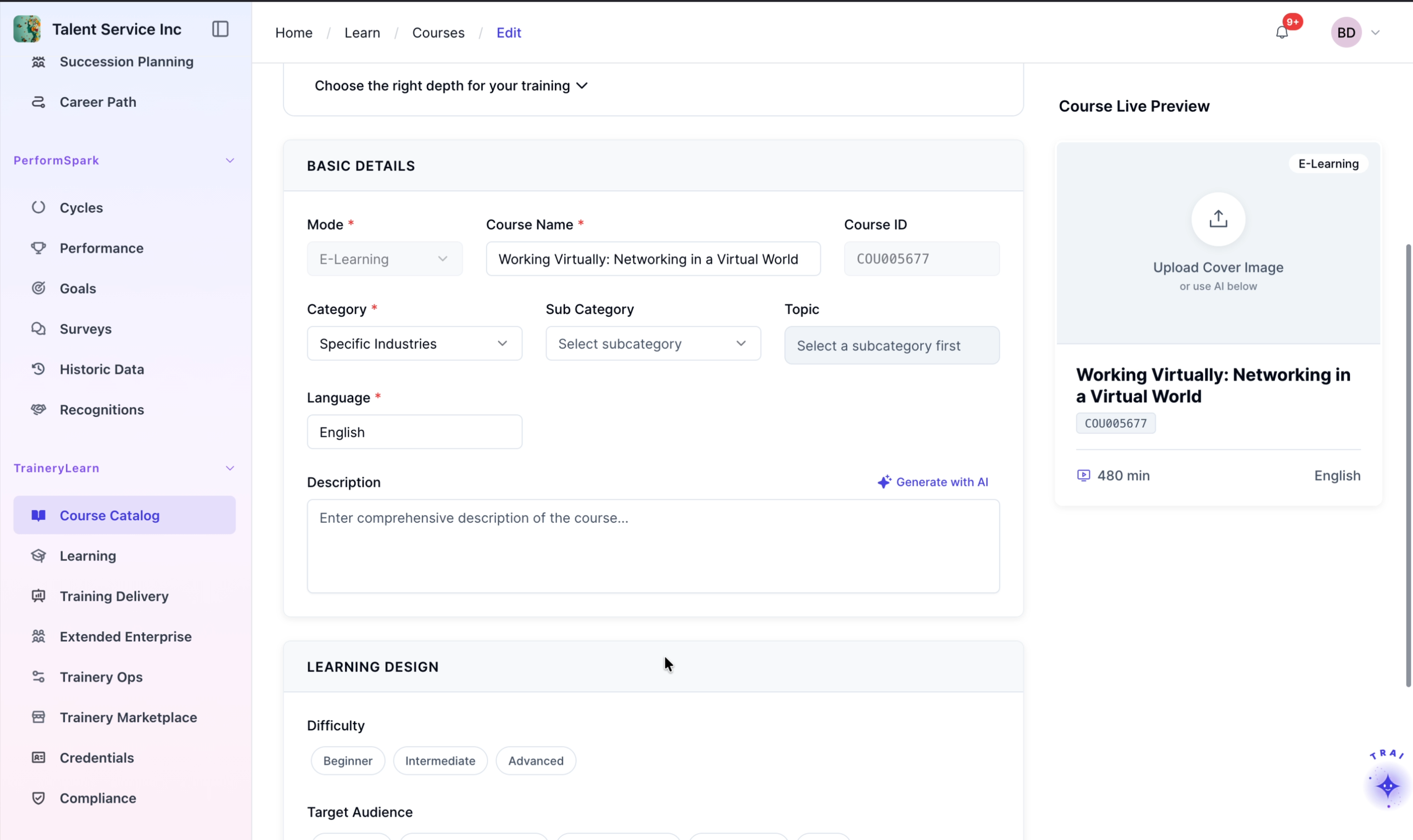
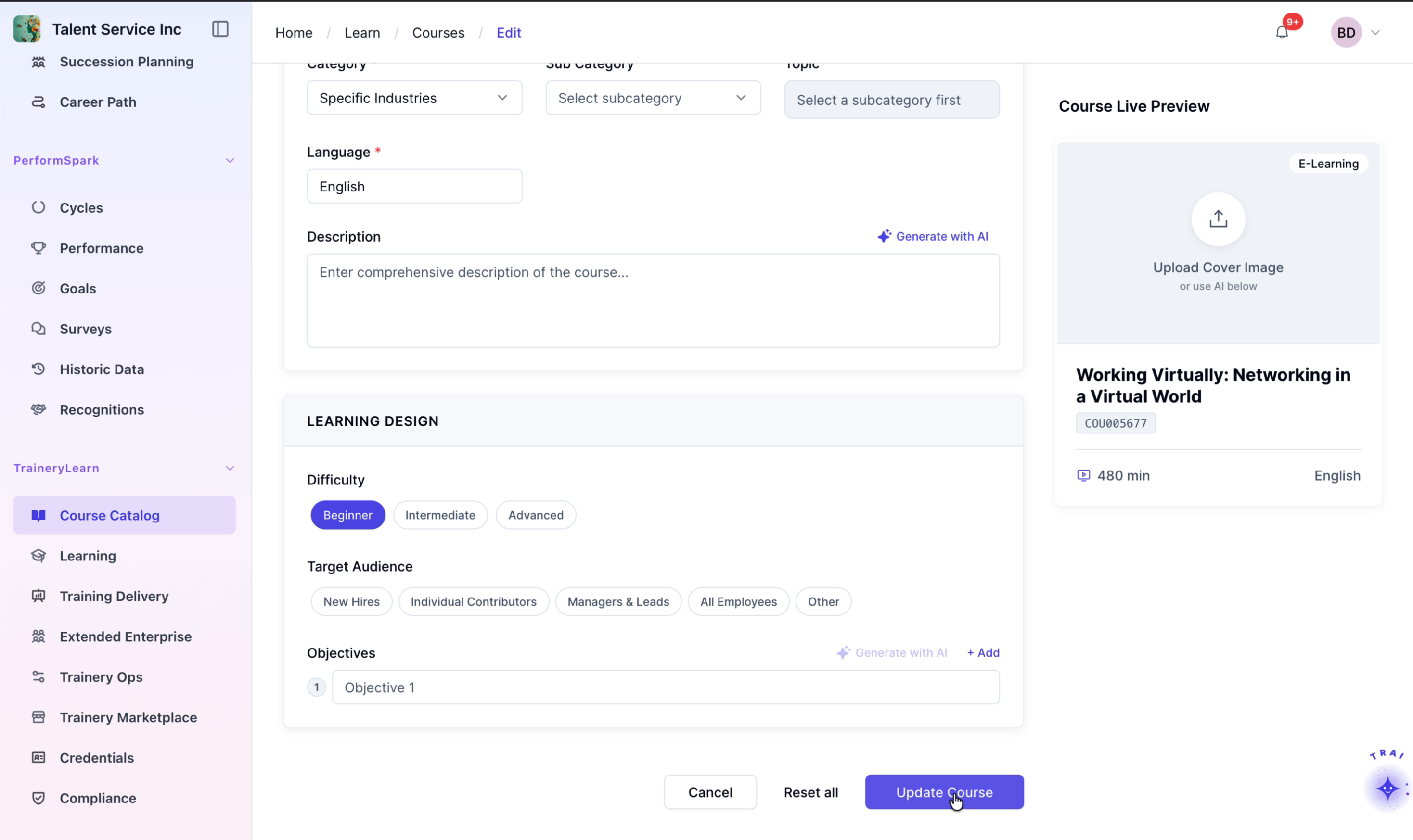
After selecting the file, fill in the basic course details, including the Course Name, Type, Language, and other required information.