Attending and Completing a Course as a Learner
Last updated: August 26, 2026
This guide explains how to open an active course, work through the lesson content, complete the flashcards and quiz, review the material, and confirm the course is marked complete.
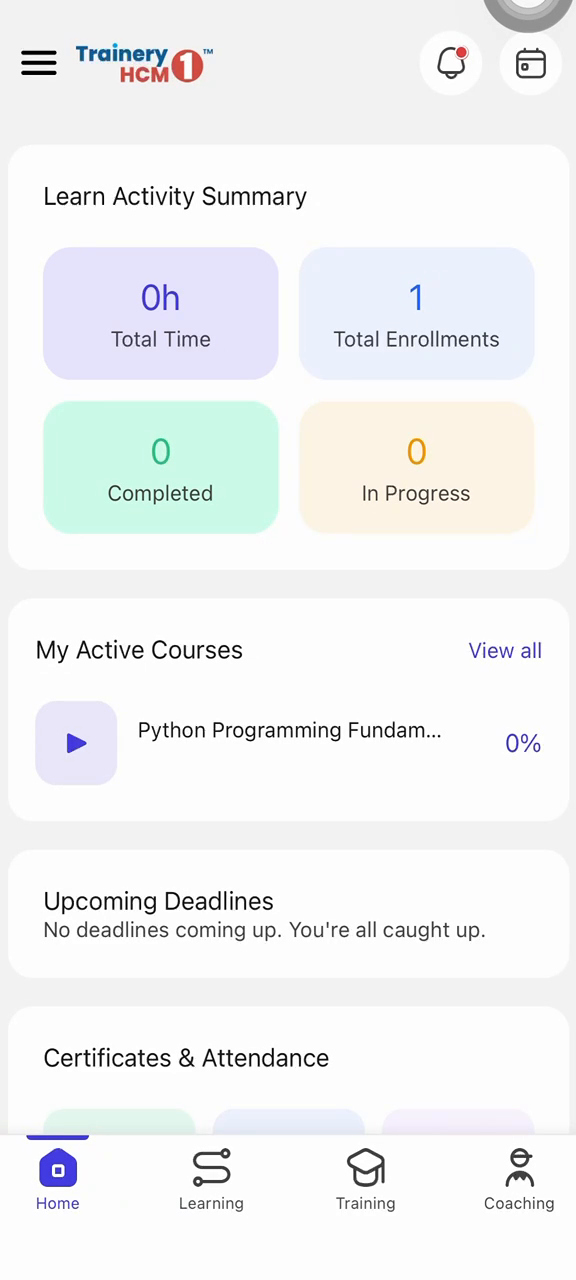
Step 1: Open the Course and Start the Lesson
From the activity summary, locate your active course. Tap the course to open it, then tap Start to begin the lesson.
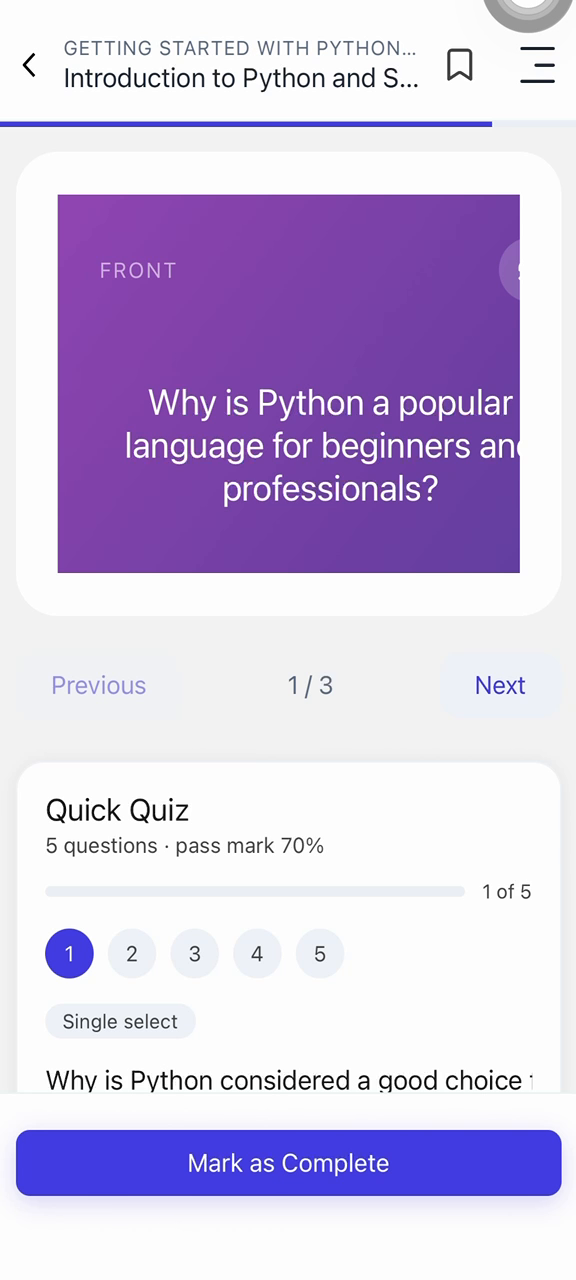
Step 2: Work Through the Content and Flashcards
Scroll through the lesson material, reading each section carefully until you reach the end. Then move through the interactive flashcards to review the key concepts presented in the lesson.
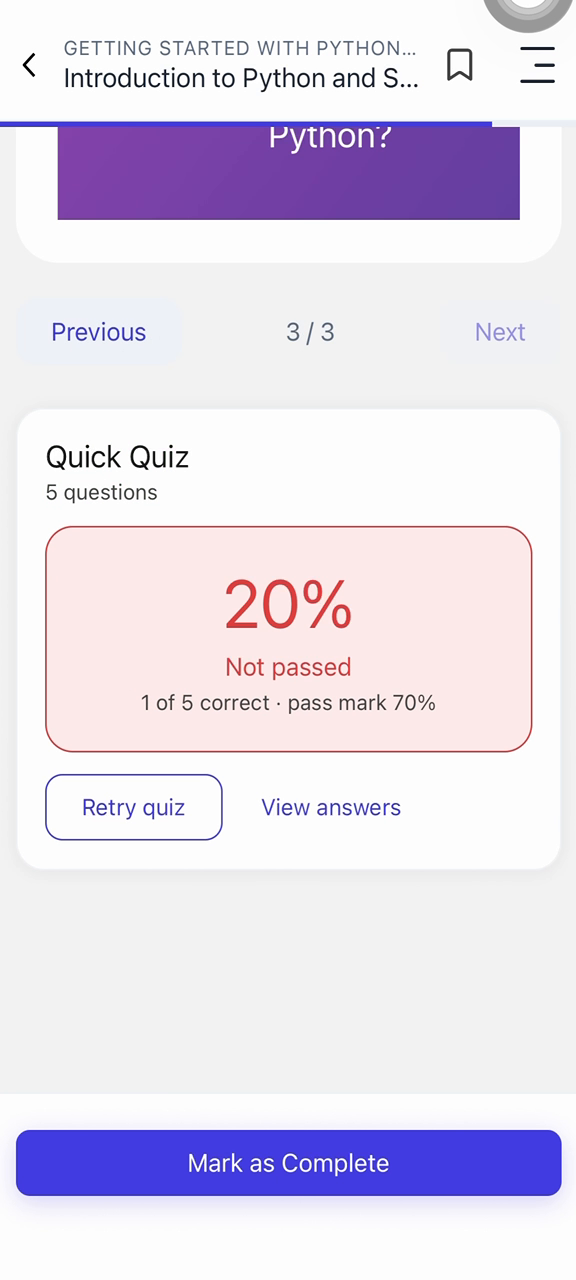
Step 3: Complete the Quiz and View Results
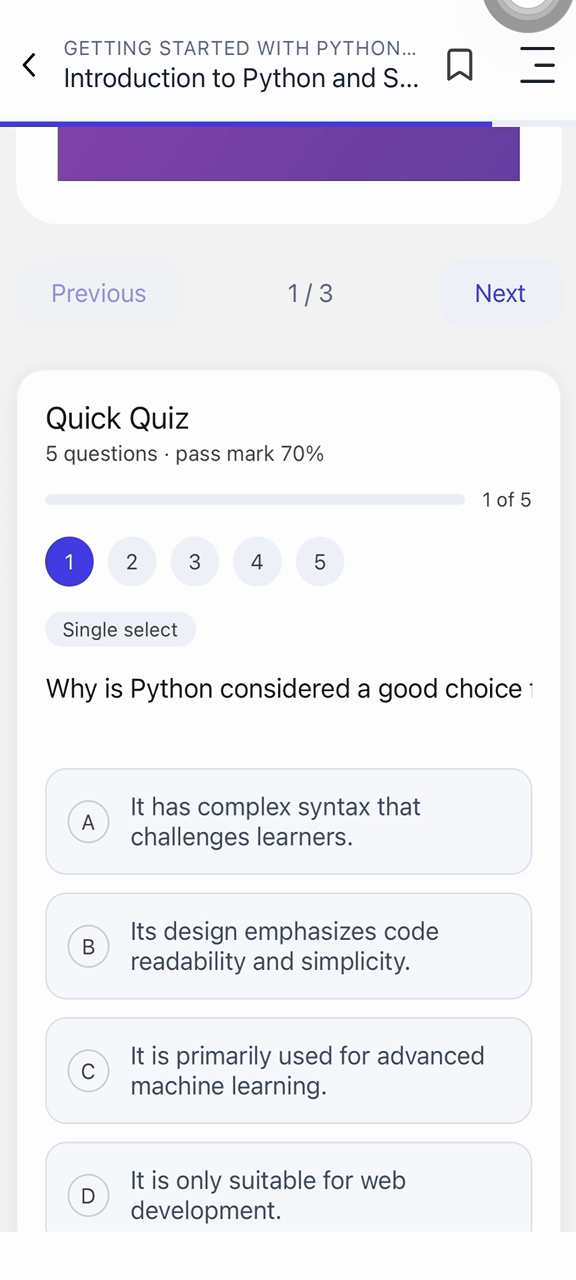
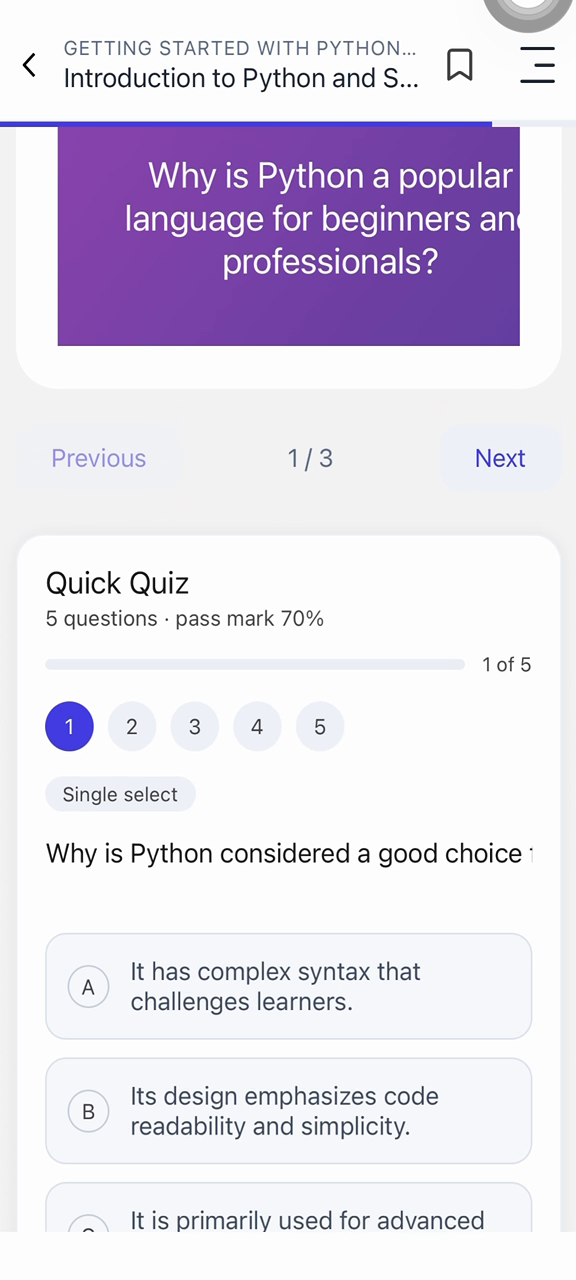
Start the quiz associated with the lesson. Answer each question, then tap See results to view your score and confirm your performance.
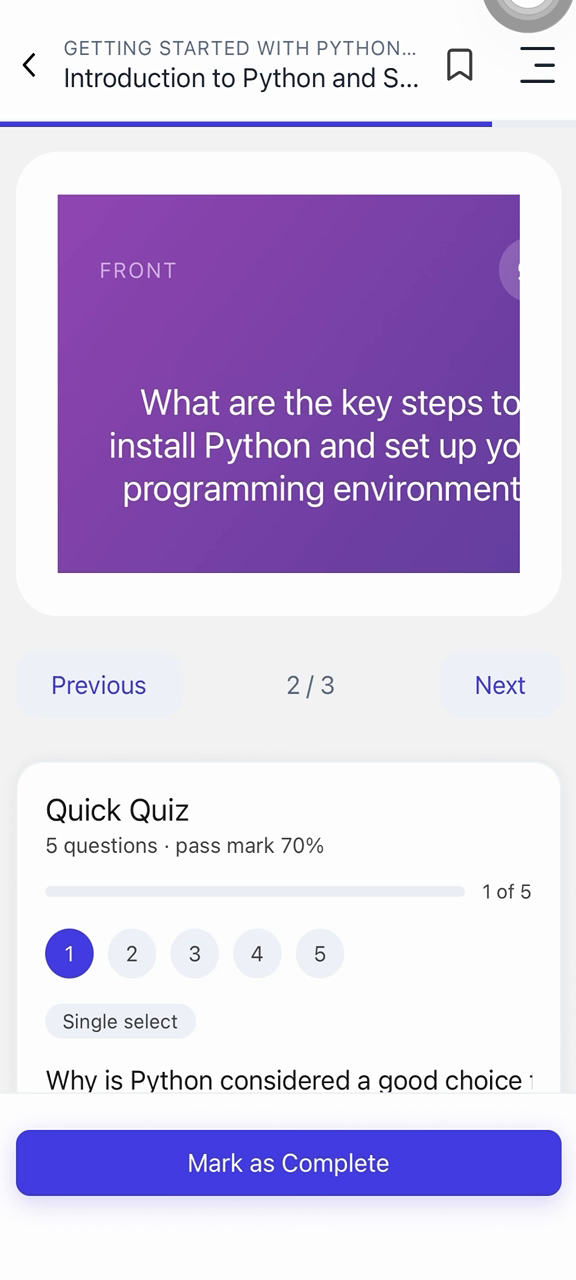
Step 4: Review the Material
Move back through the flashcards to reinforce your understanding, and scroll up through the lesson content to revisit any sections before finishing.
Step 5: Confirm Completion
Return to the course list or activity summary and verify that the course is now marked as completed, confirming that you have finished the lesson and its activities.