Enrolling a Learner in a Course
Last updated: August 26, 2026
This guide walks you through enrolling a learner in a course from the activity summary page, including searching for the learner and confirming the assignment.
Step 1: Open the Course
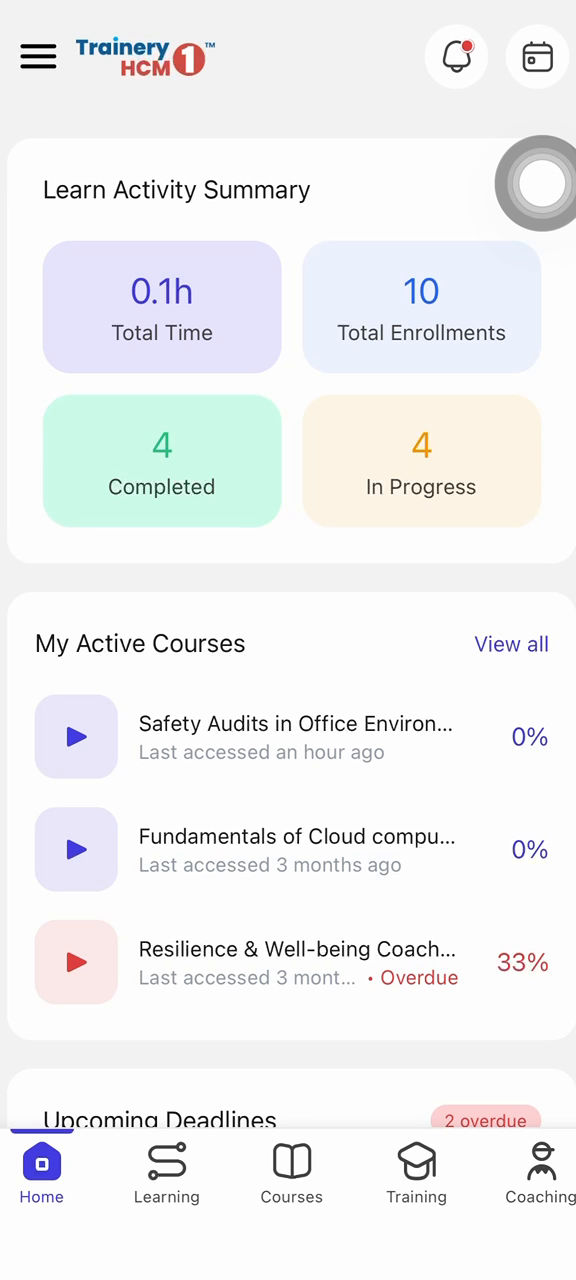
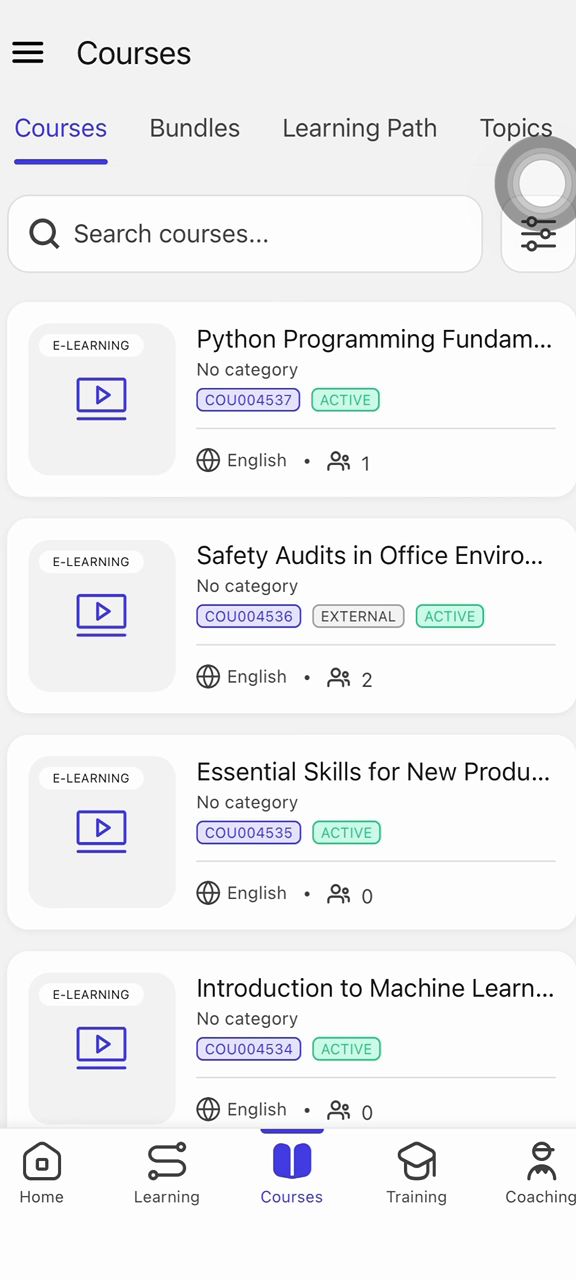
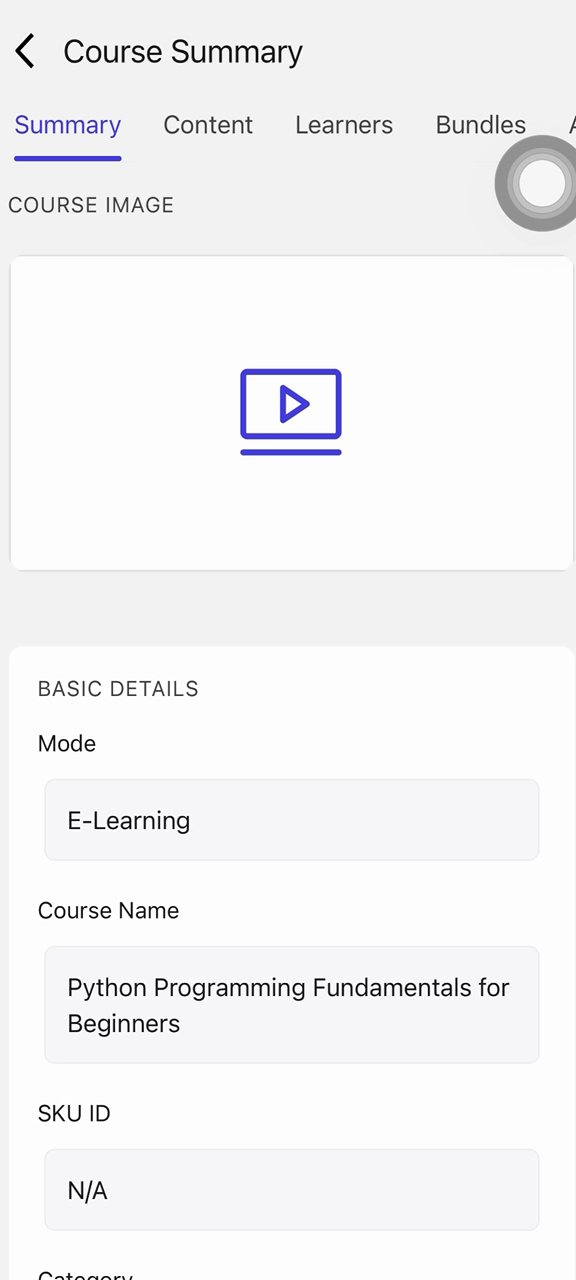
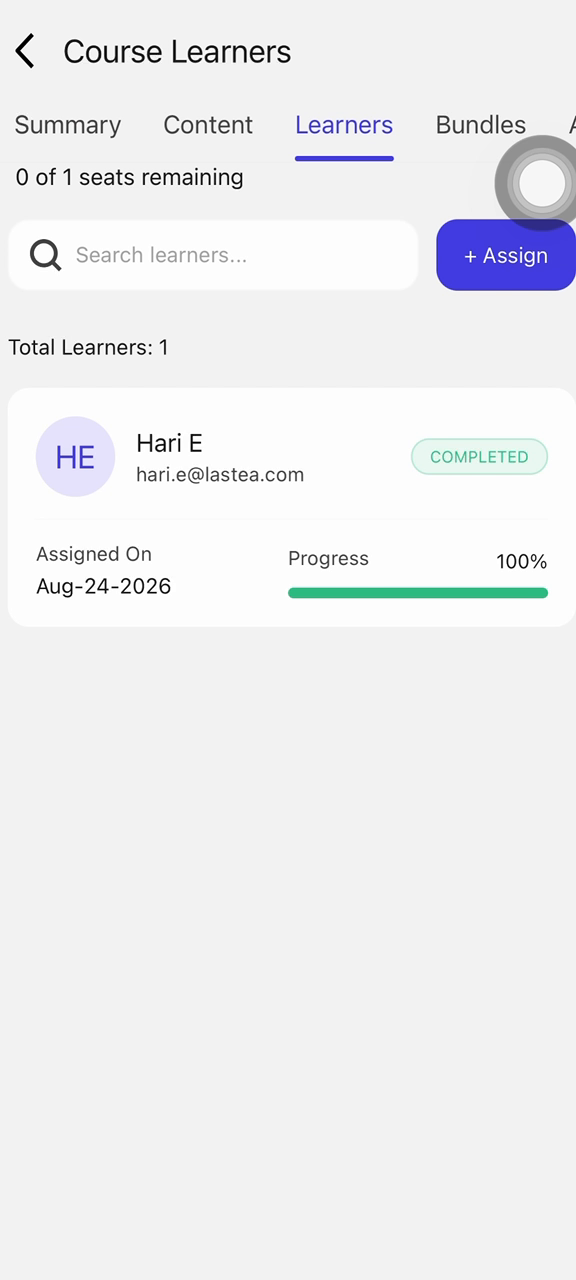
From the activity summary page, scroll down to the Courses section, select the course to open its details, then navigate to the Learners tab.
Step 2: Start the Assignment
In the Learners tab, tap the Assign button to begin assigning a learner to the course.
Step 3: Search for the Learner
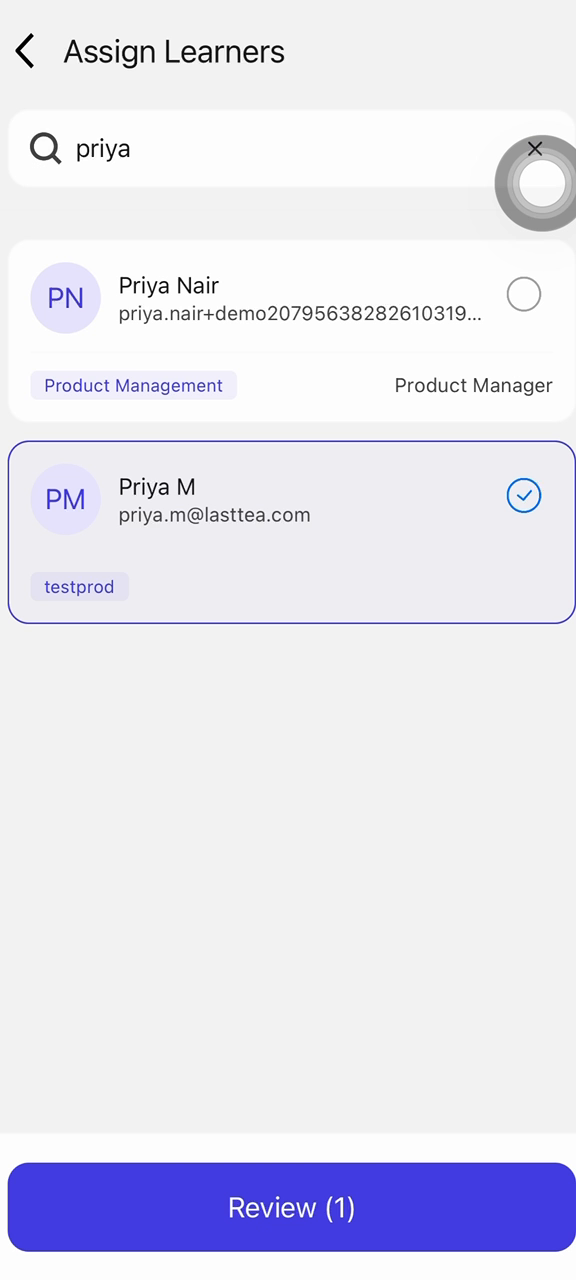
Tap the search bar and type the learner's name to filter the list, then select the learner from the results.
Step 4: Confirm the Assignment
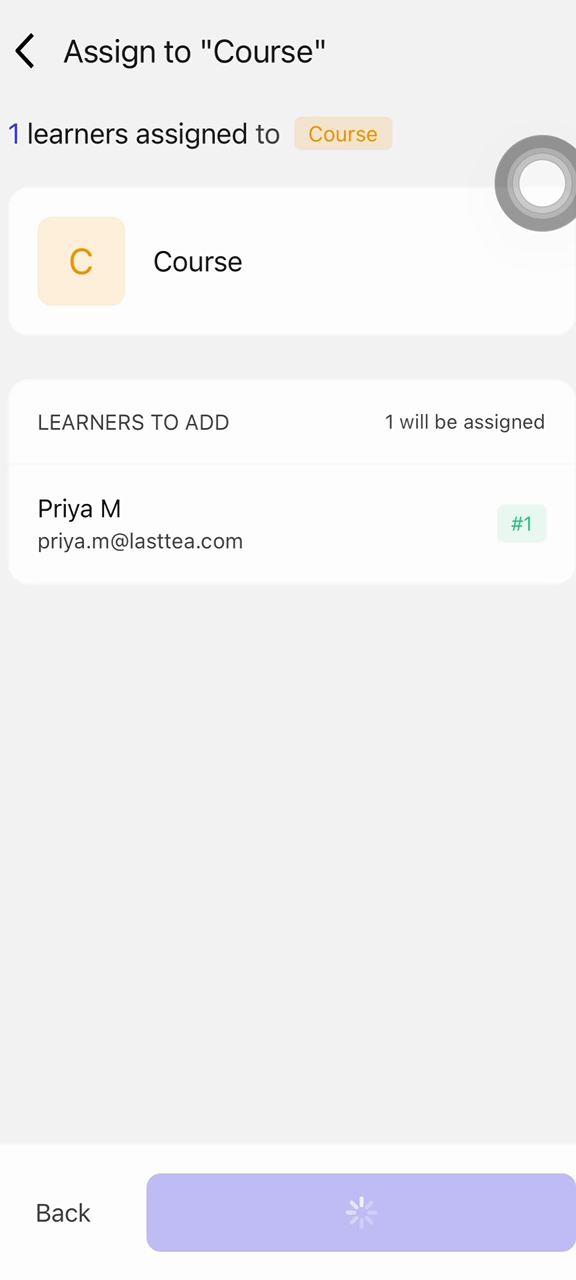
Tap Assign to confirm and complete the learner's enrollment in the course.