Adding Competency using AI Generator
Last updated: July 1, 2026
Creating a Leadership Strategic Visioning Competency from the Template Library
This process shows how to use the Template Library’s AI generator to create and import a Strategic Visioning competency for a Leadership role.
Step 1: Open the Template Library and Access the AI Generator
Navigate to the Template Library in your application, then select the Competencies tab. Once there, click the AI generator icon to start creating a new competency.
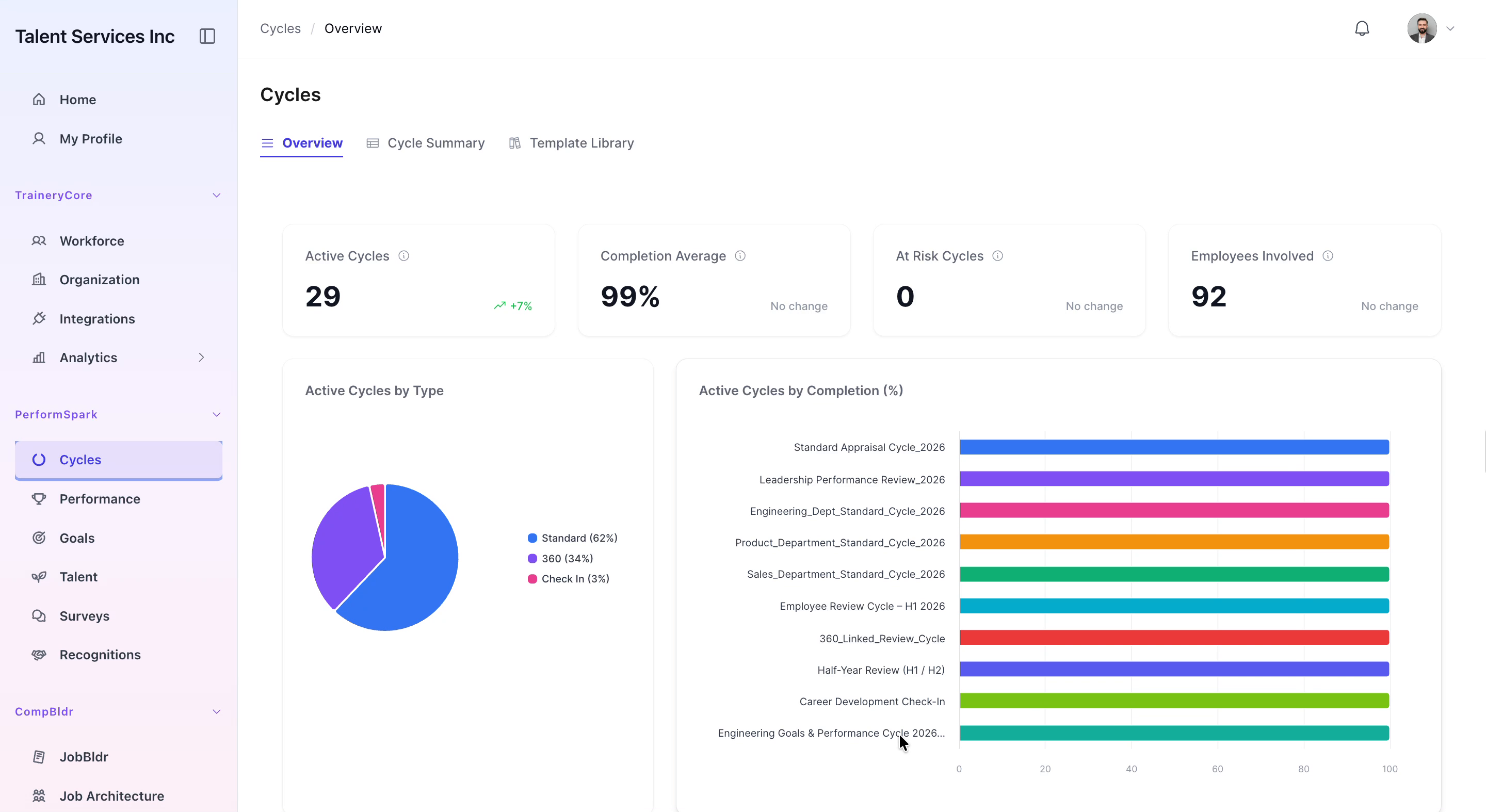

Step 2: Choose the Leadership Role and Generate a Draft
In the AI generator, select the Leadership role from the available options, then click Generate Draft to create a proposed competency.

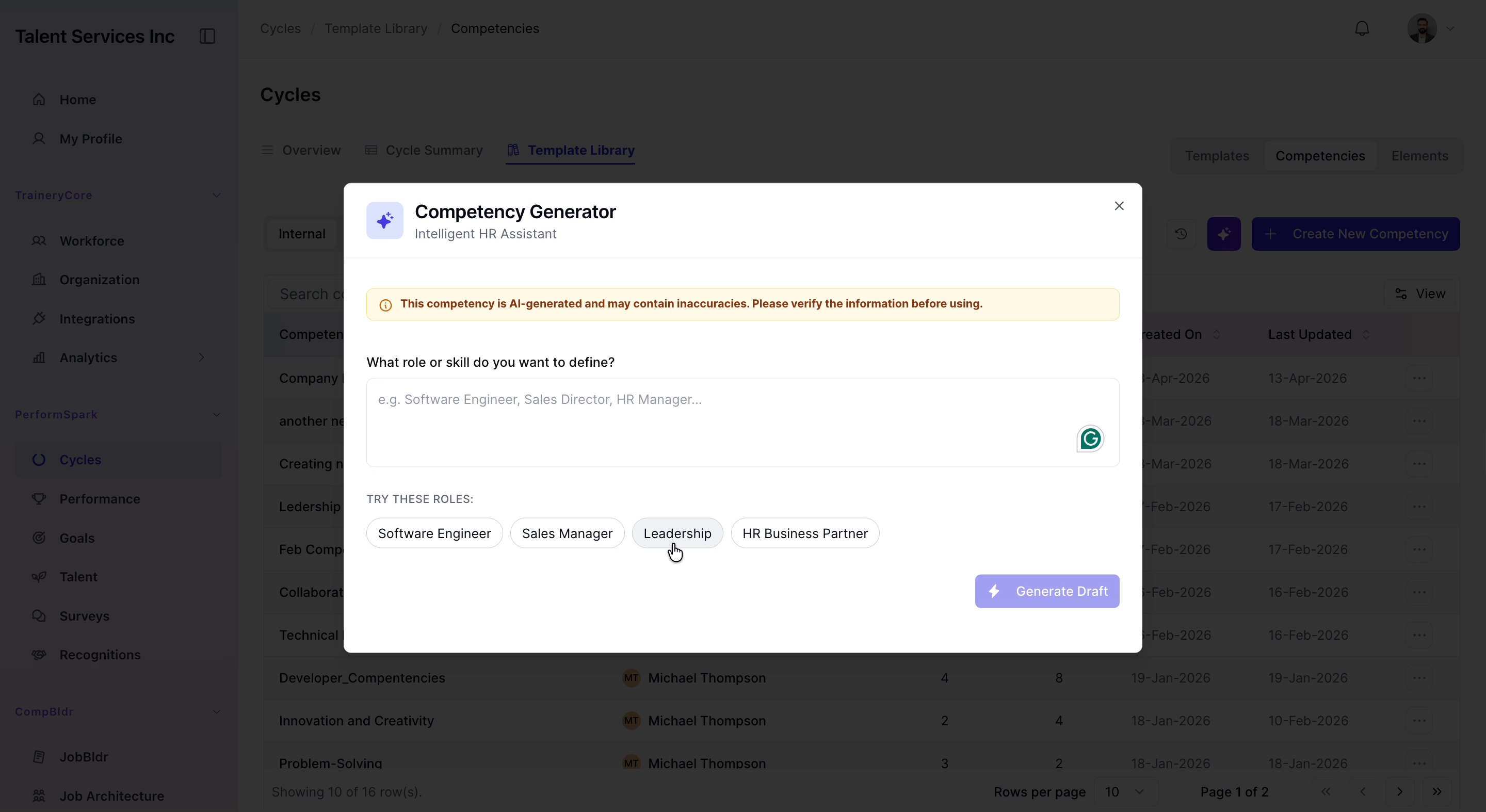
Step 3: Review and Import the Strategic Visioning Competency
Review the generated Strategic Visioning competency details. If it meets your needs, click Import Selected to add it to your competency list.
