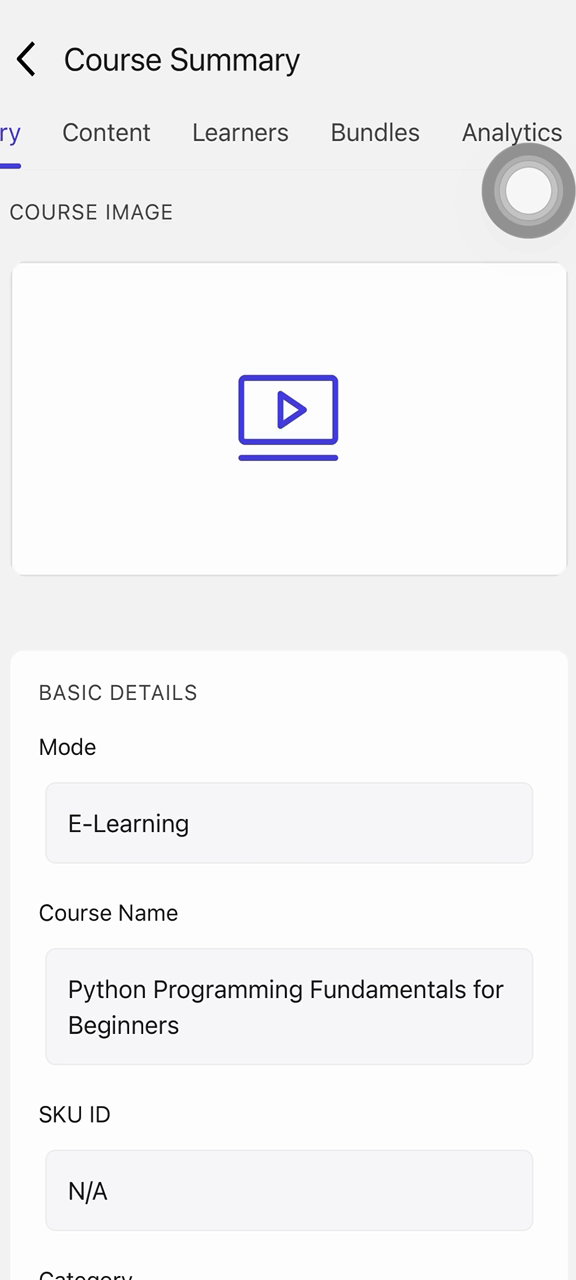
Viewing Course Analytics and Learner Progress
Last updated: August 26, 2026
This guide walks you through reviewing learner activity for a course — moving from the activity summary to detailed analytics and completion metrics.
Step 1: Open the Course
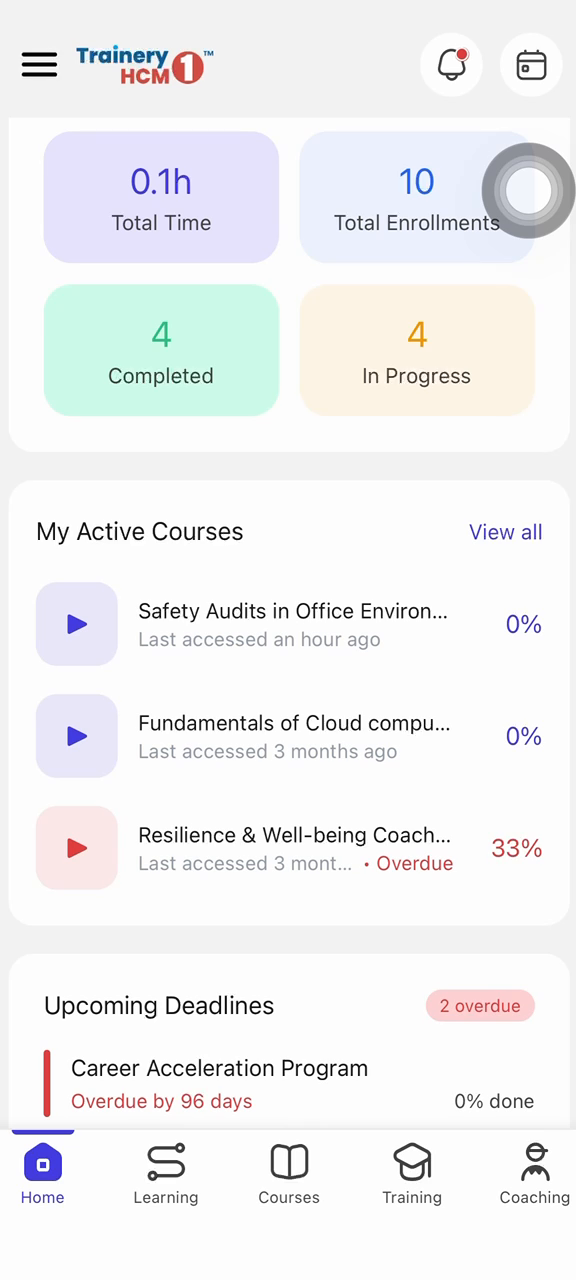
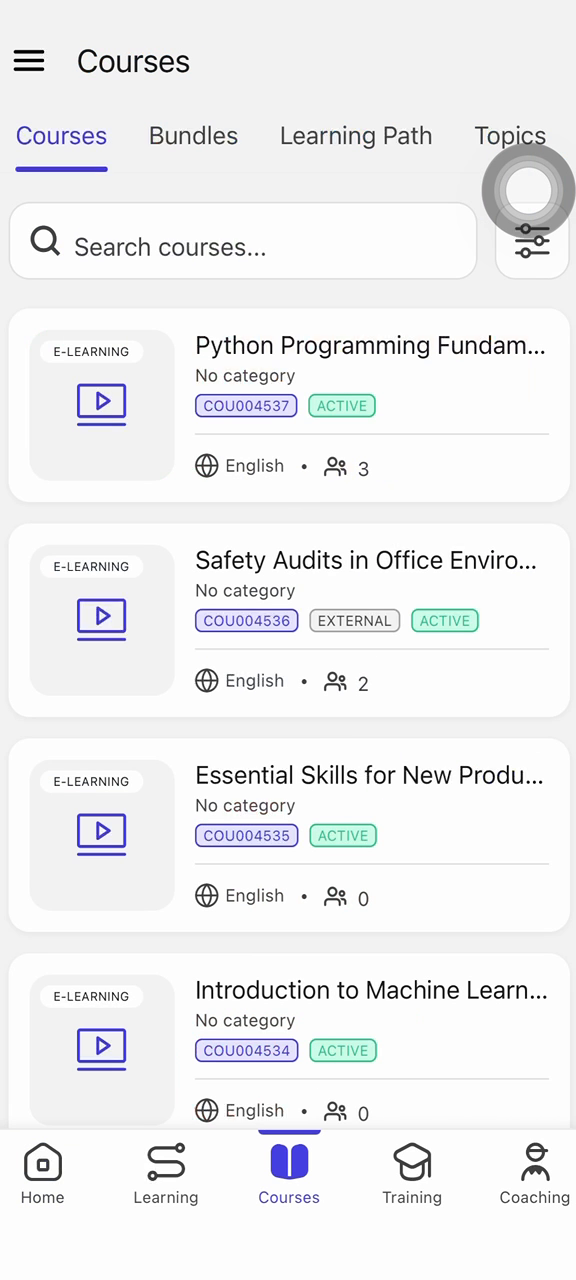
Review the activity summary on your dashboard, then open the Courses tab and select the course you want to review.
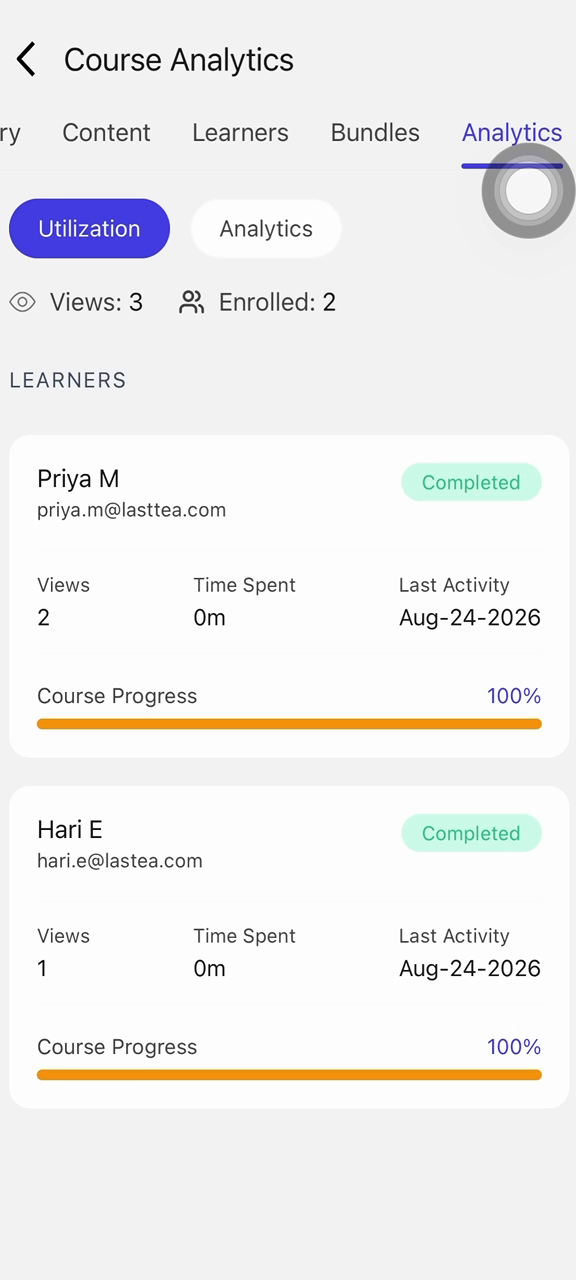
Step 2: Review Analytics and Completion Metrics
Open the Analytics tab to view the list of enrolled learners. Switch to the relevant sub-tab (such as Overview, Engagement, or Progress, depending on your platform) and scroll through the dashboard to review completion metrics for the course.