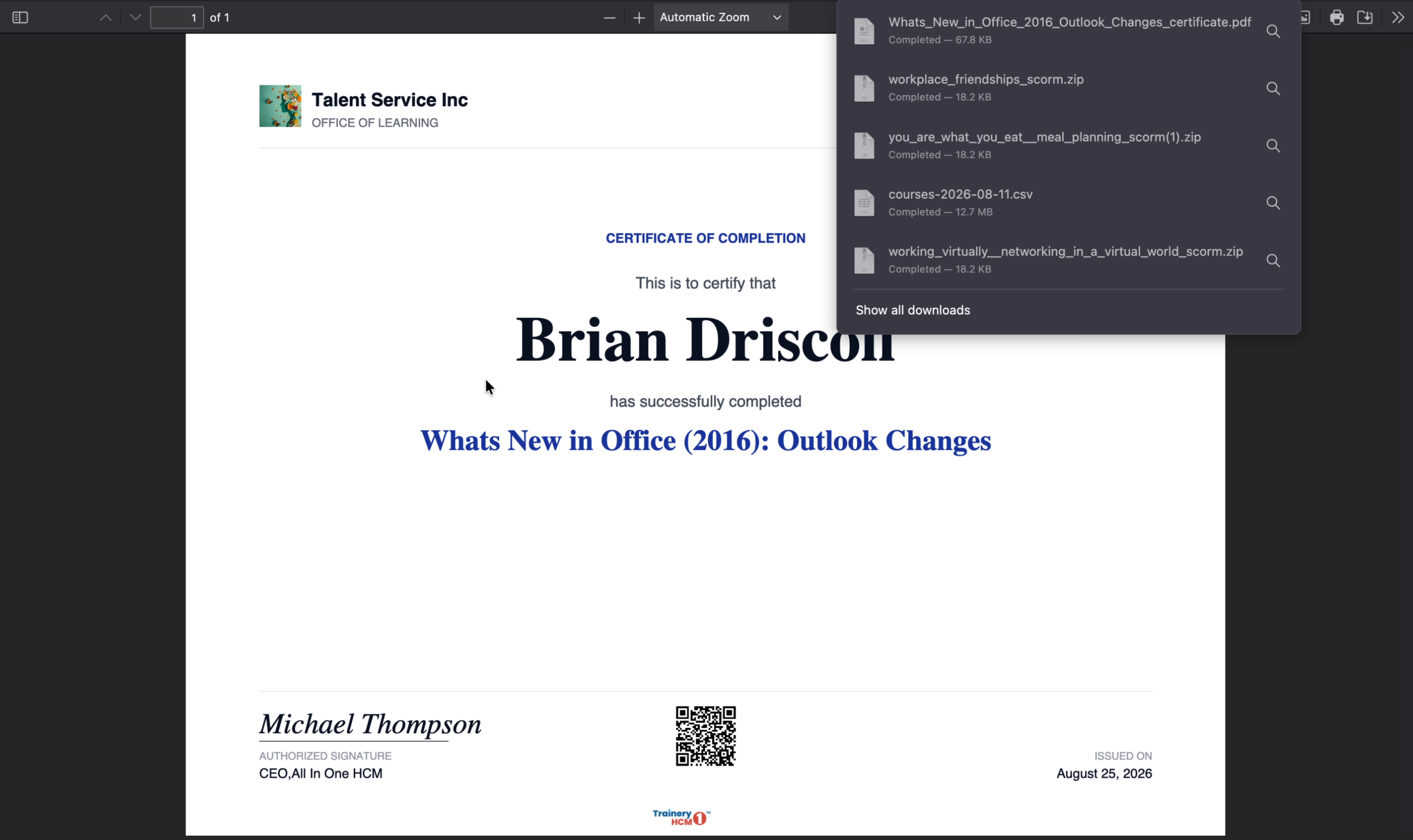
Accessing the Course and Getting the Certificate
Last updated: August 26, 2026
This guide explains how to open and start a course from the Learner Portal dashboard, and where to find your certificate afterwards.
Step 1: Open the Learner Portal
Navigate to the Learner Portal in your browser and sign in with your credentials if prompted. Make sure you are on the main dashboard where your available courses are listed.
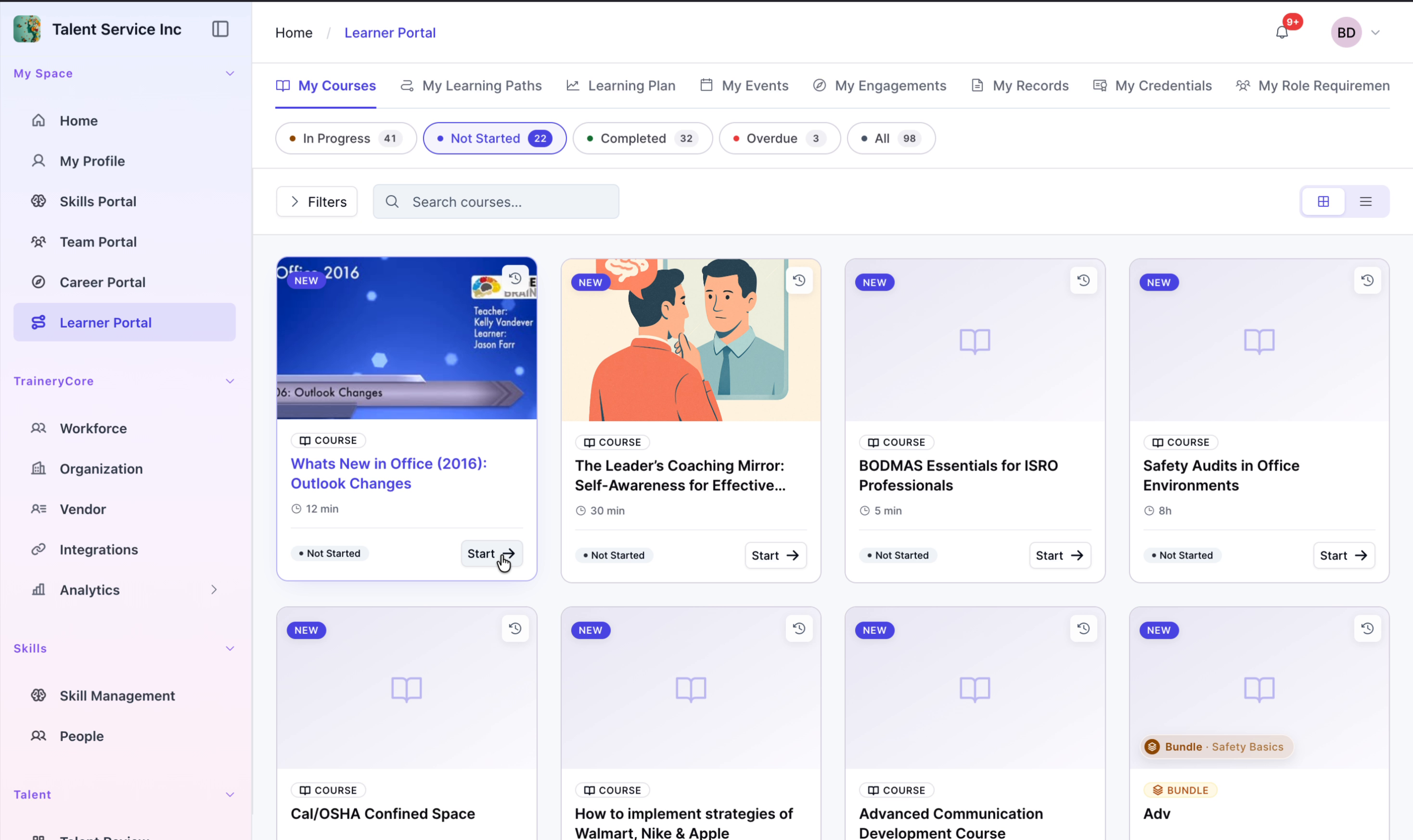
Step 2: Locate the Course Card
On the dashboard, look through your list of courses and identify the card for the course you want to open. The card typically displays the course title and may show progress or status.
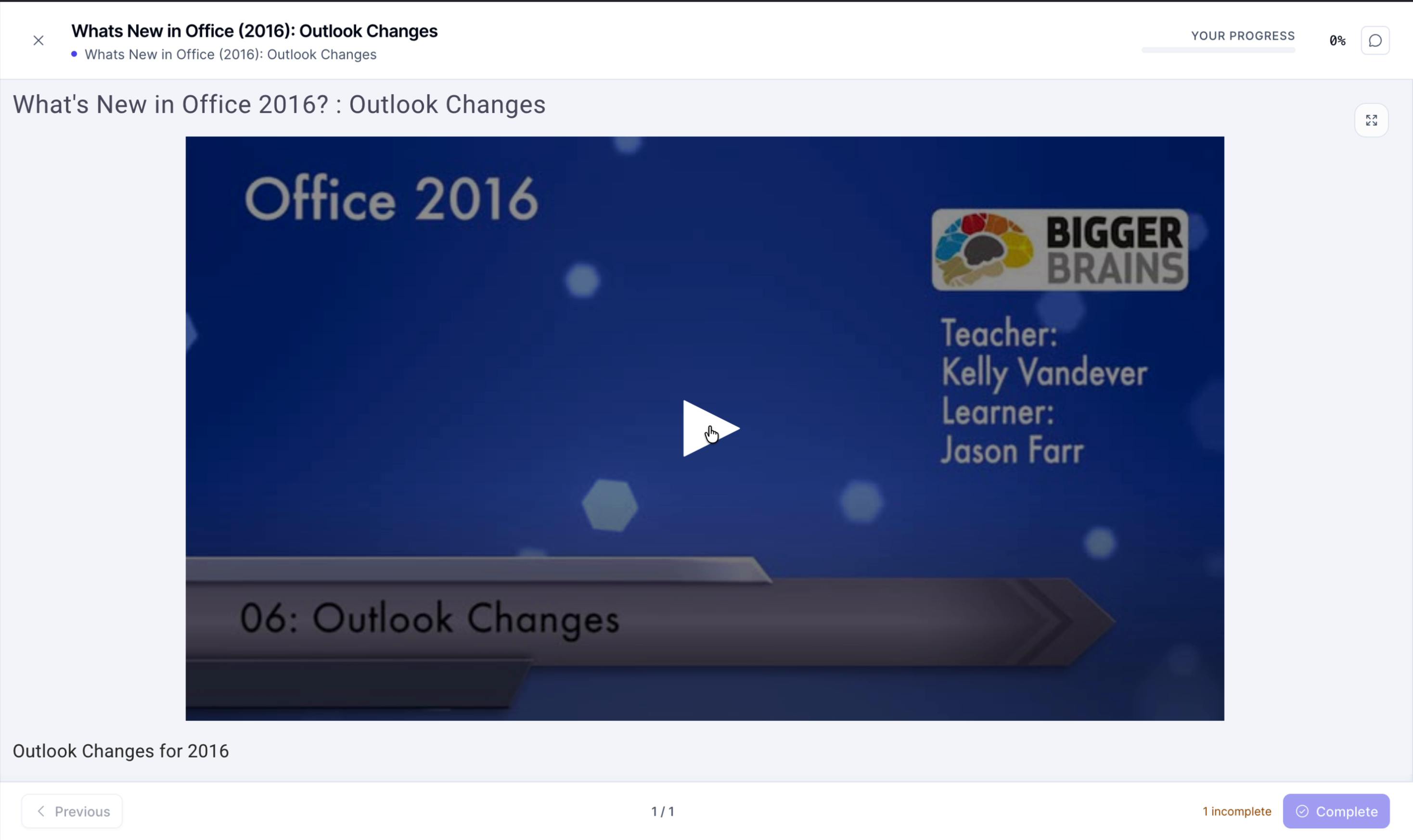
Step 3: Review the Course Details
Before starting, briefly review any details shown on the course card, such as a short description or status, to confirm it is the correct course.
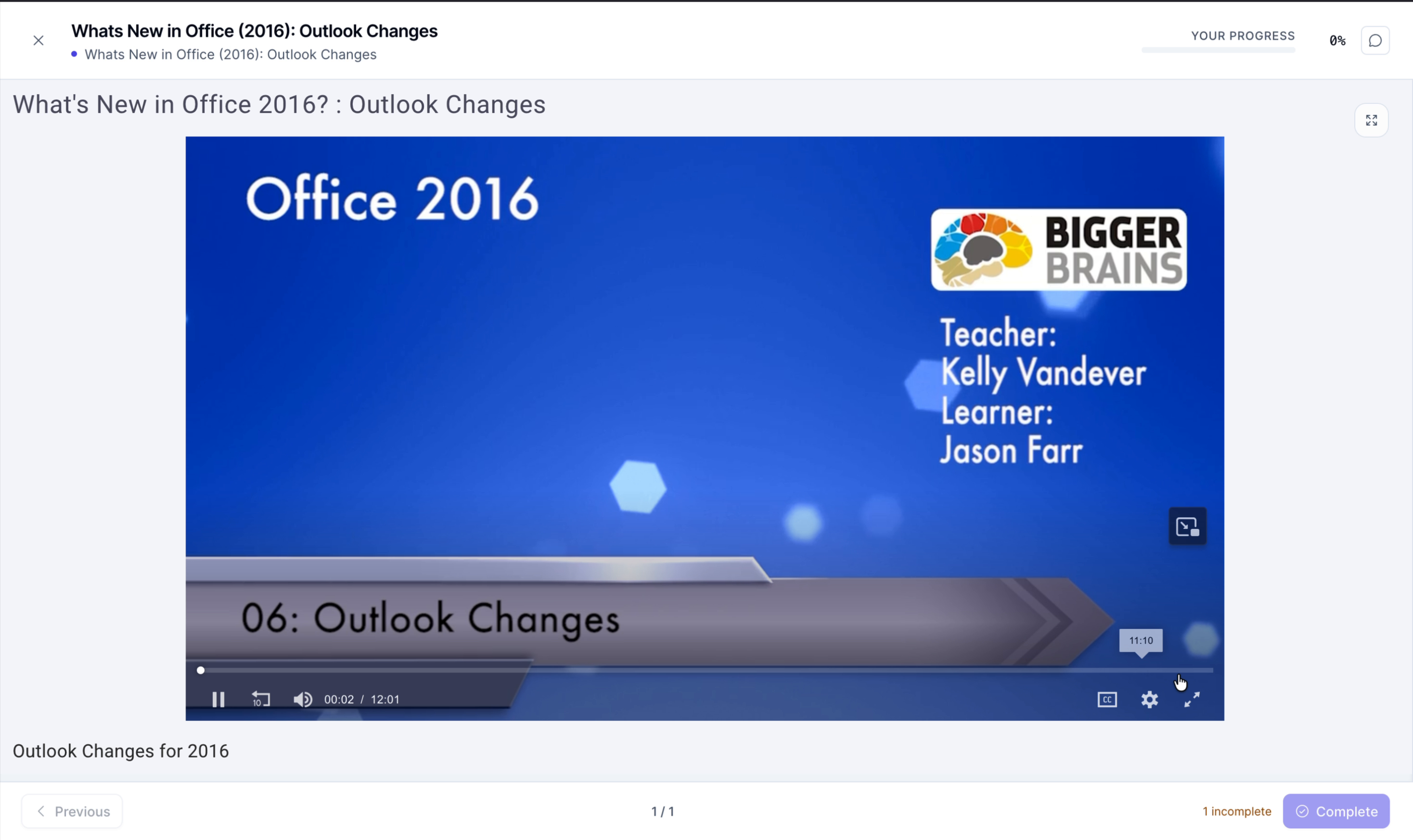
Step 4: Start the Course
Click the Start button on the course card to open the course content in the Learner Portal. Once you complete the course, your certificate becomes available in your Learning Records.